
HomeGamesUpdatesPricingMethodology
Steam News19 March 20263mo ago

Addressing "Fatal Error" Crash in Level 4: The Ruins

It seems some players have experienced crashes when playing the 4th level of the game, The Ruins. It causes a fatal error message to pop up and the game freezes.

Full notes

Full AI.VI update

Read the full published notes in a cleaner layout. The original post stays linked below.

What changed

1 fix0 additions2 changes0 removals
  • Performance
  • Compatibility
  • Server
fixedIt seems some players have experienced crashes when playing the 4th level of the game, The Ruins. It causes a fatal error message to pop up and the game freezes. While we haven't found the exact cause yet, and are working hard to get it fixed, there seems to be a work around that has been found:
changedIn the compatibility tab, check "run this program in compatibility mode for"
changedIt's not sure if this fix will work for everyone. If you still have issues, don't hesitate to report them on the steam discussion forums or on the Discord server .

AI.VI changes

fixedIt seems some players have experienced crashes when playing the 4th level of the game, The Ruins. It causes a fatal error message to pop up and the game freezes. While we haven't found the exact cause yet, and are working hard to get it fixed, there seems to be a work around that has been found:
changedIn the compatibility tab, check "run this program in compatibility mode for"
changedIt's not sure if this fix will work for everyone. If you still have issues, don't hesitate to report them on the steam discussion forums or on the Discord server .

It seems some players have experienced crashes when playing the 4th level of the game, The Ruins. It causes a fatal error message to pop up and the game freezes. While we haven't found the exact cause yet, and are working hard to get it fixed, there seems to be a work around that has been found:

  • Locate your AIVI.exe file (In your Library, right click AI.VI > Manage > Browse Local Files)

  • Right click your AIVI executable and select properties

  • In the compatibility tab, check "run this program in compatibility mode for"

  • Make sure it has selected Windows 8

It's not sure if this fix will work for everyone. If you still have issues, don't hesitate to report them on the steam discussion forums or on the Discord server.

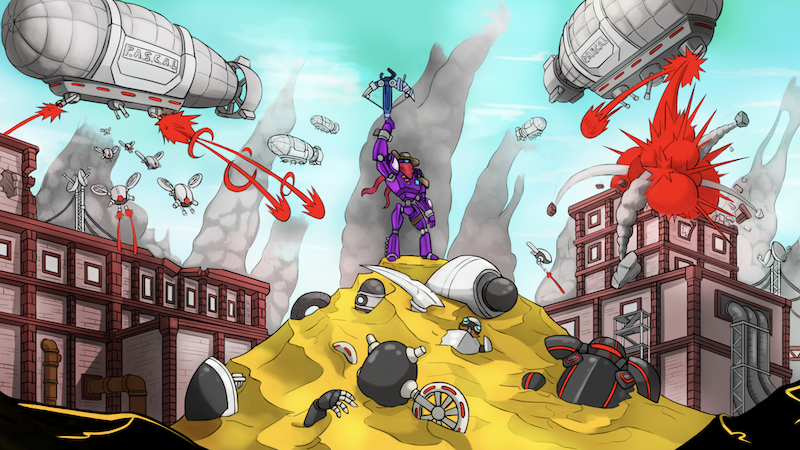
Steam post imageSteam post image

Source

Steam News / 19 March 2026

Open original post

Changelog.gg summarizes and formats this update. How we read updates.