
Full notes
Full Military Conflict: Vietnam update
Read the full published notes in a cleaner layout. The original post stays linked below.
What changed
- Security
- Server
- UI and audio
- Maps
- Performance
- Balance
Military Conflict: Vietnam changes
[Game]
Fixed sneak exploit that broke hitboxes - Fixed animation issues when throwing a grenade and ammo box - Implemented custom folder system from different source engine games
[Server]
Commander voice lines queue now cleared on round restart
[Client]
Fixed bug when flag icons radar might disappear when playing firefight on remote server
[Maps]
"Quang Binh Border" performance and lighting pass for
[Weapons]
Added overheating mechanics for weapons with ammo above 100 - Fixed ammo for belt-fed light-machine guns - RP-46 light-machine gun foley fixes and edits - Dual Ruby pistols foley fixes and edits - M1917 adjusted reload foley - Fixed chance of KOLOS rocket launcher exploding in your face - Changed revolver fanning RPM from 200 to 300 - Quicker double action for revolvers - Fixed grenades spawns x2 if you have two different grenades
[Zombie]
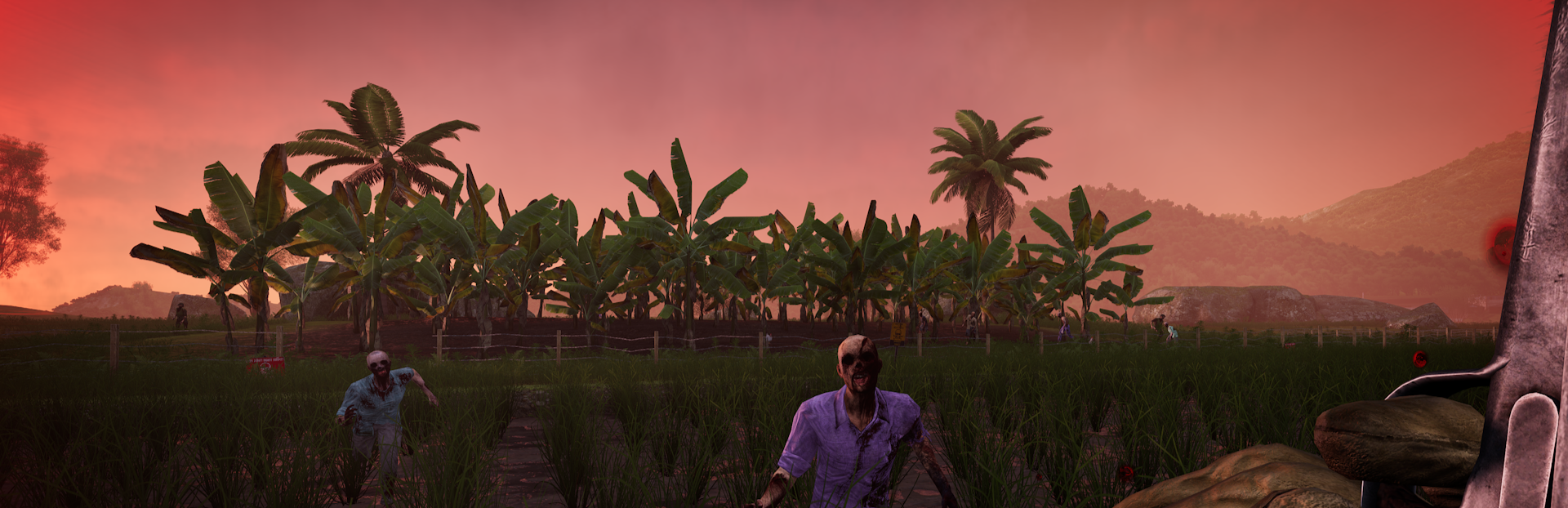
Added new buildings mechanics, possible to repair, demolish, and sell player built barricades and equipment - Fixed crosshair and overheating HUD disappearing if player used certain weapons - Fixed height of MetalWall and WoodenWall spawnables being in the ground - Fixed windows count as zombie kills for ribbons - Added interim timer to zombie shop
[Hammer++]
Added a flag in hammer that allows weapons that support rifle grenade launchers to be given to you when you pick up a weapon entity
[Workshop]
Fixed Workshop Map Pool not working - Fixed uploading workshop not working due to missing gamemode tags
The "custom" folder is changing behavior in the new update.
Before: vietnam/custom was used as the staging folder for uploading to the Steam Workshop.
After: vietnam/custom will auto-load loose assets on game launch, like other Source Engine games.
The new Workshop upload staging folder is vietnam/workshop
Action recommended:
Rename your current vietnam/custom folder to vietnam/workshop (or move its contents there).
If you do nothing, everything in vietnam\custom will start loading automatically!
Source
Changelog.gg summarizes and formats this update. How we read updates.