New World File System and Disclaimer In order to optimize the menu system, and properly support workshop integration I had to make changes to the world save file structure.
In this update3
Full notes
Full Wild Omission update
Read the full published notes in a cleaner layout. The original post stays linked below.
What changed
0 fixes2 additions1 change0 removals
Performance
Workshop
UI and audio
addedNew World File System and DisclaimerIn order to optimize the menu system, and properly support workshop integration I had to make changes to the world save file structure. The good news is that you can still play your old worlds, they will get converted to the new format when the game opens. So before updating be sure to backup your worlds . In the event of a crash or power outage while the conversion is processing you could end up with a corrupted world. World files are located in LocalAppData/WildOmission/SaveGames. I am not responsible for any data loss, I warned you.
addedWorkshop IntegrationI have integrated the steam workshop into Wild Omission. You can now browse and download other players worlds, and upload you own. I'm very excited to see what the community has created!
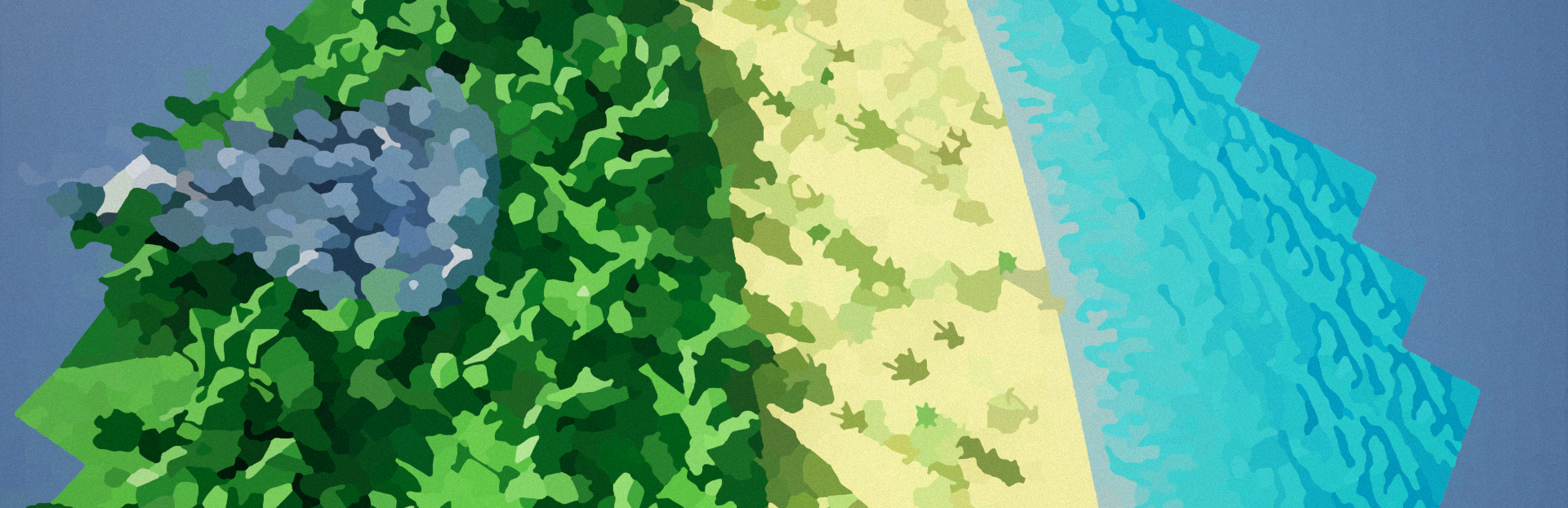
changedWorld Selection UpdatesWorlds now have a preview image that is displayed in the selection menu. In addition as I mentioned previously I made improvements to the world file structure, so the world selection menu shouldn't take as long to open if you have a lot of worlds.
Wild Omission changes
addedIn order to optimize the menu system, and properly support workshop integration I had to make changes to the world save file structure. The good news is that you can still play your old worlds, they will get converted to the new format when the game opens. So before updating be sure to backup your worlds . In the event of a crash or power outage while the conversion is processing you could end up with a corrupted world. World files are located in LocalAppData/WildOmission/SaveGames. I am not responsible for any data loss, I warned you.
addedI have integrated the steam workshop into Wild Omission. You can now browse and download other players worlds, and upload you own. I'm very excited to see what the community has created!
changedWorlds now have a preview image that is displayed in the selection menu. In addition as I mentioned previously I made improvements to the world file structure, so the world selection menu shouldn't take as long to open if you have a lot of worlds.
New World File System and Disclaimer
In order to optimize the menu system, and properly support workshop integration I had to make changes to the world save file structure. The good news is that you can still play your old worlds, they will get converted to the new format when the game opens. So before updating be sure to backup your worlds. In the event of a crash or power outage while the conversion is processing you could end up with a corrupted world. World files are located in LocalAppData/WildOmission/SaveGames. I am not responsible for any data loss, I warned you.
Workshop Integration
I have integrated the steam workshop into Wild Omission. You can now browse and download other players worlds, and upload you own. I'm very excited to see what the community has created!
World Selection Updates
Worlds now have a preview image that is displayed in the selection menu. In addition as I mentioned previously I made improvements to the world file structure, so the world selection menu shouldn't take as long to open if you have a lot of worlds.