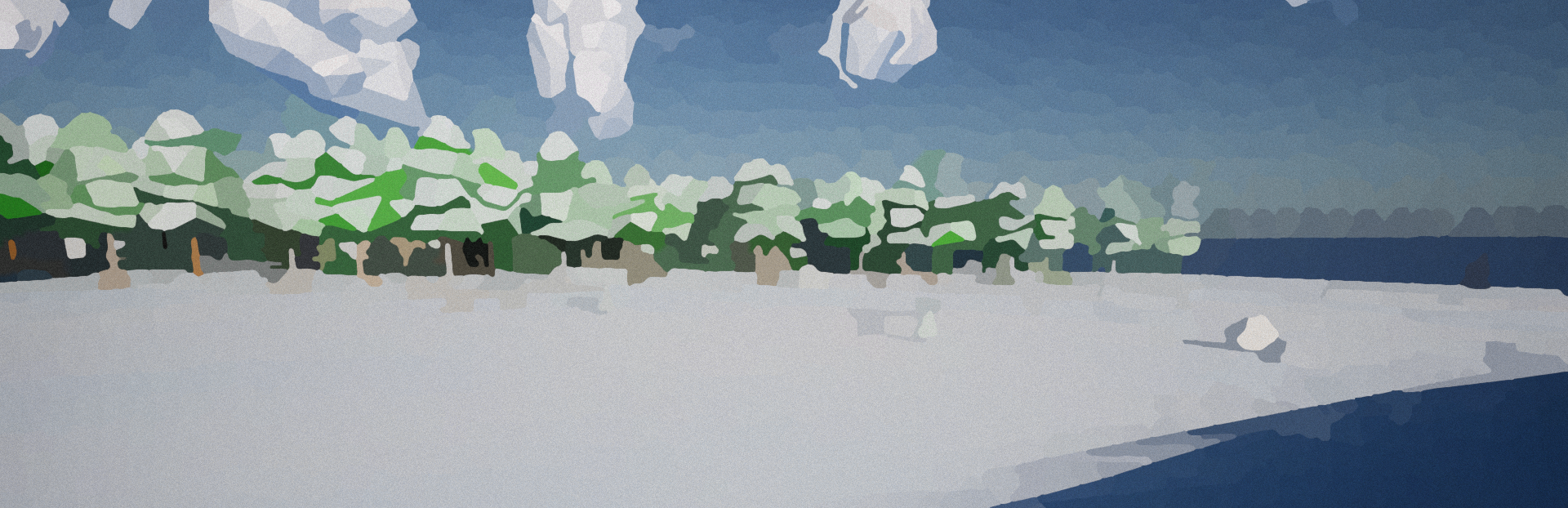
Creative Mode DLC Creative Mode is now only accessible via the new Creative Mode DLC. However, that would be boring if that was all that changed with creative mode.
In this update3
Full notes
Full Wild Omission update
Read the full published notes in a cleaner layout. The original post stays linked below.
What changed
0 fixes3 additions3 changes0 removals
Gameplay
Balance
Compatibility
addedCreative Mode DLCCreative Mode is now only accessible via the new Creative Mode DLC. However, that would be boring if that was all that changed with creative mode. So here's some exciting new improvements that have been made.
addedNew creative menuWhen in creative mode, the new creative menu replaces the crafting menu. Its also accessible via the same buttons you would normally use to access the crafting menu (Q by default). Inside the item section of the creative menu you'll also find that it has been given a makeover, similar to that of the crafting menu. With items being organized by category. If you click on an item you'll also be able to read its description and see the stack size.
changedPlay with friends compatibilityIf your friend is playing a creative world, and you want to join. You do not need to own the Creative Mode DLC in order to play creative with them. However, in order to play/host your own world in creative you will need to own the DLC.
addedMore to comeIn the future I plan to expand the command side of the creative menu. To allow for much more flexibility and control over the world. If you would like to help contribute to the development of future updates and get access to the new and improved creative mode please consider checking it out.
changedSleeping through the nightIf it's night players will be able to interact with a sleeping bag or bed to skip the night. In multiplayer all players need to sleep to skip the night. Right now it's instantaneous once all players are asleep, but in the future I might have the player actually fall asleep.
changedMinor ChangesThe default fly keybind was changed from L to F.
Wild Omission changes
addedCreative Mode is now only accessible via the new Creative Mode DLC. However, that would be boring if that was all that changed with creative mode. So here's some exciting new improvements that have been made.
addedWhen in creative mode, the new creative menu replaces the crafting menu. Its also accessible via the same buttons you would normally use to access the crafting menu (Q by default). Inside the item section of the creative menu you'll also find that it has been given a makeover, similar to that of the crafting menu. With items being organized by category. If you click on an item you'll also be able to read its description and see the stack size.
changedIf your friend is playing a creative world, and you want to join. You do not need to own the Creative Mode DLC in order to play creative with them. However, in order to play/host your own world in creative you will need to own the DLC.
addedIn the future I plan to expand the command side of the creative menu. To allow for much more flexibility and control over the world. If you would like to help contribute to the development of future updates and get access to the new and improved creative mode please consider checking it out.
changedIf it's night players will be able to interact with a sleeping bag or bed to skip the night. In multiplayer all players need to sleep to skip the night. Right now it's instantaneous once all players are asleep, but in the future I might have the player actually fall asleep.
Creative Mode DLC
Creative Mode is now only accessible via the new Creative Mode DLC. However, that would be boring if that was all that changed with creative mode. So here's some exciting new improvements that have been made.
New creative menu
When in creative mode, the new creative menu replaces the crafting menu. Its also accessible via the same buttons you would normally use to access the crafting menu (Q by default). Inside the item section of the creative menu you'll also find that it has been given a makeover, similar to that of the crafting menu. With items being organized by category. If you click on an item you'll also be able to read its description and see the stack size.
Play with friends compatibility
If your friend is playing a creative world, and you want to join. You do not need to own the Creative Mode DLC in order to play creative with them. However, in order to play/host your own world in creative you will need to own the DLC.
More to come
In the future I plan to expand the command side of the creative menu. To allow for much more flexibility and control over the world. If you would like to help contribute to the development of future updates and get access to the new and improved creative mode please consider checking it out.
Sleeping through the night
If it's night players will be able to interact with a sleeping bag or bed to skip the night. In multiplayer all players need to sleep to skip the night. Right now it's instantaneous once all players are asleep, but in the future I might have the player actually fall asleep.