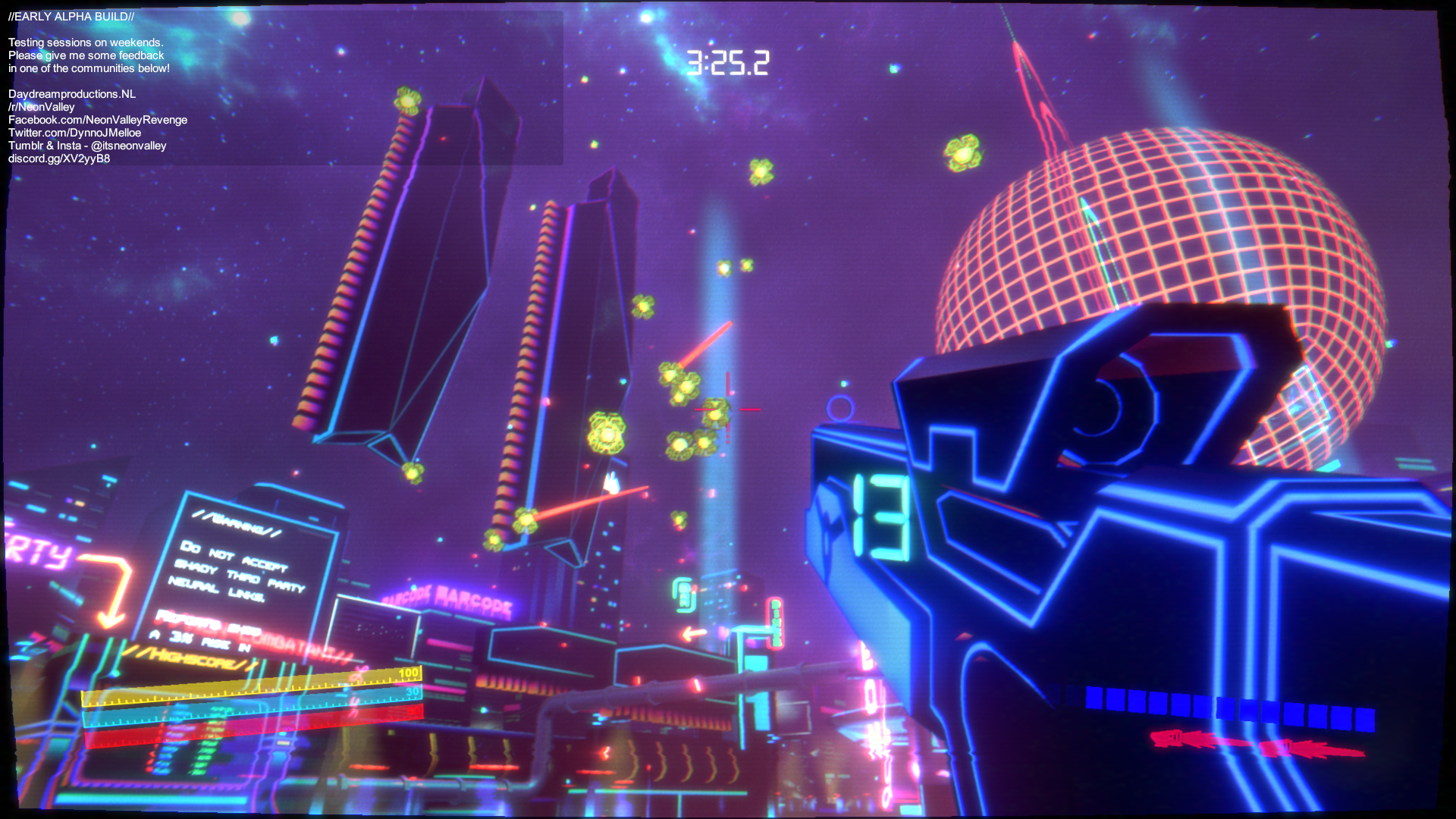
This patch is a bunch of fixes and optimizations. Particle systems: I found a problem with a couple many of my particle systems that was drinking cpu.
Full notes
Full Neon Valley: Revenge update
Read the full published notes in a cleaner layout. The original post stays linked below.
What changed
1 fix0 additions1 change0 removals
Performance
Gameplay
changedThis patch is a bunch of fixes and optimizations.
fixedParticle systems: I found a problem with a couple many of my particle systems that was drinking cpu. I had them set to world simulation while they were moving so it had to keep track of thousands of particles and update their position... This is fixed! I've made a particle system that generates as you go. Lighting: I am using volumetric lighting which looks real sexy, but having all of them on at the same time also eats up gpu. I have restricted this to be on only if you are close to them but I need to further develop this. I want to add sort of billboard images so when you are far away it doesnt just pop in and out but become a sort of static image. UI: Unity UI canvases are sometimes quite annoying to work with. So by default the "canvas" comes with a canvas scaler and graphic raycaster. The scaler makes it easier to adjust the resolution and the raycaster so that you can interact with it. But both those things eat up processing. And completely unecessary when not using them. In my noobiness I left my canvases with these components on... But now I have reworked all of them! Water: The water looks real sexy. But its eating up a lot of gpu. Its reflecting all of the graphics bla bla bla. A real good pc should be able to handle this but mid to low has trouble. So I have made a simple water if you set the graphics to medium or low and the water only begins rendering when you are close to it. There are a bunch of smaller tweaks I made to game design like how the enemy drones operate and detect collisions. Character materials, reducing mesh colliders, rewarding players with multipass for main game. Bla bla bla bunch of other things nobody will notice.
Neon Valley: Revenge changes
changedThis patch is a bunch of fixes and optimizations.
fixedParticle systems: I found a problem with a couple many of my particle systems that was drinking cpu. I had them set to world simulation while they were moving so it had to keep track of thousands of particles and update their position... This is fixed! I've made a particle system that generates as you go. Lighting: I am using volumetric lighting which looks real sexy, but having all of them on at the same time also eats up gpu. I have restricted this to be on only if you are close to them but I need to further develop this. I want to add sort of billboard images so when you are far away it doesnt just pop in and out but become a sort of static image. UI: Unity UI canvases are sometimes quite annoying to work with. So by default the "canvas" comes with a canvas scaler and graphic raycaster. The scaler makes it easier to adjust the resolution and the raycaster so that you can interact with it. But both those things eat up processing. And completely unecessary when not using them. In my noobiness I left my canvases with these components on... But now I have reworked all of them! Water: The water looks real sexy. But its eating up a lot of gpu. Its reflecting all of the graphics bla bla bla. A real good pc should be able to handle this but mid to low has trouble. So I have made a simple water if you set the graphics to medium or low and the water only begins rendering when you are close to it. There are a bunch of smaller tweaks I made to game design like how the enemy drones operate and detect collisions. Character materials, reducing mesh colliders, rewarding players with multipass for main game. Bla bla bla bunch of other things nobody will notice.
This patch is a bunch of fixes and optimizations.
Particle systems
I found a problem with a couple many of my particle systems that was drinking cpu. I had them set to world simulation while they were moving so it had to keep track of thousands of particles and update their position... This is fixed! I've made a particle system that generates as you go.
Lighting
I am using volumetric lighting which looks real sexy, but having all of them on at the same time also eats up gpu. I have restricted this to be on only if you are close to them but I need to further develop this. I want to add sort of billboard images so when you are far away it doesnt just pop in and out but become a sort of static image.
UI
Unity UI canvases are sometimes quite annoying to work with. So by default the "canvas" comes with a canvas scaler and graphic raycaster. The scaler makes it easier to adjust the resolution and the raycaster so that you can interact with it. But both those things eat up processing. And completely unecessary when not using them. In my noobiness I left my canvases with these components on... But now I have reworked all of them!
Water
The water looks real sexy. But its eating up a lot of gpu. Its reflecting all of the graphics bla bla bla. A real good pc should be able to handle this but mid to low has trouble. So I have made a simple water if you set the graphics to medium or low and the water only begins rendering when you are close to it. There are a bunch of smaller tweaks I made to game design like how the enemy drones operate and detect collisions. Character materials, reducing mesh colliders, rewarding players with multipass for main game. Bla bla bla bunch of other things nobody will notice.