
Full notes
Full Mysteries of Old Tokyo update
Read the full published notes in a cleaner layout. The original post stays linked below.
What changed
- UI and audio
- Compatibility
- Gameplay
Mysteries of Old Tokyo changes
Verified on Steam Deck!
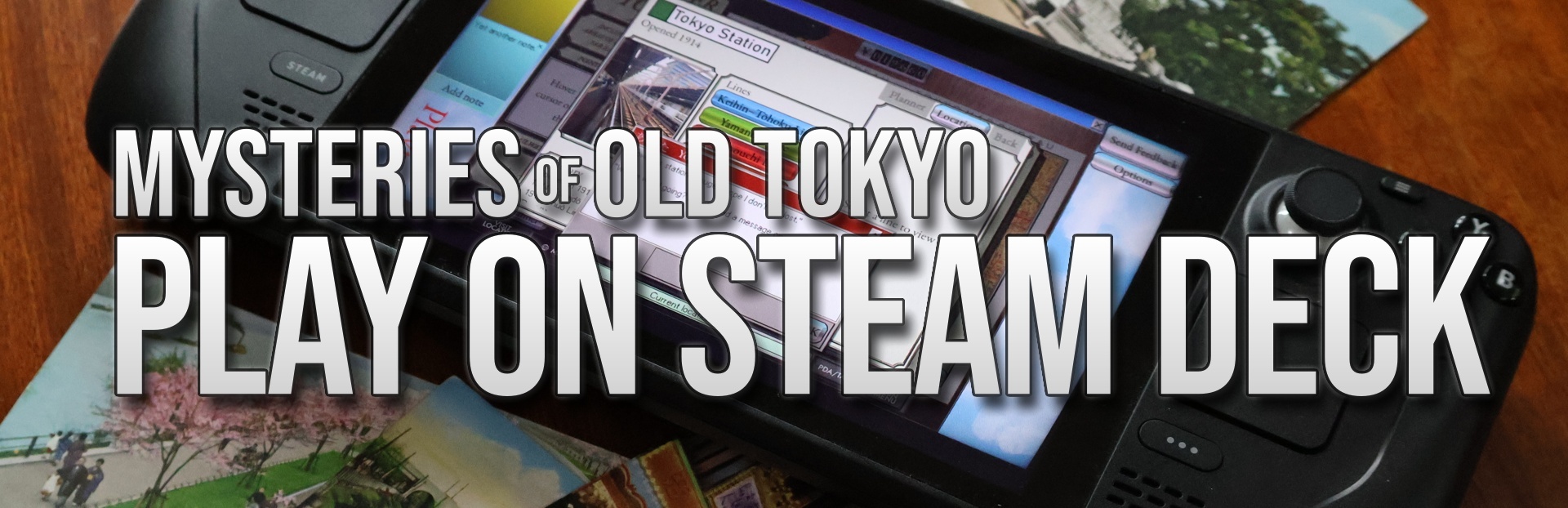
28 May update: Very pleased to announce that Mysteries of Old Tokyo is now Verified on Steam Deck. This ensures you'll have a great experience playing the game when you're out and about (or just lounging on the sofa).
Features for Steam Deck
I'm a big fan of my Steam Deck. In fact, I probably play more on my Steam Deck than on my desktop PC. So it was important to me that Mysteries of Old Tokyo was playable on handheld platforms.
The nature of the game presents some difficulties for the platform (and other handheld gaming PCs) - it's a point-and-click game with lots of small text. However, in my experience, it's fully playable end-to-end without much disadvantage.
When playing on Steam Deck, you'll find:
Mouse input using the touchscreen, joystick/trackpad and triggers. You can easily navigate the game interface using your preferred method.
Automatic integration with the Steam Deck on-screen keyboard. When you click in any text box, the Steam on-screen keyboard will pop up automatically for easy touch-screen text input.
Native Linux build. Runs natively on SteamOS with no need for Proton.
Large, readable text: Wherever possible, text has been designed with the Deck's smaller screen in mind, so everything important should be readable.
Image zoom: Important images in the game feature a zoom lens for investigating small details.
Sticky drag and drop: In puzzles, you'll need to drag and drop words to the correct places. This would be tricky with a joystick or touchpad, but on Steam Deck the optional "sticky drag" means you won't need to hold down any buttons to drag words around.
Take a break-friendly: Play pauses when you put your Deck to sleep and resumes from where you left off. Progress is auto-saved when you make progress, so you can quit and resume whenever is convenient for you.
Cloud saves: When you quit the game, your save files are synched with the Steam Cloud, so you can continue playing from another device. (Side note: The game does not currently support dynamic cloud saves, so if you put your Deck into sleep mode without quitting the game, your saves will not be synched until you wake your Deck again and quit the game, similar to other games that use Steam Cloud. If you want to continue play on another PC, please quit the game on your Deck first.)
Please feel free to reach out via the discussions page or Discord if you have any thoughts about improvements for Steam Deck!
Source
Changelog.gg summarizes and formats this update. How we read updates.