
Full notes
Full Diesel Railcar Simulator update
Read the full published notes in a cleaner layout. The original post stays linked below.
What changed
- UI and audio
Diesel Railcar Simulator changes
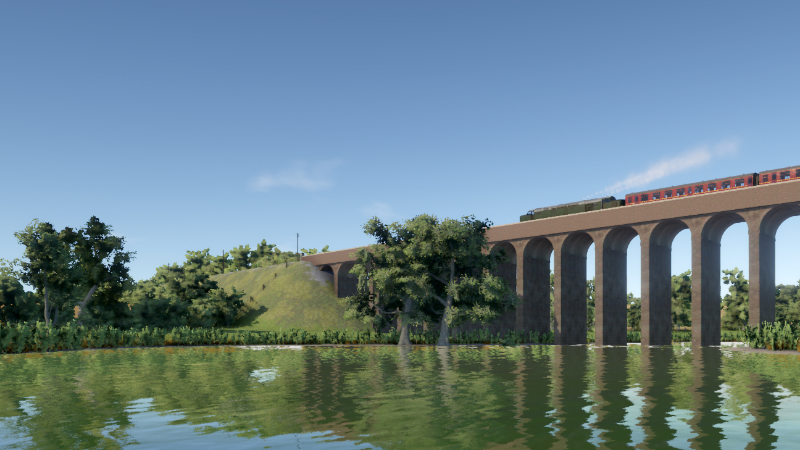
Time for another screenshot contest! This one has no specific theme so feel free to use any routes and trains, even unpublished ones.
Post your screenshot here or on the Discord screenshot channel. Please label your picture as "contest entry" in the description. Some of the best shots (as chosen by Lapioware) will be used as background images for the loading screen with credit in the top-left corner.
Tips
The easiest way to post a screenshot is to use Steam's built-in functionality, usually the F12 key
Use the maximum resolution that your system supports
Hide the timetable by pressing F2 and other parts of the HUD with F3
Choose the highest graphics level from the top of the "Graphics settings" screen
Try enabling the optional "depth of field" graphics setting for a focus effect (works best while zooming in)
Use the free roaming camera mode to position the camera
Use the pause key to stop all trains while finding a good position for the camera. Alternatively, you can try using time acceleration for an exaggerated motion blur effect
Adjust cloudiness from the slider just before starting the run
Try taking screenshots at different times of the day: bright midday lighting is not always the best
Remember that the loading screen has a box that covers the centre of the picture
The contest will run for about one week
Source
Changelog.gg summarizes and formats this update. How we read updates.