
Full notes
Full Traction Point update
Read the full published notes in a cleaner layout. The original post stays linked below.
What changed
- Store
- UI and audio
Traction Point changes
Welcome back! This is the third post in a series where we explore the core concepts presented on the Traction Point store page. Check out the previous part here in case you missed it. Today we are looking at "Switching Vehicles Freely".
Last time, we talked about the importance of letting players drive both small and large vehicles in the game, to emphasize their size differences. When switching from a small vehicle to a large one, the player thinks "Look at me, I am so huge!", and when switching back they go "Wow, I can go so fast!". This is an important part of the Traction Point experience.
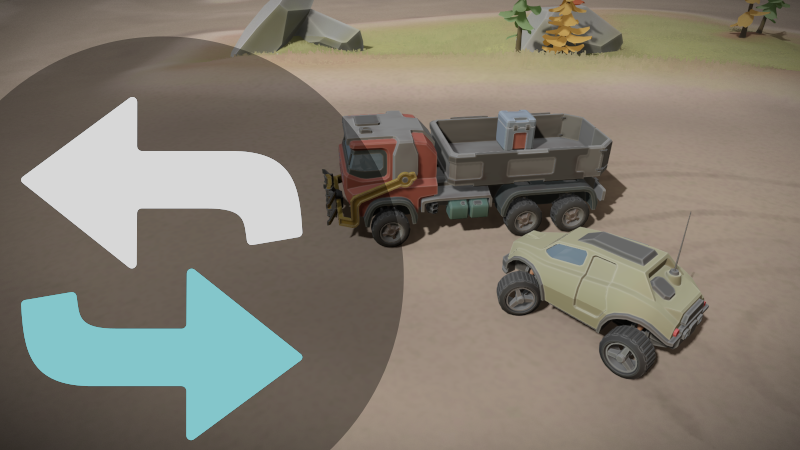
In Traction Point, you can switch between the vehicles you have, by simply driving up to them and pressing a button. You'll see the switch indicator on the target vehicle, which is handy when you are close to several vehicles, and you want to know which one you are about to switch to.
I've gone back and forth on how and when to allow switching vehicles, but I think the current solution works pretty well. The player is allowed to switch to another vehicle if:
Their current vehicle is close enough to the other vehicle
Both vehicles are stationary (or close enough)
Switching vehicles isn't explicitly prohibited because of story reasons (ie. through a script)
The last rule is typically only used in the story mode, not in the sandbox mode, though sandbox levels can be scripted too. There are certain relaxations to these rules. Eg. the Mother vehicle can "reach" for another vehicle using her cranes. That counts as being "close enough" to the target vehicle.
Another thing to keep in mind when making this system is "Who is driving which vehicle?". In the story campaign you have a set of default vehicles along for the trip + you may find level-specific vehicles as well. All of the default vehicles have a character assigned to them, so that when the player isn't driving a vehicle, one of the other characters is considered to be the driver for that vehicle.
That means that the player can always ask another vehicle to do something by calling them over the radio. At the time of writing, I haven't decided yet if the level-specific vehicles should be contactable over the radio or not.
Mother (the AI construct) is obviously the driver of the Mother vehicle when you aren't driving it, Diego is the Scout driver, Steller drives the Gripper Truck etc. Sometimes this setup causes narrative challenges when the story calls for one of the characters to do something, but you (as the player) parked their car all the way on the other side of the level.
Some of these things can be solved by scripting, while for others you have to suspend your disbelief a little. I think it's a fine compromise. We'll talk more about AI drivers when we cover the NPC Companions.
Until next time!
--Sebastian
Source
Changelog.gg summarizes and formats this update. How we read updates.