
Full notes
Full The Ocean is not Water update
Read the full published notes in a cleaner layout. The original post stays linked below.
What changed
- UI and audio
- Gameplay
- Fixes
- Events
The Ocean is not Water changes
v1.1.0 — "Glass & Glow"
The shark looked around one day and noticed the UI was built for a spreadsheet, not an ocean. Every panel, every tab, every modal got dragged into a back room and came out wearing frosted glass, responsive layouts, and a sense of purpose. The player can now actually find things.
✨ New Features
Auto-buy system rework. Each generator now has an individual auto-buy toggle (animated clock icon — green pulse when active, red dashed when off). A master "Auto-buy All" toggle in the generator panel header enables or disables every generator's autobuyer at once. New `AutoBuyIcon` component is keyboard-accessible (Enter/Space) and prevents accidental parent-card clicks.
"Buy All" for upgrades. Each upgrade tier in the Devour tab has a "Buy All" button that purchases every affordable upgrade in that tier.
"Buy All" for brood. The Brood tab has a "Buy All" button that buys all affordable brood upgrades (sharks, speed, efficiency, sense) in a single action.
🎨 UI / UX
Bottom Tabs — Complete Redesign
12 tabs in a 2-row compact grid (5 per row): Devour, Brood, Studies, Prestige, Protocols, Hunts, Stats, Relics, Paradox, Bazaar, Echoes, Aquarium. Tabs unlock progressively based on game milestones — locked tabs are visible but dimmed and unclickable.
Progress bars in tab headers showing upgrade/research/brood completion per tier.
Sub-tab navigation within the Devour tab for switching between upgrade tiers.
Top Resource Bar — Dual Mode
Compact mode: single-row resource chips grouped by category (Core, Prestige, Fracture), separated by vertical dividers.
Detailed mode: segmented bar with labeled sections, each tinted to its resource color (cyan entropy, yellow teeth, purple consciousness, orange fragments, red paradox).
Tooltips on every resource explaining what it does.
GlitchText effect on Entropy and Paradox Instability values.
Glassmorphic styling throughout — `backdrop-filter: blur` with dark semi-transparent surfaces, subtle border glow, and depth shadows.
Generator Panel (Right Panel) — Compact Cards
Compact/detailed view modes with a toggle.
Fixed-height 40px cards with left accent stripes (green = auto-buy active, cyan = affordable).
Responsive height reserves space for bottom tabs when viewport is short.
Sticky header stays fixed during scroll.
Left Info Panel — 3 View Modes
Compact → Summary → Detailed cycling toggle, plus collapsible to a small chevron.
Compact: passive EPS, sonar power, prestige currencies, current path, fracture count, total playtime.
Summary: entropy source breakdown, prestige multiplier details, active events, dream boosts.
Detailed: collapsible sections with full multiplier breakdown (upgrade, achievement, research, artifact, expedition, dream, event, bazaar, mutation multipliers).
Only appears once the player has bought their first generator or has prestige progress.
Escape Menu — Full Settings Suite
4 tabs: Settings, Controls, Guide, Credits.
6 settings sections: Graphics (particle density, minimal mode, number format, screen shake, sonar wash, cinematic effects), Gameplay (unlimited sonar, skip title screen), Audio (music/SFX toggles and volume sliders), Window (windowed, borderless fullscreen, fullscreen), Saves (full slot management with rename, delete, export/import via clipboard), Cheats.
Custom confirmation modals replace browser `confirm()` dialogs — glassmorphic with danger styling.
Dream history accessible from the escape menu.
Title Screen — Cinematic Overhaul
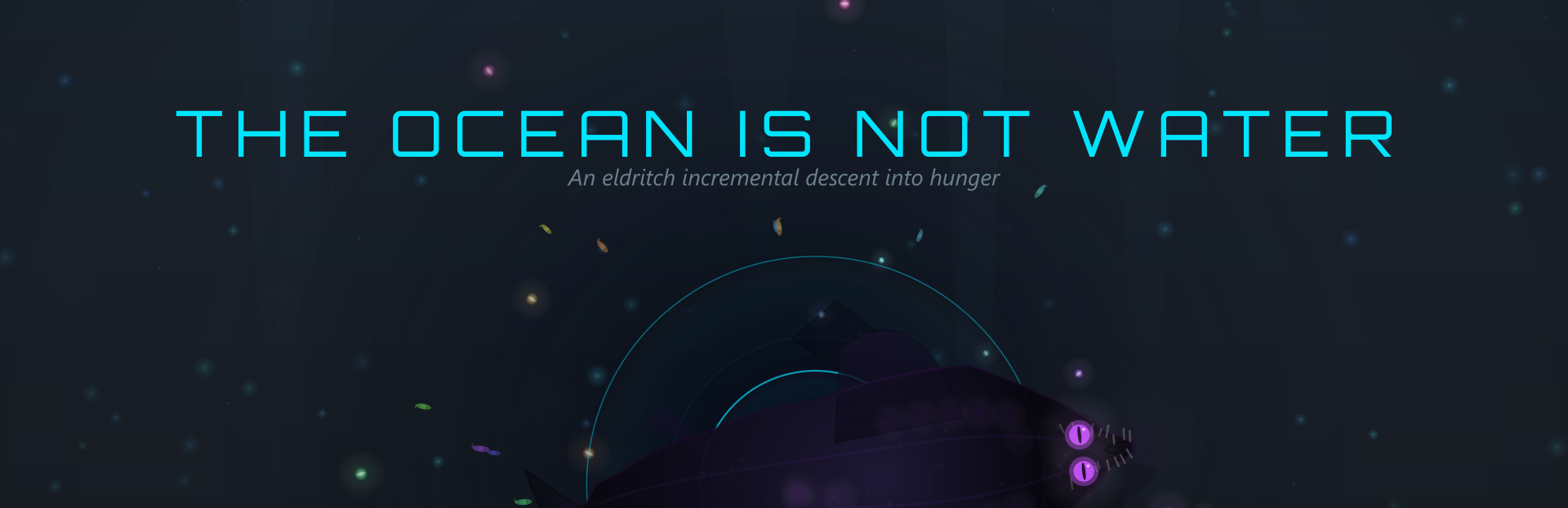
Animated word reveal for the title ("The", "Ocean", "Is", "Not", "Water") with sequential timing.
Character-by-character tagline: "Descend. Devour. Become."
Visual effects: scan lines, sonar pulse ripple on click, hero shark animation, depth counter, vertical descend animation into the menu.
Demo save import: detects demo saves from a shared transfer directory and offers to import them into the full game.
Prestige Modal — Config-driven
3 distinct prestige tiers (Molt, Awaken, Fracture), each with unique color, subtitle, gain/loss labels, and run stats.
Singleton pattern: any component can request a prestige confirmation via a shared callback.
Dream Modal — Polish
Multi-phase cinematic flow: narrative → transitioning → choosing → fading, with smooth `setTimeout` delays between phases.
Sonar pulse effect on click (ripple from cursor position).
Escape key consumed while the dream is active, preventing the settings menu from opening behind it.
Endgame Modal — Win Condition
Completion badges: All Relics, All Studies, All Hunts, 1e100 Entropy.
Submersion (NG+) multiplier preview showing current vs next multiplier before committing.
⚙️ Technical
TopBar wrapper reserves stable height (`minHeight: 64px`) so the BoostBar below it doesn't jump when the top bar content changes.
`autoBuyPulse` CSS keyframe animation for the auto-buy icon active state.
Source
Changelog.gg summarizes and formats this update. How we read updates.