Repeated intro
Hello everyone! As promised, the monthly digest for Sigil of Kings has arrived. The GUI work has continued, with a number of improvements/additions. First, the video that showcases everything!
What changed
0 fixes2 additions4 changes0 removals
changedHello everyone! As promised, the monthly digest for Sigil of Kings has arrived. The GUI work has continued, with a number of improvements/additions. First, the video that showcases everything!
changedNote that after the initial setup in the first two screens, shows a nice zooming effect into the world. At 00:28 you can see that the map that you created in the first two screens is really where you're playing in (no tricks!) and you can also see and enjoy the scale of the world! But I digress, back to the GUI updates:
changedOverworld map generation GUI
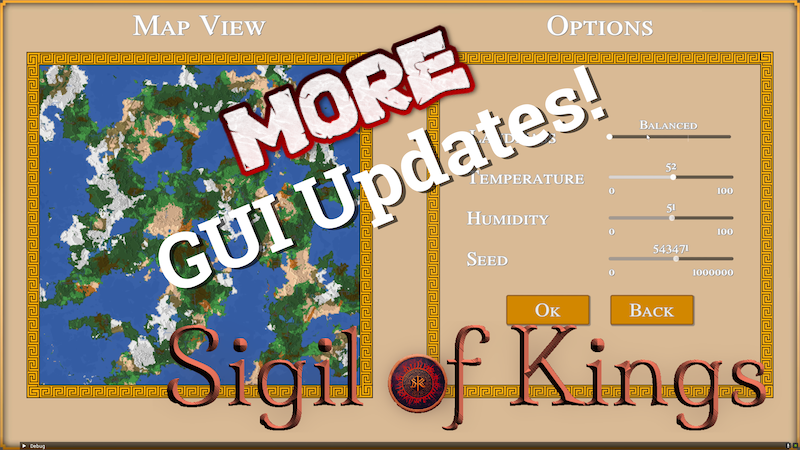
addedThis screen has changed a bit to include biome distributions for generated maps, and it also allows to select random parameters, for repeated rolling of new maps.
addedThere is now a new screen to show the generated societies, after the biome map has been generated. Here, up to 255 cities are generated and distributed on the map, placed near natural resources or coasts, ideally in non-hostile biomes. There is a lot of information generated about the cities: creature compositions (humans, dwarves, orcs, and any other playable races), city level, city "attitude" and core values, and faction chapters. Each city has a relation status with each other, based on how compatible and how far away they are. You can hover on the map icons to get more info. Some of this information should be known at the beginning of the game
changedThere is a lightweight user interface in place, showing information about the world, the square the player is on, the square that the cursor is hovering over, character information and the game log. It's the same layout in both overworld and levels, but it will show different things appropriately.
Sigil of Kings changes
changedHello everyone! As promised, the monthly digest for Sigil of Kings has arrived. The GUI work has continued, with a number of improvements/additions. First, the video that showcases everything!
changedNote that after the initial setup in the first two screens, shows a nice zooming effect into the world. At 00:28 you can see that the map that you created in the first two screens is really where you're playing in (no tricks!) and you can also see and enjoy the scale of the world! But I digress, back to the GUI updates:
changedOverworld map generation GUI
addedThis screen has changed a bit to include biome distributions for generated maps, and it also allows to select random parameters, for repeated rolling of new maps.
addedThere is now a new screen to show the generated societies, after the biome map has been generated. Here, up to 255 cities are generated and distributed on the map, placed near natural resources or coasts, ideally in non-hostile biomes. There is a lot of information generated about the cities: creature compositions (humans, dwarves, orcs, and any other playable races), city level, city "attitude" and core values, and faction chapters. Each city has a relation status with each other, based on how compatible and how far away they are. You can hover on the map icons to get more info. Some of this information should be known at the beginning of the game
Note that after the initial setup in the first two screens, shows a nice zooming effect into the world. At 00:28 you can see that the map that you created in the first two screens is really where you're playing in (no tricks!) and you can also see and enjoy the scale of the world! But I digress, back to the GUI updates:
Overworld map generation GUI
This screen has changed a bit to include biome distributions for generated maps, and it also allows to select random parameters, for repeated rolling of new maps.
Society generation GUI
There is now a new screen to show the generated societies, after the biome map has been generated. Here, up to 255 cities are generated and distributed on the map, placed near natural resources or coasts, ideally in non-hostile biomes. There is a lot of information generated about the cities: creature compositions (humans, dwarves, orcs, and any other playable races), city level, city "attitude" and core values, and faction chapters. Each city has a relation status with each other, based on how compatible and how far away they are. You can hover on the map icons to get more info. Some of this information should be known at the beginning of the game
Overworld and Level GUI
There is a lightweight user interface in place, showing information about the world, the square the player is on, the square that the cursor is hovering over, character information and the game log. It's the same layout in both overworld and levels, but it will show different things appropriately.
Until next time!