
Full notes
Full RAIDING PARTY update
Read the full published notes in a cleaner layout. The original post stays linked below.
Repeated intro
Hey Raiders!
What changed
0 fixes1 addition0 changes0 removals
- UI and audio
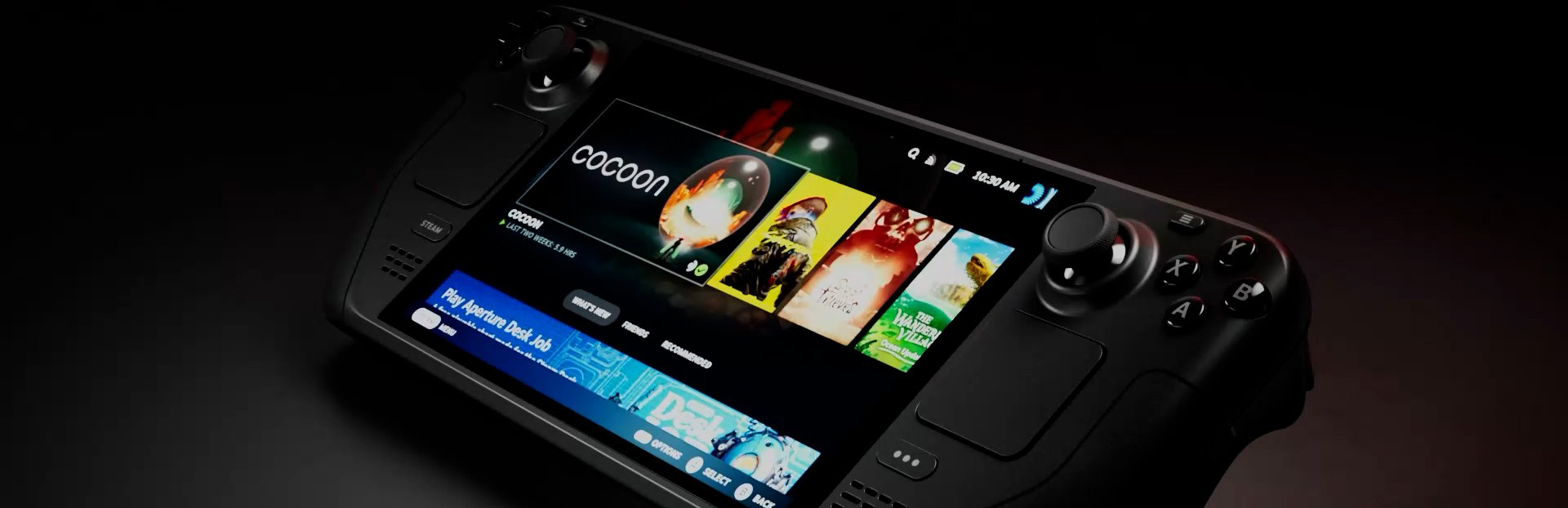
addedI've added Steam Deck compatibility in the latest r967 update via some initial input mapping in the Unity Input Manager, and added a Gamepad submenu to the Options menu listing the default controls.
RAIDING PARTY changes
addedI've added Steam Deck compatibility in the latest r967 update via some initial input mapping in the Unity Input Manager, and added a Gamepad submenu to the Options menu listing the default controls.
I've added Steam Deck compatibility in the latest r967 update via some initial input mapping in the Unity Input Manager, and added a Gamepad submenu to the Options menu listing the default controls.
You might want to lower the sensitivity of the right joystick in your Steam Deck for aiming purposes. Go to Controller Settings (in the Game Launcher) > Edit Layout > Joysticks > Right/Left Joystick Behavior Setting symbol.
Hope you enjoy!
Source
Changelog.gg summarizes and formats this update. How we read updates.