
Full notes
Full Mini Worlds update
Read the full published notes in a cleaner layout. The original post stays linked below.
What changed
- Maps
- UI and audio
- Compatibility
- Gameplay
Object Variants
The variant system allows you to either pick a specific object you want to place or let it be randomized when placing. For example: You can place a lot of trees and instead of needing to select a random one each time, the game will do that for you. Plus, you still have full control when placing a specific tree.
Improved World Gen
Whenever you create a new world, the terrain and some objects will be generated for you. The new system separates the terrain and object generation, which makes it more fun for you to pick a new world and makes it easier for me to add new generators. Fun fact: the object placement is based on the technique from Horizon Zero Dawn's object placement.
UI Scaling
A new setting has been added, the ability to make the UI bigger or smaller. The main reason for this is Steam Deck support. To be verified, the UI cannot be too small. Another reason is for players to customize their experience: If you use a 30" 4K monitor, you probably don't want UI to be big and in your face.
Controller Support Update
More and more menus support navigation with a controller. Combined with button rebinding in the UI scaling, I hope to make the game more accessible to everyone. <3
New Key Art
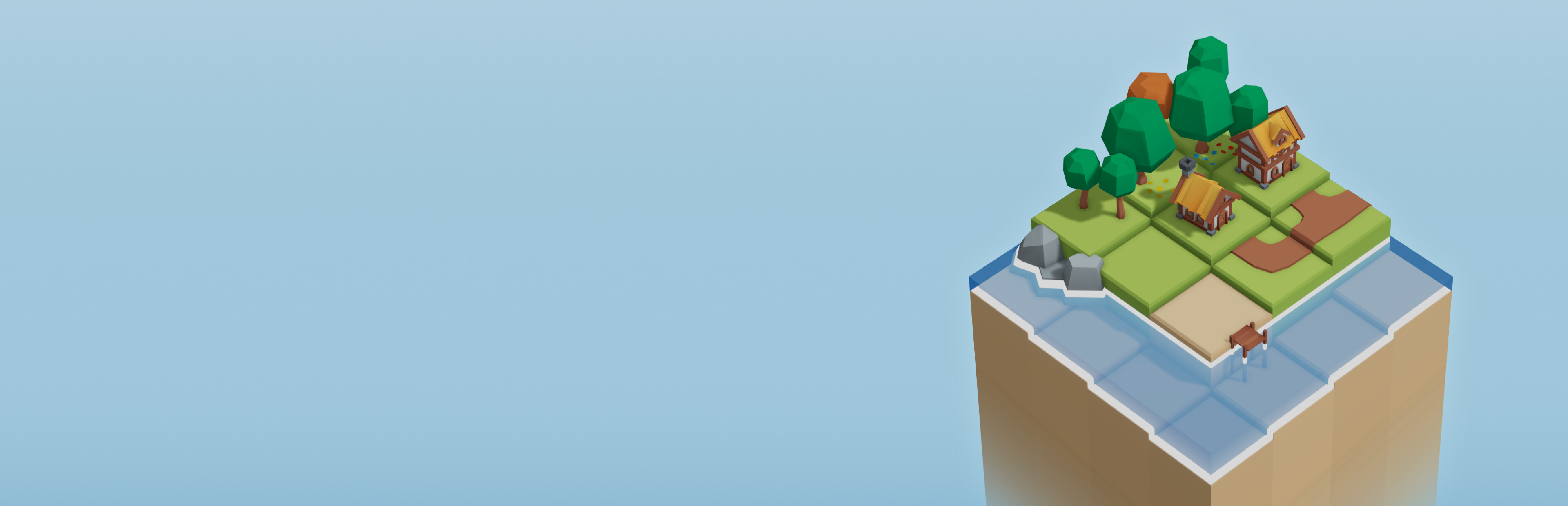
To prepare for a release soon™, the key art have been update to match the current colors and style and it conveys the game better.
Updated Steam Page
If you come from the Steam page, you have already seen it but if you have not: The Steam page has gotten an update with the new key art, new descriptions and new videos in the 'about this game' section.
Source
Changelog.gg summarizes and formats this update. How we read updates.