
Full notes
Full Middle Ages: Peasants & Knights update
Read the full published notes in a cleaner layout. The original post stays linked below.
What changed
- UI and audio
Middle Ages: Peasants & Knights changes
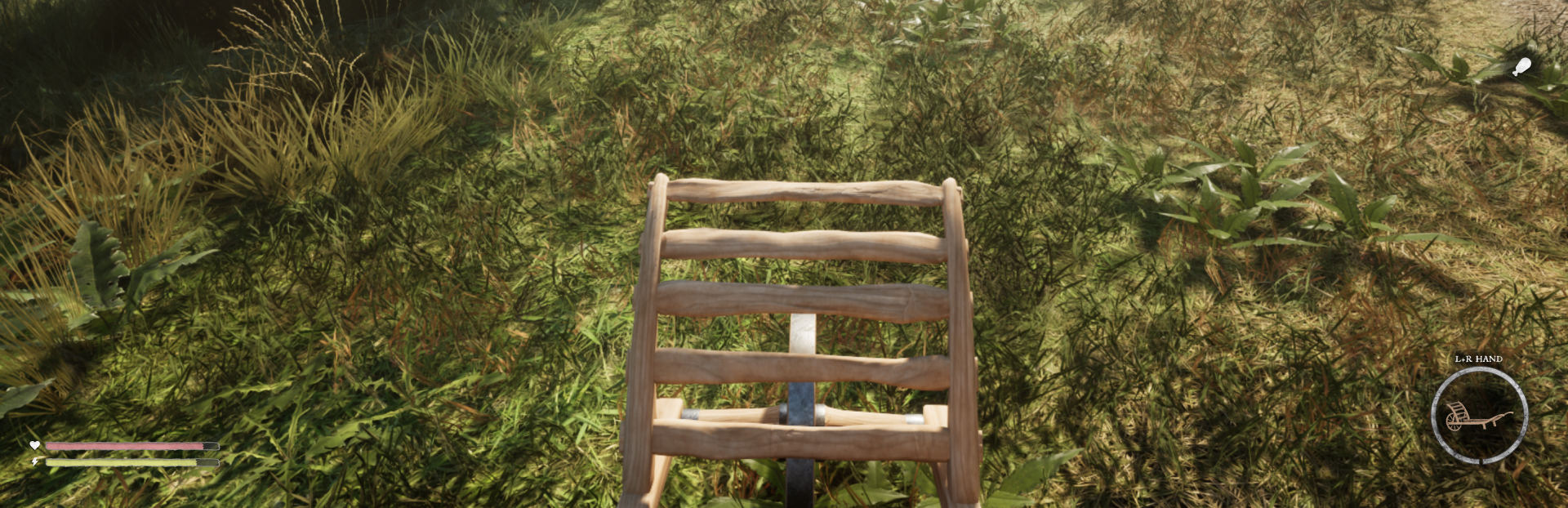
We're happy to share a major update to our game's user interface, inspired by your feedback. We've removed the cluttered hotbar for a cleaner screen, with information now displayed along the sides. Item selection has been streamlined through a dedicated window, accessible via mouse or a hotkey.
We're introducing three HUD options: Clear (clean screen), Basic (essential info), and Full (comprehensive display). We're also working on allowing players to customize which elements appear in the Basic HUD through the Options menu, giving you even more control over your interface.
Player attributes remain horizontal for now, but we're considering a circular style option for those who prefer it. Currently, there are no plans to implement a compass or a minimap. Our goal is for players to navigate their environment naturally, enhancing the immersive experience.
Basic HUD:
Full HUD:
Source
Changelog.gg summarizes and formats this update. How we read updates.