
Full notes
Full Mana Gloom update
Read the full published notes in a cleaner layout. The original post stays linked below.
What changed
- Gameplay
- Performance
TL; DR. Success! Much improved frame rates in the Manamancer Boss fight with v1.0.3 release.
FPS Woes
As I was recently expanding the playable area in the Mountain Pass scene, as usual I was doing some play testing. When testing the boss fight again, the lag was sticking out as a major issue.
I had been putting this off for a while, but it finally bubbled to the top of an enjoyable play experience for me. So, I dove into it. I started reviewing the profiler, turning various features in the fight area things on and off.
The profiler shot below shows there was clearly an issue.
The large green bumps at the top of the profiler showed that the CPU was waiting for the GPU to finish it's thing. I have a pretty decent GPU, so I would not have thought that would be a problem. Starting to investigate, someone on Discord (Thanks @Invertex) suggested checking out overdraw. Good idea!
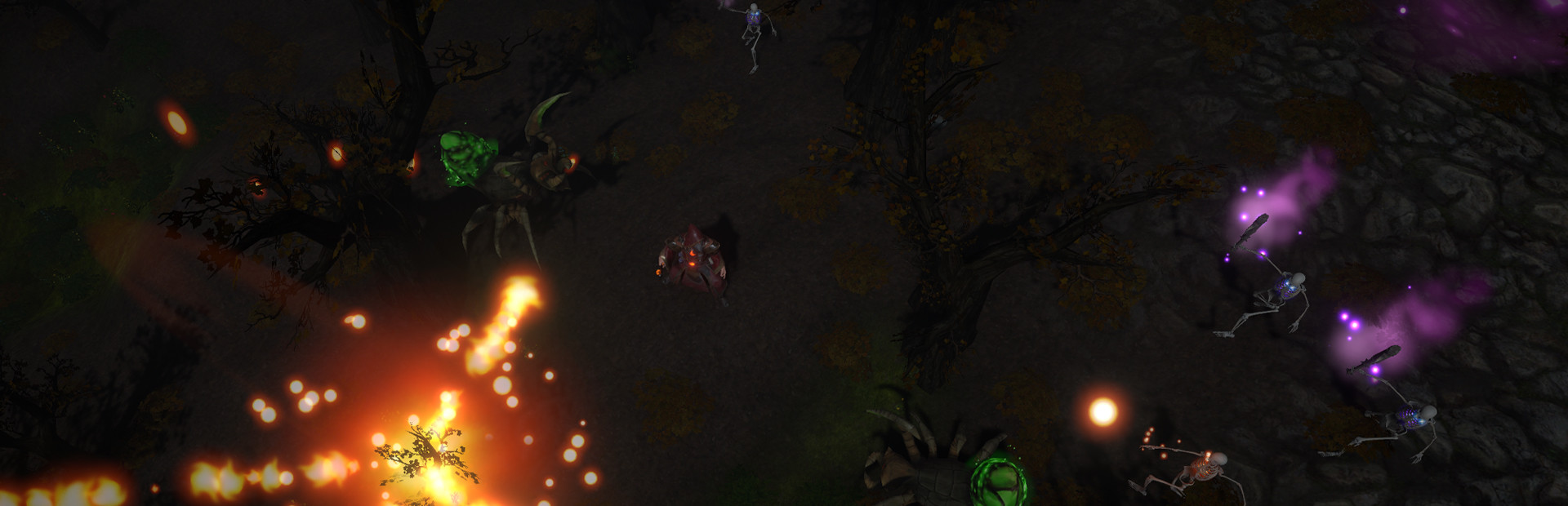
The particles for the corrupted spray that the boss uses creates an insane amount of draw calls. I mean, it sure is pretty though, isn't it?
I thought I had found the problem. I turned off ALL particles. Went in to play. 5fps. What?!
At this point I was desperate. I started doing what I've done since high school.
Binary search tree.
I turned off half the things in the fight, Did that solve it? If so, turn those back on, split them in half, and turn off half. If not, turn off the other half to verify that solves it, then split the other half in half and repeat.
Took a few minutes. Then, finally, the light at the end of the tunnel.
A Point Light
One small measly point light that was nested deep within the hierarchy of the torches in the arena. The point light gave a small little glow to the inside of the torches. It had a radius of 8, so they overlapped a little. Multiple that by about 8 torches, and it absolutely wrecked havoc on the GPU.
I deleted the point light from the prefab, which removed it from all of the torches. Hit play, and suddenly everything was screaming along at full speed. Wow.
I turned some of the particle emission rates back up, and even with all of the beautiful particles, the FPS stayed above 100.
Problem solved, but boy I need to be more careful with point lights.
-Sarynth
Source
Changelog.gg summarizes and formats this update. How we read updates.