
In this update1
Full notes
Full Lakehopper update
Read the full published notes in a cleaner layout. The original post stays linked below.
What changed
- Fixes
- Performance
- UI and audio
- Gameplay
Lakehopper changes
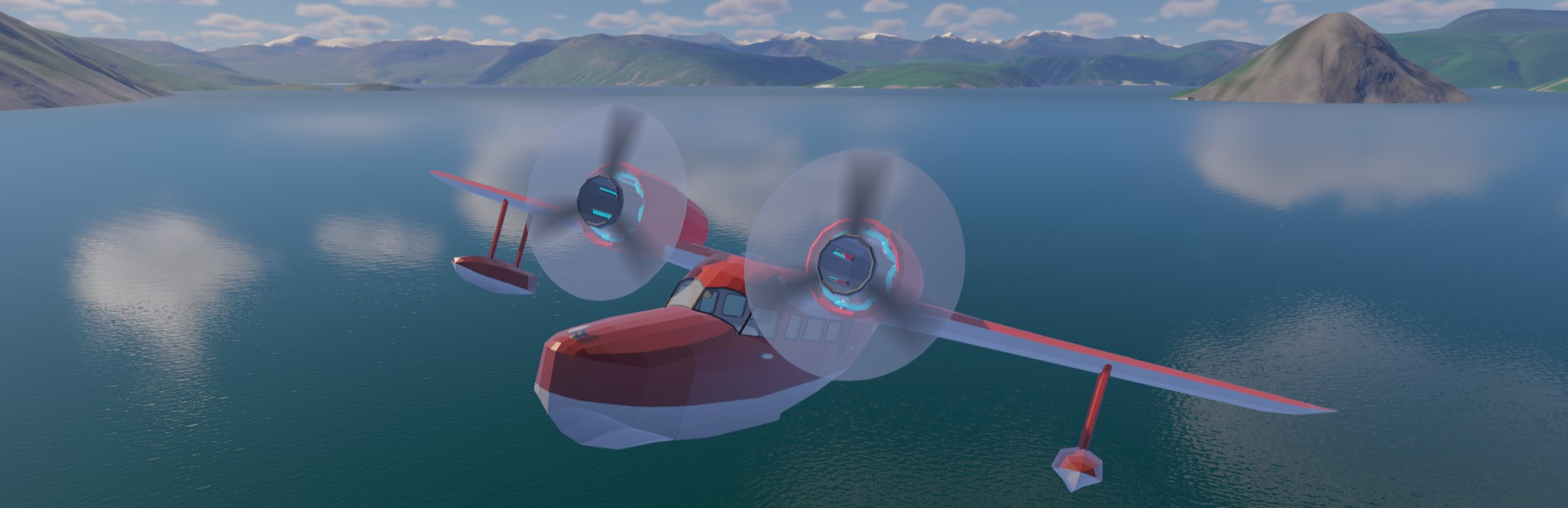
Welcome everyone! It’s Early Access launch day! Work on Lakehopper first started in summer of 2023, and the game has been in full time development since November 2024. I’ve been looking forward to this for a while now! Lakehopper is a solo project and it’s been a joy to work on. I’m very excited for what I’ve got planned for the future.
Thank you again to everyone who participated in the playtest! Lakehopper is a better game today than it was a month ago, thanks to your feedback and bug reports. If you reported a bug, and it hasn’t been fixed yet, know that all those bugs are still on my list and will be addressed.
I’ve made a few changes and fixed some bugs since the last playtest version, including a fun surprise that will allow for some customization! The full changelog for this version is below. During the next period of development I will be focusing on fixing more bugs, including some bigger issues that I wasn’t able to address before launch.
Currently there’s a memory leak causing crashes on the native Linux version. I want to get this fixed ASAP. Some playtesters were having issues using or binding their specific flight sim peripherals. Most peripherals do work, or partially work, but I want to make sure everyone can use their hardware. This is a bigger fix that involves technically complex changes and I want to give it the care it deserves.
The first updates will mostly focus on fixing bugs and making the game more robust. I’ll likely include some minor content updates, but the earlier I fix bugs, the better!
There are a lot of things that need to be added to make Lakehopper the rich, rewarding, and challenging game I want it to be. This includes, but is not limited to: NPCs, story and dialogue, weather, a day/night cycle and calendar, more planes, more parts, more subsystems, more locations to visit, more jobs to do, localization, tutorials, mod support, etc.
This is a huge list, and I’m aware of the monumental amount of work that needs to be done to add all that. It’ll be a long process, especially given that I’m a solo developer. I don’t have any specific timeline for when any specific feature will be added, though I’ll publish a more detailed roadmap soon.
After completing the fixes I mentioned above, probably the first new thing I’ll add is a new plane that’ll be easier to start with, and some highly requested alternate parts. The timeline here depends mostly on the time and effort required for post-launch bugfixes and tweaks.
Thank you for checking out Lakehopper! I’m so happy to be able to finally share it with you! There’s more exciting things to come, and really, this is only the beginning of the journey! Happy skies!
Version 0.3 Changelog
Major Changes
Paint your plane!
I’ve added the ability to change the color of your plane! Just inside the rear door, you’ll find a blue “Change Plane Color” button that will open a UI to allow you to select plane colors. You can create a two color gradient or generate stripes from those two colors. The fuselage, underside, and tail of the plane can get their own color schemes. I wanted to add a bit more variety and customization to the plane! You can always uncheck the Custom Color toggle and return to the default paint job. More livery options will be available in the future.
Push and hold on plane trim, dials, and the rope tool
No more button mashing to set trim or adjust the VOR! I’ve added the ability to push and hold to adjust the plane trims, turn knobs, and adjust rope length.
Currently there’s not much feedback when you hold an input, but I’ll fix that soon so it’s clearer when you’re adjusting things.
Improvements
Added a “Reset Nozzle” button on the refuel station. Pressing this button will return the nozzle to the refuel station, for instance if you drop it to the ocean floor!
Added a new game intro screen with some useful info for new players. This will only appear when you start a new game. The playtest notice on the main menu has been removed.
Bugfixes
Optimized some motor part colliders. Overly complex geometry was causing frame lag spikes during assembly, and was possibly causing the game to freeze for some players. These colliders have been greatly simplified reducing this lag.
Potentially fixed an issue where the mouse sensitivity could be reduced to 0 and get stuck there. The game will check if your saved settings have the mouse at 0 sensitivity and reset it.
Fixed an issue where the pause menu would reopen unexpectedly when pushing a controller button.
Source
Changelog.gg summarizes and formats this update. How we read updates.