
Full notes
Full EASOAR update
Read the full published notes in a cleaner layout. The original post stays linked below.
Repeated intro
Hey fellas
What changed
- Gameplay
- UI and audio
- Fixes
- Balance
- Store
EASOAR changes
Chunky update for you which focuses on redesigning the Summon System for trinkets as well as optimising the game by figuring out new ways to reduce lag caused by enemies or objects.
Patch Notes:
Edited the descriptions of Summon Trinkets to display how many summon slots the player has.
Summon slots have been overhauled to be more consistent. They are now Summon Slots = Trinket Slots - 1. This also means that the max summons have been increased from 6 to 7.
Summons display the summon count when spawned.
You’re now given a prompt when you respec your player stats to confirm your decision.
Updated the portraits of Forgery and Orchestra.
Updated the sprites of all Augments. They were falling behind when it came to their pixel art as they were all done pretty early on in development.
Fixed the camera not following the player after unlocking the doors in Fizzing Foundry Part 2.
Redesigned Leaping Dash to be more of an aerial counterpart to Streamlined. It increases the jump height of all dash jumps instead of only those done on the wall.
Leaping Dash’s wall jump has been reduced slightly in height to fit the redesign.
Adjusted the description of Streamlined and Rubble Duster Dashes.
Fixed a ceiling at the start of Fizzing Foundry Part 1 having a lower collision box than what was shown.
Adjusted the height of two of the pipes that dispense salt before Forgery’s boss room. Now they actually hit the bolide on the ceiling.
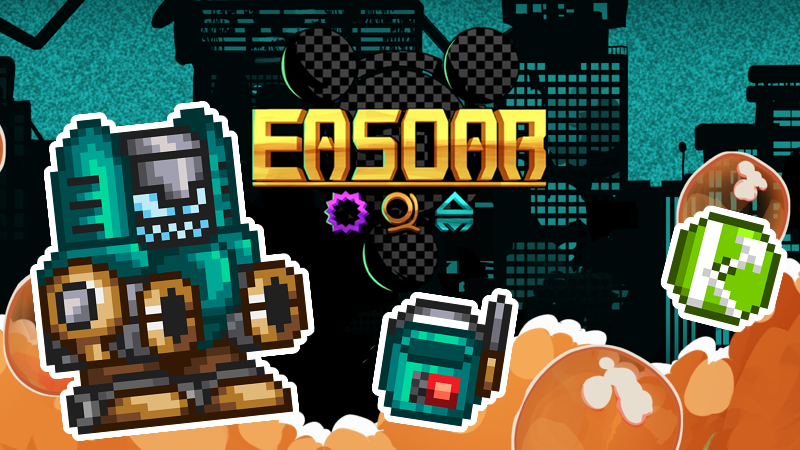
Added Bucket Beacon Trinket. A new summon that takes 3 summon slots and is very powerful.
Reduced the price of the Fastening Nut Trinket: 1500 -> 800.
Reduced the price of the Whistle Trinket: 4500 -> 1200.
Summons only emit light when they are visible.
Changed Summon afterimage layer.
Fixed the Slider Trinket not working outside of the Shop.
Fixed misplaced pipe tile in Fizzing Foundry Part 1.
Fixed the hole in the tileset in Cyan Apiary Part 1.
Stopped Summons from attacking while in cutscenes.
Fixed the “Not Enough Slots” text appearing while equipping Flavours on weapons with more than 1 slot.
Increased the Panic Status Buildup of fireworks to make the effect realistically proc during the level.
Optimisation: New section for all the steps I've been taking to reduce lag so it can run better on all systems. This is of course a process, so it won't eliminate all lag right now. But hopefully it can make the experience smoother without affecting the game play itself at all.
Previously all weapons were drawn and loaded even while in the inventory, now it’s only for weapons that are equipped. (may cause some weird quirks because of this change, we’ll see if any are found)
The game used to check every frame if you held items to give to vendors, now it only checks once when you talk to an NPC.
Streetlights will now check if they are alive before worrying about if they are to be hue shifted due to the Nightmare effect.
Entities like Streetlights and Boxes will no longer check for status effects since they are immune to them anyways.
The game would constantly recreate recurring colours for text and afterimages. This seems to cause a decent amount of lag so now all the recurring colours are global variables and made once when the game starts.
Enemies used to all check when they were touching the spawning boundary around the camera to spawn. Now there’s a new system where enemies are now sorted into sections based on the camera guide of each section. Only those enemies will be checking for spawning conditions.
NPCs would lag the game due to loading vendor inventories every frame. Now it only happens once when the vendor is opened and only for vendor NPCs.
Reduced the code loading for the bolide bubbles on the walls in the Fizzing Foundry.
When Giwormous would attack the player during the level of Whittle Road Part 1, its body segments would still linger around. Now the worm is despawned when the next attack segment is triggered.
The Titlecard UI that appears at the start of each Level/Area seems to cause a lot of lag due to it converting a string of text into capital letters.
The visual cracks in pipes that create bolide particles have been toned down to only activate on screen in Fizzing Foundry Part 2.
Source
Changelog.gg summarizes and formats this update. How we read updates.