
In this update15
Full notes
Full Devices Tycoon update
Read the full published notes in a cleaner layout. The original post stays linked below.
What changed
- Gameplay
- Performance
- UI and audio
- Events
- Store
Devices Tycoon changes
Design your OS
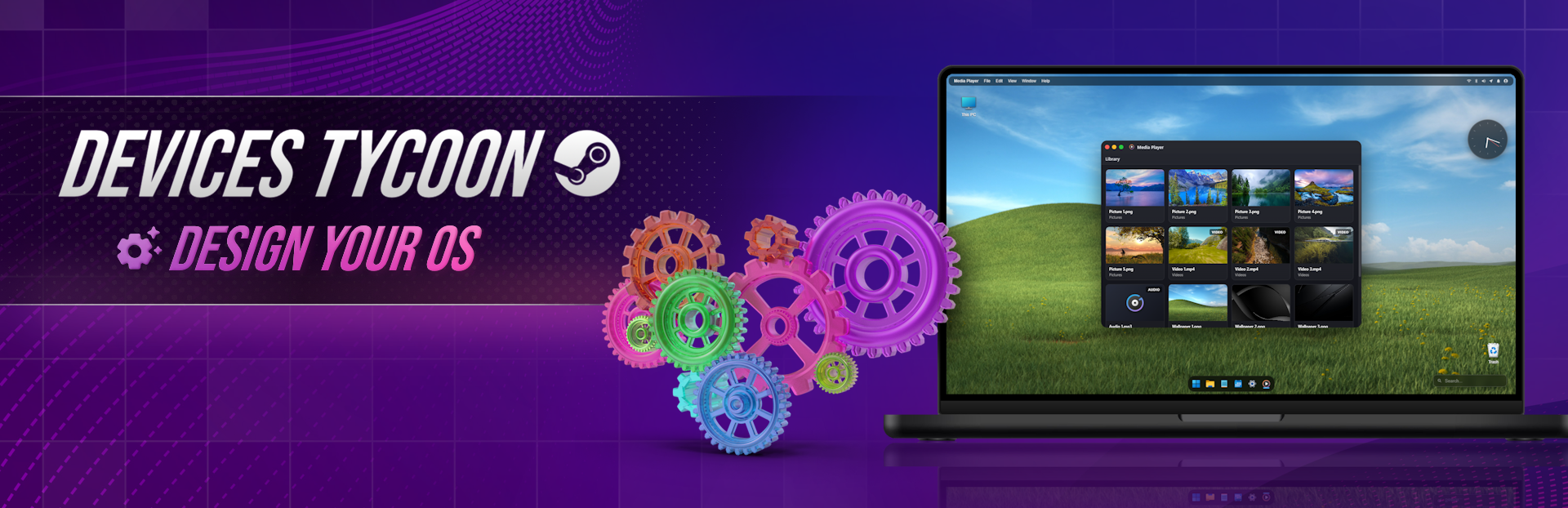
Today I’d like to introduce a brand-new feature — the OS Editor and OS Design system! The game includes a highly detailed editor where you can create both the visual style and technical specifications of your operating system. This is not just a visual shell — it’s a fully functional OS that actually works. At release, OS creation will be available for four device types: smartphones, PCs, smartwatches, and TVs. Today, we’ll take a closer look at how the OS works on PC.
First, you’ll need to choose a logo and name for your OS. After that, your employees will begin developing the base version. Once it’s ready, you can start implementing design elements and technologies. Regular updates will attract new fans to your company and generate additional revenue.
OS Performance
While designing your OS, you’ll manage parameters that directly affect performance. The more complex your animations and styles are, the more system resources they will require. Keep a balance between visual appeal and efficiency, which you can monitor on the main screen.
OS Boot
Let’s move to one of the most exciting parts — the OS design. First, you’ll configure how your OS boots. This is the first impression users will get, so you can customize boot types, styles, and animations.
Login System
Next, you’ll design the login experience. Customize the user profile, interface styles, and even detailed animations such as password input effects.
Taskbar & Menu Bar
These core elements define the overall look of your OS. You can customize their size, style, and behavior — whether inspired by Windows, macOS, or your own unique design. Advanced animations for interactions like clicks, hovers, and app states are also available, along with detailed control over dropdown menus.
File Explorer
File Explorer is a key part of usability and design. You can customize nearly every element: buttons, styles, animations, icon sizes, hover effects, and more. Since it’s one of the largest parts of the OS, careful design choices here are essential.
Context Menu, Alerts & Info
The context menu (right-click menu) can be fully customized, from style to animations. Error and alert windows have a separate editor, allowing them to stand out visually. The Info panel lets users view details about files and folders — and like everything else, it’s fully functional, not just visual.
Notifications
Notifications inform users before actions are performed, such as confirming file deletion. You can customize their appearance and animations.
Loading Bar
A fully functional loading bar is included, just like in real operating systems. You can customize everything from the bar style to detailed animations.
Desktop & Trash
You can select multiple files using a drag-selection box, just like in real systems, and customize its design and animations. Deleted files are actually moved to the Trash, which can also be customized both visually and functionally.
Calendar, Widgets & Push Notifications
The system includes a fully functional calendar with many design and functional options. Widgets add convenience to the desktop, all supporting drag-and-drop. Push notifications allow real-time alerts on the desktop, with styles ranging from minimalistic to bold and animated.
Notes
Notes is a fully functional text editor for creating and saving files, featuring a wide range of styles and customization options.
Media Player
Media Player lets you view media content in a fully functional environment, with customizable UI elements, including sliders and animations.
Clock & To-Do
Clock and To-Do are separate apps, each with unique styles, animations, and functionality.
Paint
Paint is a complete graphics editor. You can create, edit, and save images, with flexible customization of tools, styles, and animations.
Tables
Tables is an office-style app for creating spreadsheets, where you can customize the appearance of every cell.
Calculator
Calculator is an essential OS app. You can customize every button and window to match your design.
Antivirus
A built-in antivirus system helps protect your OS. Keep users safe while maintaining a clean and stylish interface.
Terminal
The Terminal allows you to open system files and execute real commands. You can view available commands directly inside the app and fully customize its design.
Settings
The Settings app is fully functional and essential for any OS. You can design it to match your overall style.
Task Manager
Task Manager displays system performance and running processes. Customize detailed graphs and the overall interface.
Shutdown Screen
Finally, you can design the shutdown screen — an often overlooked but important visual element.
Icons
At the end of the editor, you can customize every icon in your OS, with dozens of options ranging from folders to small UI elements.
Bonus
As a bonus, the game includes several mini-games to keep things fun.
Full Experience
As mentioned earlier, you can fully launch and use your OS. Every feature is functional — this isn’t just a visual simulator, but a complete working operating system.
Thank you to everyone who adds the game to their wishlist — I truly appreciate it. You’re the best! ❤️ My social media:
YouTube: View store page
Instagram: https://www.instagram.com/roasterygames
X: https://x.com/roasterygames
TikTok: https://www.tiktok.com/@roasterygames
Telegram: https://t.me/roasterygames
Twitch: View store page
Facebook: https://www.facebook.com/roasterygames
Source
Changelog.gg summarizes and formats this update. How we read updates.