
In this update3
Full notes
Full Dark Queen of Samobor update
Read the full published notes in a cleaner layout. The original post stays linked below.
Repeated intro
Hey everyone! Today we're pulling back the curtain a little and giving you a peek at how we actually build the world of Dark Queen of Samobor. Spoiler: it's messier than you might think before it gets beautiful.
What changed
- Maps
- Gameplay
- UI and audio
Dark Queen of Samobor changes
From grey box to finished world
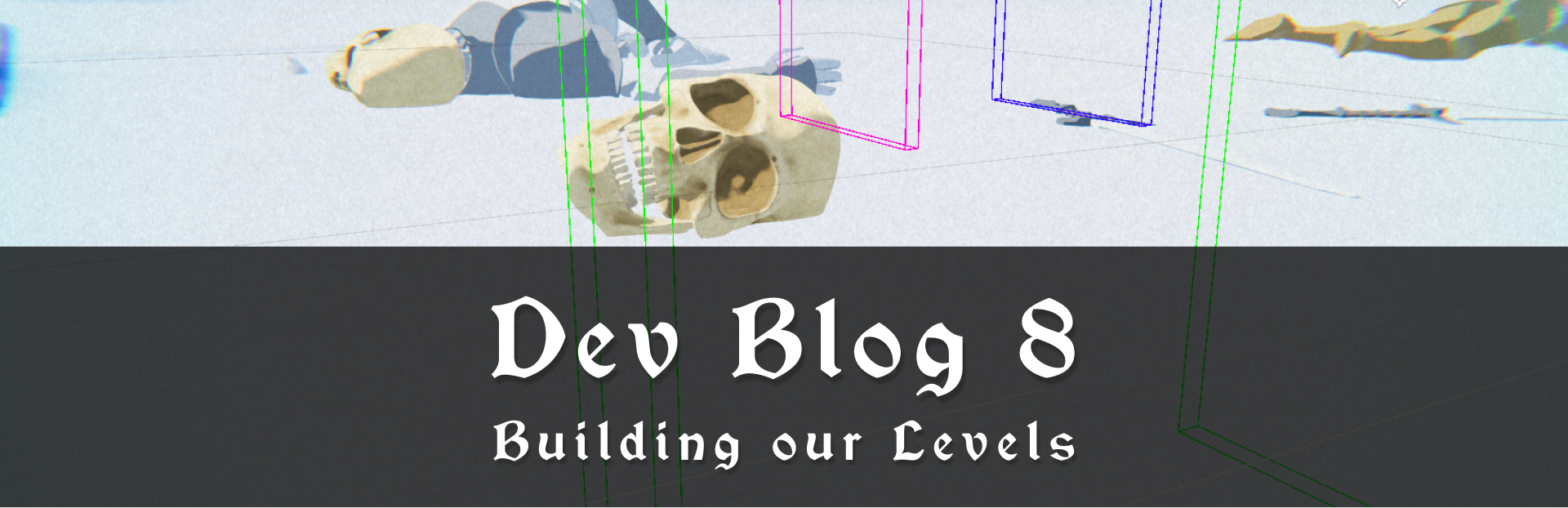
Every level in the game starts as a blockout. A rough layout built from simple geometric shapes. No real materials, no finished models, just crude objects slapped together to test whether the space actually feels right to move through and fight in. Does the pacing work? How does the flow of the movement feel? Can you actually see what's going on during combat? These are some of the questions we're answering at this stage, not "does it look pretty."
Steam post imageEarly Blockout
Once we're happy with how it plays, we move into the visual iteration: adding the real models, textures, lighting, atmosphere, and all the little details that make the world feel alive and beautiful.
Steam post imageFinal Blockout
The difference is pretty dramatic, and honestly one of our favourite parts of the process.
The invisible magic: Triggers
A lot of what makes a game world feel dynamic and responsive comes down to a trick almost every game uses: invisible trigger zones. You simply walk through an area, and something happens. It's one of those things players rarely notice, and that's exactly the point.
Steam post imageTrigger Zone
In our case, we use triggers in all sorts of ways, for example for enemy spawning. When you cross an invisible boundary, enemies appear, but always off-screen so you don’t actually notice it.
Steam post imageEnemy spawning off-screen
And this is how that looks in-game, from your perspective.
Steam post imageIn-game view
But triggers aren't just for enemies. That massive skull you run through? There's a trigger on the other side of it and the moment you pass through, it snaps shut behind you.
Steam post imageSkull closing on a trigger
You can also set off these triggers with your axe. In the example below, there’s a trigger on the button, and activating it makes the doors open (and close).
Steam post imageOpening and closing doors with a trigger
Camera triggers and cinematic moments
We also use triggers to control our camera. Dark Queen of Samobor uses a fully manually directed camera, and triggers let us switch angles at just the right moment, creating those cinematic scenes that make the world feel bigger and more dramatic than a locked perspective ever could.
Steam post imageMoving camera with a trigger
It's a simple system under the hood, but the devil is in the details, and there are a lot of edge cases to juggle and consider. But getting it right gives us a ton of creative control over how you experience each moment.
That's all for this one!
Hope you enjoyed this peek behind the curtain. This is just a small slice of how things come together, and more dev blogs are on the way, so stay tuned.
And as always, thanks for following along!🖤
Downtown Game Studio team
Source
Changelog.gg summarizes and formats this update. How we read updates.