
In this update7
Full notes
Full Clash of Adventurers update
Read the full published notes in a cleaner layout. The original post stays linked below.
What changed
- Balance
Clash of Adventurers changes
Picking a character should feel like meeting your adventurer — not staring at a generic placeholder. This month we rebuilt the character select screen so that what you see is actually you: the right gear, the right level, the right gender, and a proper pose to show it all off.
What Changed
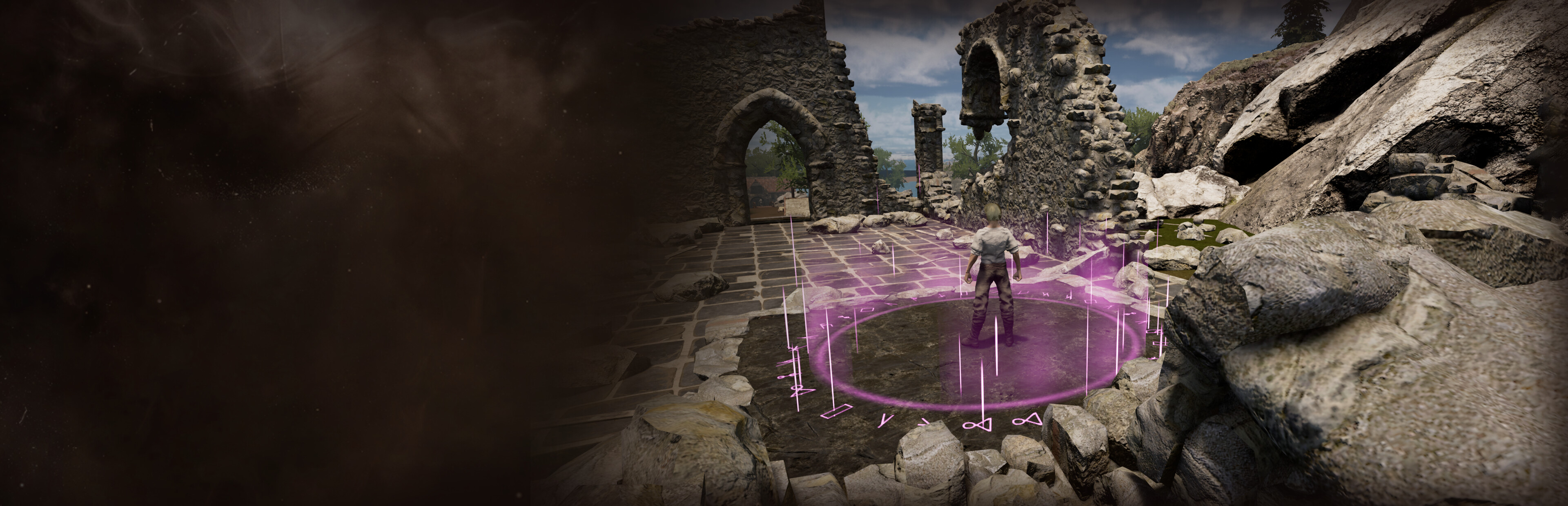
The selection screen used to give every character the same default look. Now each saved character shows up wearing the equipment you actually have on — and standing the way an adventurer should.
🛡️ Your Real Gear, On Display
Your character now appears on the select screen wearing their actual equipped gear. You can see the sword in hand and the armor pieces on the body, exactly as you left them. The character you pick is the character you built — no more guessing behind a generic silhouette.
📊 The Right Level, Every Time
Each saved character now displays its correct level on the selection screen, so you can tell your veteran main from your fresh alt at a glance.
♀️ Female Characters Look Right
We squashed a bug that was incorrectly showing some female characters as male on the select screen. They now display correctly — your adventurer looks like the one you created.
✨ A Proper Pose, Not a T-Pose
Character previews on the menus now animate in a relaxed idle stance instead of the stiff, arms-out "T-pose." Your adventurer stands ready, the way they'd actually carry themselves out in the world.
Faster Variety, Behind the Scenes
To make all of this work, we unified how equipment looks — armor and weapons alike — into a single, cleaner system. That cleanup pays off for you directly: adding new gear appearances, and supporting different races and body types for each piece, is now much faster and far less error-prone.
In plain terms, that means more visual variety landing sooner. The groundwork we laid this month is what lets future gear show up looking great across every kind of adventurer.
Why It Matters
Your character is your identity in Clash of Adventurers. The select screen is the first thing you see every session, and now it reflects exactly who you've built — right gear, right level, right gender, properly posed.
Jump in and take a look at your roster. We'd love to hear what you think — find us in the First Adventurers community.
— Fedsson
Source
Changelog.gg summarizes and formats this update. How we read updates.