What changed
0 fixes2 additions0 changes0 removals
addedEver dreamed of painting the mountains of Skyrim? Or sit on the balcony overlooking City 17 while doodling away? You can now, using the overlay beta. It renders Vermillion as an overlay over any Steam VR game. It captures the inputs, so there's no interference. You can turn the input capture on/off easily with a toggle at your feet, where you can also hide the overlay entirely.
addedTo opt into the beta, right click Vermillion in your Steam library > Betas > select overlay . You now get a new launch option to start Vermillion as an overlay. I'm really looking forward to see where you will be painting!
Vermillion - VR Painting changes
addedEver dreamed of painting the mountains of Skyrim? Or sit on the balcony overlooking City 17 while doodling away? You can now, using the overlay beta. It renders Vermillion as an overlay over any Steam VR game. It captures the inputs, so there's no interference. You can turn the input capture on/off easily with a toggle at your feet, where you can also hide the overlay entirely.
addedTo opt into the beta, right click Vermillion in your Steam library > Betas > select overlay . You now get a new launch option to start Vermillion as an overlay. I'm really looking forward to see where you will be painting!
Ever dreamed of painting the mountains of Skyrim? Or sit on the balcony overlooking City 17 while doodling away? You can now, using the overlay beta. It renders Vermillion as an overlay over any Steam VR game. It captures the inputs, so there's no interference. You can turn the input capture on/off easily with a toggle at your feet, where you can also hide the overlay entirely.
To opt into the beta, right click Vermillion in your Steam library > Betas > select overlay. You now get a new launch option to start Vermillion as an overlay. I'm really looking forward to see where you will be painting!
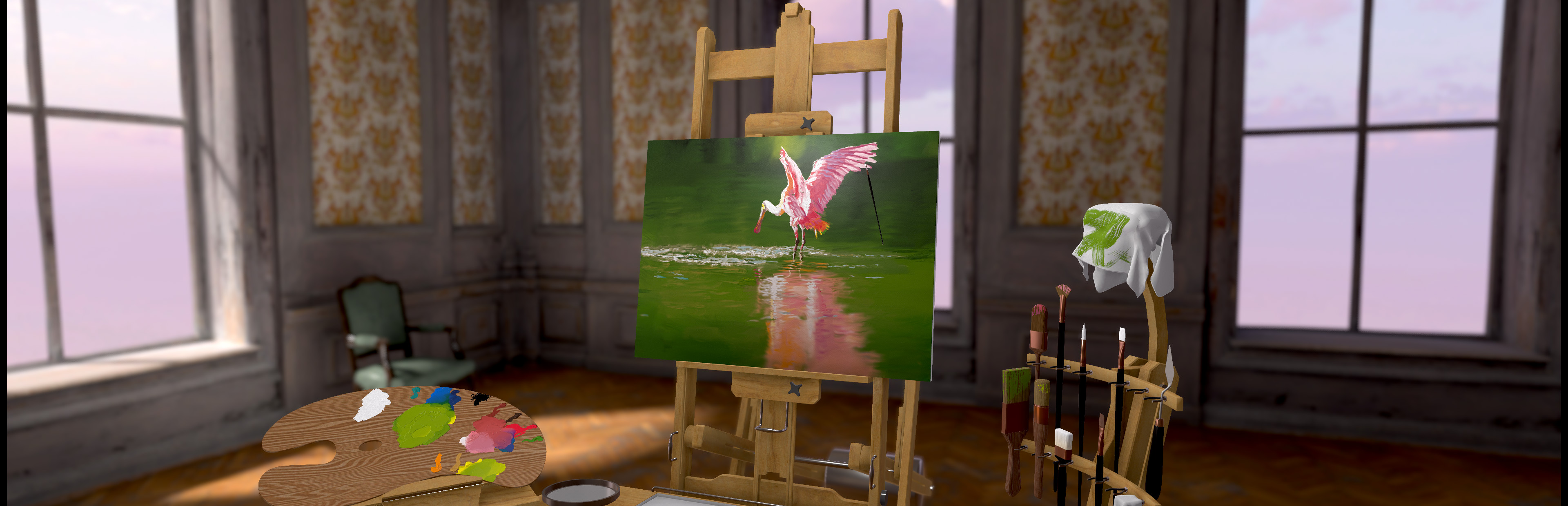
Artwork by the talented Liz Edwards! https://www.youtube.com/watch?v=vArWTlRieGI