
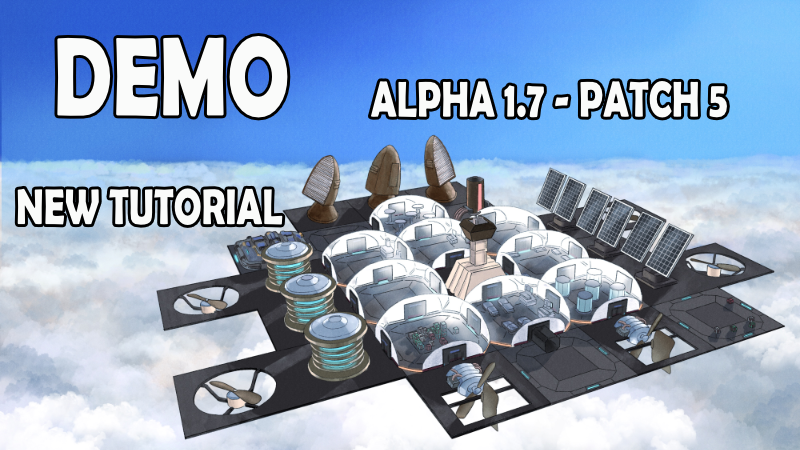
In this update5
Full notes
Full Venusville update
Read the full published notes in a cleaner layout. The original post stays linked below.
Repeated intro
Hey Pioneers!
What changed
- Events
- Gameplay
- Performance
- UI and audio
- Fixes
Venusville changes
Patch 5 of Alpha 1.7 has just landed with some much-needed improvements to lighting, visibility, and fog, along with a brand-new tutorial system, event improvements, and a whole lot of fixes and polish. Thanks for all your feedback — it’s really helping shape the direction of Venusville!
☀️🌑 Lighting, Visibility & Fog Overhaul
Lighting has received a major pass based on your reports of the city being too washed out during the day or pitch black at night.
Daytime ambient lighting has been toned down to reduce overexposure and washed-out colors.
Night side ambient lighting has been increased — it should no longer be completely black.
Night-time clouds now have a dark gray/purplish tint instead of being pure black — this helps a lot with visibility.
Fog has been significantly reduced, especially on both day and night sides. You should no longer feel like the city is covered in an impenetrable blanket of white or black.
Flying into deep cloud layers can still reduce visibility dramatically, but only temporarily.
Extra light sources have been added to the backs of buildings, and platform/fence lighting is now stronger.
Some exterior lights now automatically switch on/off depending on day or night.
A future patch will allow players to toggle city-covering clouds entirely.
🎓 Tutorial & AI Assistant
The most requested feature is here: a proper tutorial!
A fully-voiced, multi-step English tutorial guides you through the basics and prepares you for your first night side on Venus.
A new AI character UI will appear when she speaks, giving you help.
Tutorial steps now appear as yellow messages on the left-hand events panel.
Everything is skippable — whether you're a returning player or just prefer exploring on your own.
📋 Events, Messages & Tooltips
Big improvements to the event and messaging system:
Event UI now animates: messages drop from the top and move down — this makes it easier to notice new ones.
Blue information messages now auto-remove after 30 seconds.
Red warning messages still require manual dismissal.
New yellow tutorial messages disappear once a step is completed — or can be skipped manually.
New alerts added for:
Interior structures being built or removed
Buildings being deconstructed
Colonists entering starvation mode (in addition to the existing death alerts)
Clicking on any message now attempts to move the camera to its origin — this feature is experimental!
🧮 UI & Tooltip Improvements
A few quality-of-life UI changes:
The top-right resource UI now shows the amount first, followed by the resource icon, consistent with the rest of the game. A border now separates each resource entry to make it more readable at a glance.
The top-left altitude tooltip now includes habitable range in KM — no more needing to Google it!
Tooltips now stay within screen bounds. No more disappearing tips on the edge.
The Details Panel tooltip for power now accurately shows generation vs. usage:
Positive = generation (e.g., solar panels)
Negative = consumption
🛠️ Fixes & Tweaks
Pathfinding bug fixed where rotated buildings created “pockets” that NPCs could enter but not leave. This caused them to get stuck and eventually starve. A better long-term solution is coming in the next patch.
New buildings now start production immediately instead of waiting for you to click the production selector.
The Nano Processor now defaults to producing Graphene instead of Parts (which aren’t used yet).
Fixed an issue where engineers got stuck repairing fully healthy platforms.
That’s it for Patch 5! This update should make exploring and surviving in Venusville far smoother — both visually and mechanically.
As always, your feedback is crucial, and I love hearing from you on the discussion forums and the new discord.
Source
Changelog.gg summarizes and formats this update. How we read updates.