
Update log
Full Unseen Diplomacy 2 update
The complete published notes, normalized for clean reading and source attribution.
Extracted changes
- Fixes
- UI and audio
- Gameplay
Unseen Diplomacy 2 – Early Access v0.4 Patch Notes
Patch-mas
Happy Holidays Agents! We have a big Christmas patch ready for you to unwrap. Get ready to unbox more rooms than ever, re-box the Distraction Bot and more!
Rooms, Rooms, Rooms
While working on new content, we discovered a bug preventing most rooms from appearing, causing the game to pick from a very limited pool of rooms (often the most boring ones!). This has been fixed and our most exciting rooms can now appear, showing off far more of what makes Unseen Diplomacy 2, Unseen Diplomacy 2!
Bots Tutorial
We’ve finished with our 4th and final tutorial mission. You can learn in depth about the different bots and how to deal with them. Also check out the Agent Handbook on your wristwatch for more details about the game as a whole.
New ways to disable the Distraction Bot
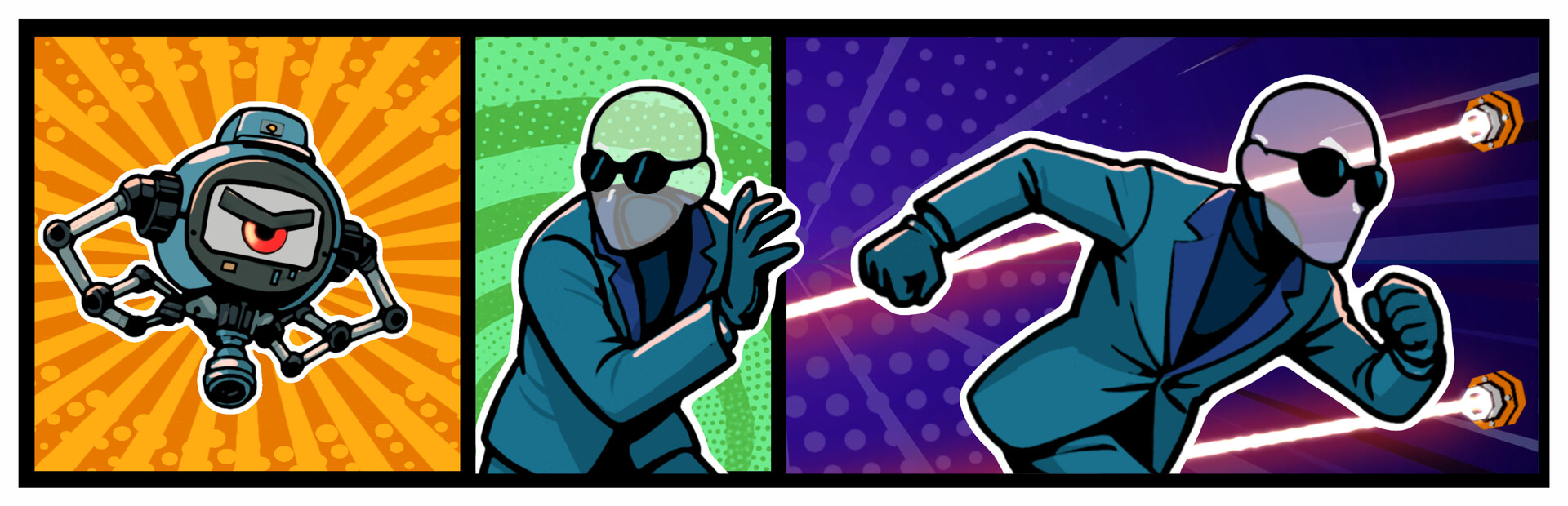
The oil-spitting delight that is the Distraction Bot has been very effective at slowing players down. Players were supposed to be able to disable it by putting objects on top of its home, so that it couldn’t pop out to get you. At some point this feature stopped working but has now been fixed and the bot can be stopped again.
But that’s not all!
We’ve added an additional feature straight from our community. We’ve seen players try to use a screwdriver on the bot cover to disable it, and now you can! Just whip out your tools and lock the Bot in, forever!
Wrist Watch Behaviour
Players have been struggling with the wrist watch, with selection and snapping issues. Both of these have been greatly improved. It was too easy for the UI system to think you were trying to drag a button, and it didn’t offer any assistance in keeping your wrist and hand steady in two handed play.
The watch now pauses its position when using its menus. Button press detection has also changed so the buttons are much more responsive and don’t track drags.
Controller callouts and controller models
Within our tutorials, instead of relying on flat images to inform you of which buttons to press, we now have 3D controllers which match whatever platform controllers you’re using.
These point to the buttons directly, so that those who are new to VR won’t have to remove their headset to see which button is which!
Avatar calibration
You may not have noticed your avatar, but you would have noticed that some pockets in your inventory may have been a little hard to grab. We’ve finally been able to put in the first test of our Avatar Calibration when you start up the game. This means pockets should fit your body much better now.
If the calibration feels incorrect, retry and stretch your arms out further or tuck them closer to your body.
Better Terminal Keyboards
Along with buttons on the wrist watch, players have struggled with Terminal buttons too.
We’ve taken out keys, simplified the layout and made the ones you use a lot bigger. This makes it easier to interact with Terminals without having to look down.
We’ve also fixed a few other buttons in the game that didn’t react responsively to the player.
New Music, New Animated Props and Better Textures
Keep an eye and an ear out for new music, visuals, and SFX across the board.
We’ve added a handful of cool animated props, improved our water and lava shaders, and added SFX where they’ve been missing.
Source