What changed
1 fix0 additions0 changes1 removal
fixedBug Fixes & ImprovementsFixed the issue where no clothes would appear in the wardrobe interface. - Fixed the issue where scores weren’t saved in the shooting range. - Fixed the quick weapon swap function, which would always switch back to the previously used weapon instead of the newly acquired one. - F9 now saves screenshots from the menu interface. - The screenshot save location has been restored to the original path (C:\Users\***\AppData\Local\TheKillingAntidote\Screenshots). - Items with a quantity of 0 will no longer appear in the vending machine interface. - Added damage effects to some built-in clothes. - Improved controller aiming assist, with the left trigger now allowing linear control over assist strength. Gas canisters are now an additional lock-on target. - Added a new option: switch walking and running based on the strength of the thumbstick push. - Zombies are now less likely to detect players from behind. - In hardcore and highest difficulty modes, the number of zombies has been reduced. - Made some adjustments to the Chapter 2, Section 1 scene. - Mod scenes can now use static lighting - Add a fill light for photo mode
removedBug Fixes & ImprovementsIf the game runs strangely after the update, try removing the mods you installed. If there is some problems with the key control, click the “Reset Keys” button in the Options - Keys screen.
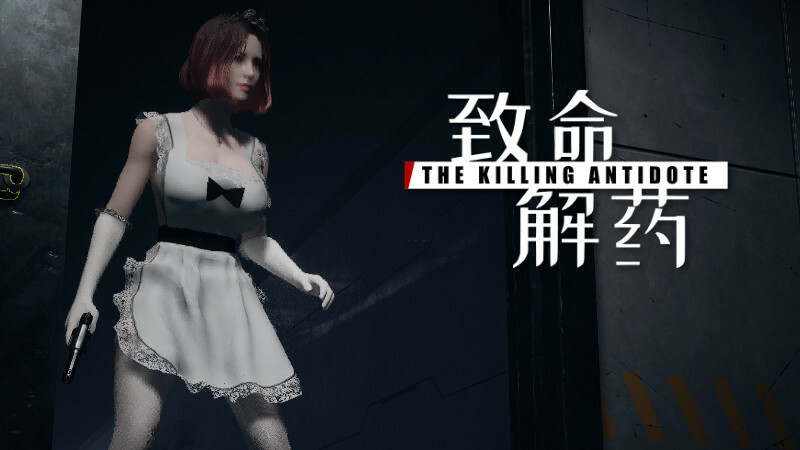
致命解药 The Killing Antidote changes
fixedFixed the issue where no clothes would appear in the wardrobe interface. - Fixed the issue where scores weren’t saved in the shooting range. - Fixed the quick weapon swap function, which would always switch back to the previously used weapon instead of the newly acquired one. - F9 now saves screenshots from the menu interface. - The screenshot save location has been restored to the original path (C:\Users\***\AppData\Local\TheKillingAntidote\Screenshots). - Items with a quantity of 0 will no longer appear in the vending machine interface. - Added damage effects to some built-in clothes. - Improved controller aiming assist, with the left trigger now allowing linear control over assist strength. Gas canisters are now an additional lock-on target. - Added a new option: switch walking and running based on the strength of the thumbstick push. - Zombies are now less likely to detect players from behind. - In hardcore and highest difficulty modes, the number of zombies has been reduced. - Made some adjustments to the Chapter 2, Section 1 scene. - Mod scenes can now use static lighting - Add a fill light for photo mode
removedIf the game runs strangely after the update, try removing the mods you installed. If there is some problems with the key control, click the “Reset Keys” button in the Options - Keys screen.
Bug Fixes & Improvements
Fixed the issue where no clothes would appear in the wardrobe interface. - Fixed the issue where scores weren’t saved in the shooting range. - Fixed the quick weapon swap function, which would always switch back to the previously used weapon instead of the newly acquired one. - F9 now saves screenshots from the menu interface. - The screenshot save location has been restored to the original path (C:\Users\***\AppData\Local\TheKillingAntidote\Screenshots). - Items with a quantity of 0 will no longer appear in the vending machine interface. - Added damage effects to some built-in clothes. - Improved controller aiming assist, with the left trigger now allowing linear control over assist strength. Gas canisters are now an additional lock-on target. - Added a new option: switch walking and running based on the strength of the thumbstick push. - Zombies are now less likely to detect players from behind. - In hardcore and highest difficulty modes, the number of zombies has been reduced. - Made some adjustments to the Chapter 2, Section 1 scene. - Mod scenes can now use static lighting - Add a fill light for photo mode
If the game runs strangely after the update, try removing the mods you installed. If there is some problems with the key control, click the “Reset Keys” button in the Options - Keys screen.