
In this update2
Full notes
Full The Interdependent View-Dimension: Zena update
Read the full published notes in a cleaner layout. The original post stays linked below.
What changed
- Store
- Performance
The Interdependent View-Dimension: Zena changes
New Features
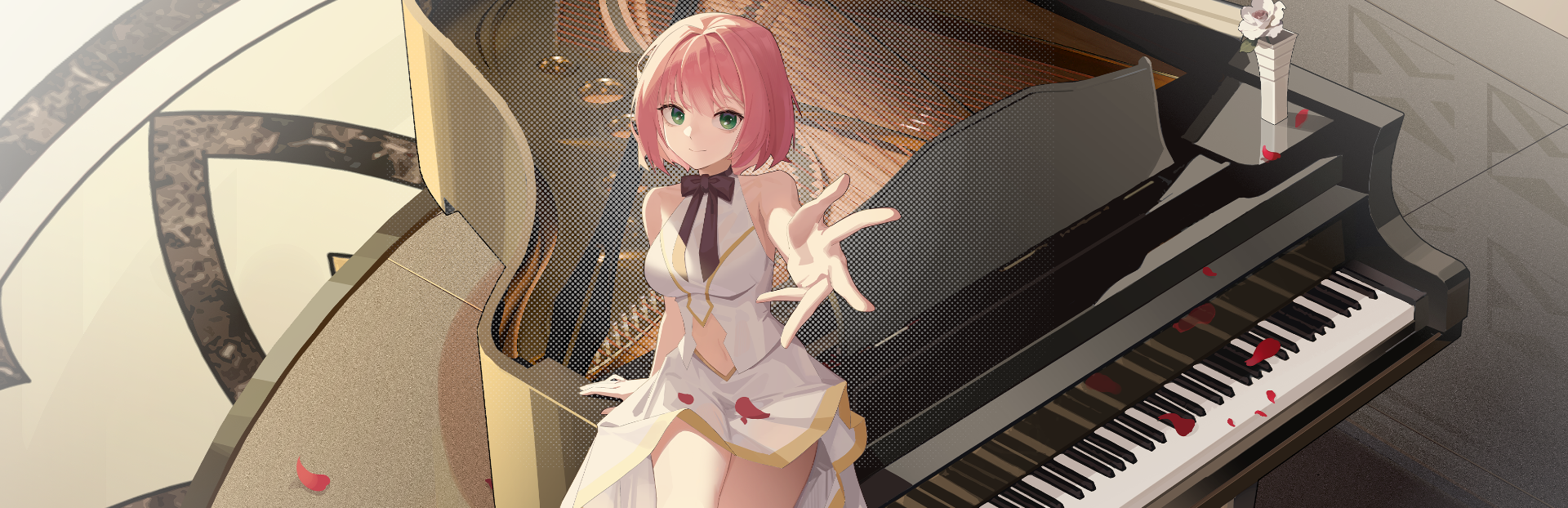
Added a “Preferences” menu option for the desktop pet—laying the groundwork for quick outfit and animation customization in future updates.
Zena now hides and reappears along with other desktop applications when you press Windows + D.
Press Left Ctrl + `clicking on Zena to instantly minimize her to the system tray.
Right-click the Zena icon in the system tray and select “Show Desktop Pet” to bring her back onto your desktop.
Optimizations & Fixes
You can now use the mouse scroll wheel to adjust Zena’s size while she’s peeking from the left or right edge of your screen.
We recently took Zena to the eye clinic—and we’re happy to report her squinting issue during exit animations has been mostly resolved! 👁️✨
Source
Changelog.gg summarizes and formats this update. How we read updates.