
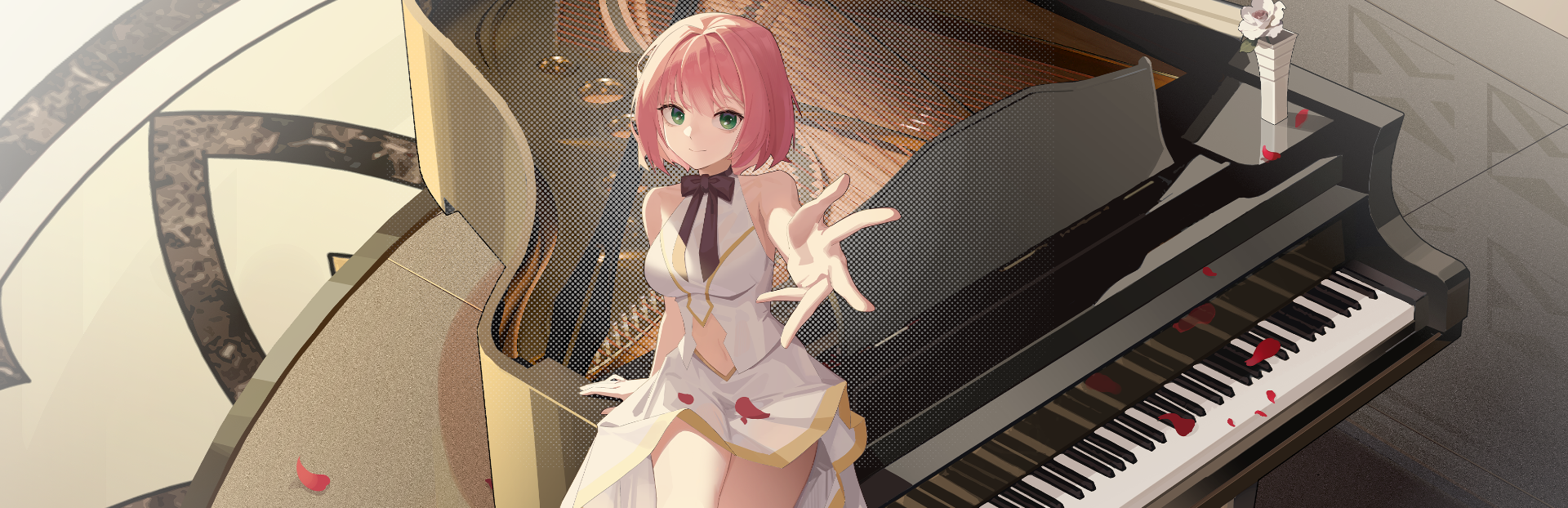
In this update2
Full notes
Full The Interdependent View-Dimension: Zena update
Read the full published notes in a cleaner layout. The original post stays linked below.
What changed
- Gameplay
- Performance
The Interdependent View-Dimension: Zena changes
New Features
Zena's Departure Animation: Zena now has a farewell animation! Please, let her stay by your side a little longer each day; she really hates to leave you.
Easy Positioning: When Zena peeks out from the left or right sides of your screen, you can now directly slide her up or down to adjust her position.
- One-click ScalingA one-click zoom function has been added to the Menu -> Settings.
Optimizations & Fixes
Taskbar Icon Option: You can now choose whether or not to display the desktop pet icon in the taskbar via the settings.
Always Interactive: The desktop pet is now interactive regardless of whether the menu is open or not.
Menu Behavior: After closing the menu (no matter which submenu layer you were on), it will now default to reopening at the main menu.
- Bug FixFixed a rare issue where scrolling the mouse wheel while browsing webpages would inadvertently zoom the desktop pet.
Source
Changelog.gg summarizes and formats this update. How we read updates.