
In this update12
Full notes
Full SWAPMEAT update
Read the full published notes in a cleaner layout. The original post stays linked below.
What changed
- Gameplay
- UI and audio
- Fixes
- Performance
SWAPMEAT changes
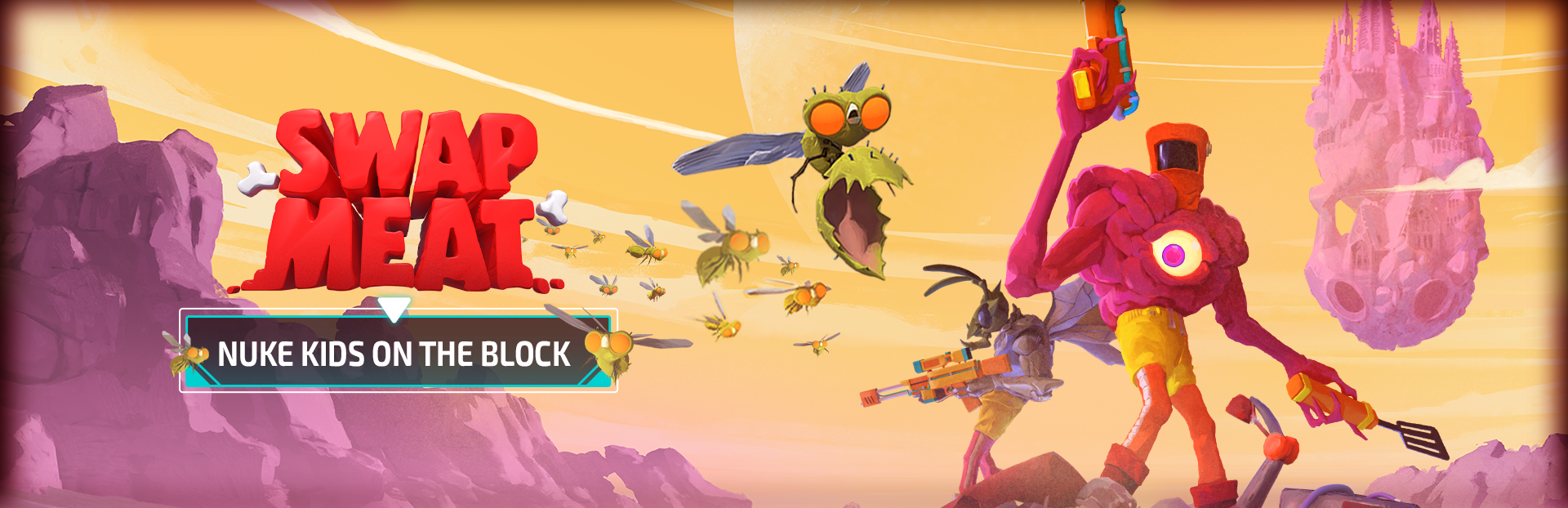
Update 0.18.0 Nuke Kids on the Block
New Artifacts
Two blazing new Artifacts join the arsenal!
See more in our News post!
Nuke Dukem summons a warhead for maximum destruction
Fire Wall lays down a protective (and lethal) curtain of fire
UI/UX
Trader Mike
We had a lot of player feedback regarding early versions of Trader Mike and we're continuing to make progress.
Tabs have been updated to simplify buying and selling items. You can also sell any material you gather, not just fish!
We've added inventory icons to see how many of the selected item you currently have and quest resource icons so you don't accidentally sell something you might need
You can also adjust the quantity in single increments or the maximum you can afford so you don't have to spam that button anymore!
Inspect Screen
The inspect screen has undergone a visual update to better match the rest of the game UI and bring some much needed improvements
Quick view important stats like luck, move speed, and health
Gathering tools have been added so you can see what you're able to collect during a run
More detailed weapon comparisons, item and resource lists
General UI/UX
Melee weapons have been moved out of the Bolt Burger to the Meat Locker
- Be more aware of what your friends are up towe've updated and added some notification banners to events
Gameplay
Spawner Visual Polish
Animation, VFX, and SFX polish on some of the spawners so it is more clear when they're spawning new enemies and they feel (hopefully) way more satisfying to shoot!
General Gameplay
Reduced the overall DPS of Slime and Ice Pistols to bring them more in line with the DPS of similar elemental weapons
You can now swap your Flair in the lobby even if you are mid-run
Some currencies have been renamed
Big Red Button → Alien Sample
Sausage Platter → Franken Sample
Championship Belt → Mutant Sample
Peeperoni behaviors have been updated so they don't crowd the player while charging up their detonation. They now hang back in anticipation, then bolt toward the player.
They also have stagger animations now
Bug Fixes
VFX on the Item Containers and Mystery Meats were blocking player weapon shots. Not very noticeable until it gets you killed.
Grenadier Torso ability should now more reliably hit enemies on the ground.
Fixed a bug that was causing alien warp-in VFX to not display properly on clients. This same bug was also causing "It is not allowed to set the material on a VFXRenderer" warnings to fill the log.
Global buffs and debuffs will now appear in the inspect and buff display UIs
Fixed an issue where selecting a new system mid run wouldn't maintain selection when reloading the lobby
The appropriate Elemental Icons will now be displayed for the Zorpjet Torso's ability – Alien Doughnuts (Thanks @soulreaper!)
Known Issues
No significant performance tuning has been done yet. If you are graphics bound, you can try lowering the quality settings in the Esc menu via Options → Video, but systems with more constrained hardware may struggle
Not all input buttons and keys have icons in the UI yet. Text descriptions (eg. "J", or "Button West") will show up for things that do not yet have an icon in the input glyph map
When observing other players, some UI bits such as the reload HUD don't show accurate information for the observed player
See more in our News post!
Go behind the scenes in our News post to find out what we're working on next!
Source
Changelog.gg summarizes and formats this update. How we read updates.