
Full notes
Full Sign Craft: Simulator update
Read the full published notes in a cleaner layout. The original post stays linked below.
Repeated intro
Hello again! I apologize for the long delay between updates.
What changed
- Gameplay
- UI and audio
- Fixes
- Store
Sign Craft: Simulator changes
Week 2 focuses on completing Work Orders. They are where you build signs to required specifications to earn experience points for leveling up. The leveling system is barebones as of this update, but there are at least some achievements tied to leveling up.
Update version 1.2.0 notes:
Week 2 gameplay;
10 new achievements;
Added new Job type: Work Orders! Use the Work Order folder to complete Work Orders. These orders are specifications for creating signs, such as sign faces and vinyl types, quantity, measurements, etc. You can view the sign blueprint for help with building the sign;
More sound effects for actions/menus;
Level Up/Exp gained widgets;
Saw cut size menu. If you use the primary action key on the base of either the wall saw or drop saw, a menu will open. This menu allows you to set what measurement you want the cut to be at. This makes it much easier to cut materials.
New Material: White Aluminum Sheet Metal. These can be used as sign faces. They are the ones that have a pink plastic backing;
Added level blockers to prevent objects from escaping the bounds of the fence;
New Equipment: Phone. When a work order is selected, use the phone to order vinyl for the job. Located on the desk that has the Basic Task and Work Order folders;
New Equipment: Time Clock. Use this to clock out and progress to the next work day/week. Located by the desk that has the Basic Task and Work Order folders;
New Equipment: Sign Zone. This is in the shop's middle room. Use this area to complete Work Orders. Place a sign that has passed evaluation in the zone. Interact with the zone. If the sign disappears, it was successfully completed;
New Equipment: Frame Zone. This is also in the shop's middle room. When a frame is welded, place the frame in the zone and interact with the zone. If a Work Order is selected, and the frame is the right size, it will align the frame to the proper set up;
Made vinyl application easier. Now the sprays don't dissipate as fast;
Clipboard tool new ability: Sign Frame Aligning!
First you need a Work Order in progress that requires a sign frame. With the clipboard tool held, switch to the sign blueprint by using the tool mode change button. Defaults are "[" and "]" keys. With a metal frame constructed, right click the sign. This aligns the frame properly and will allow the Work Order to be completed correctly.
Clipboard tool new ability: Sign Evaluation!
With a Work Order in progress, and the clipboard tool held, right click the sign to see if it passes or fails the Work Order specifications. Make sure the Work Order is displayed on the clipboard. Press the tool mode change button if necessary. Defaults are "[" and "]" keys;
Fixed sign frame wonkiness. Now it is easier and smoother to pick up, manipulate and move frames;
Updated some tutorials. Added two new tutorials for Sign Fabrication and Work Orders;
Added a white border to the screw mouse cursor, for better visibility;
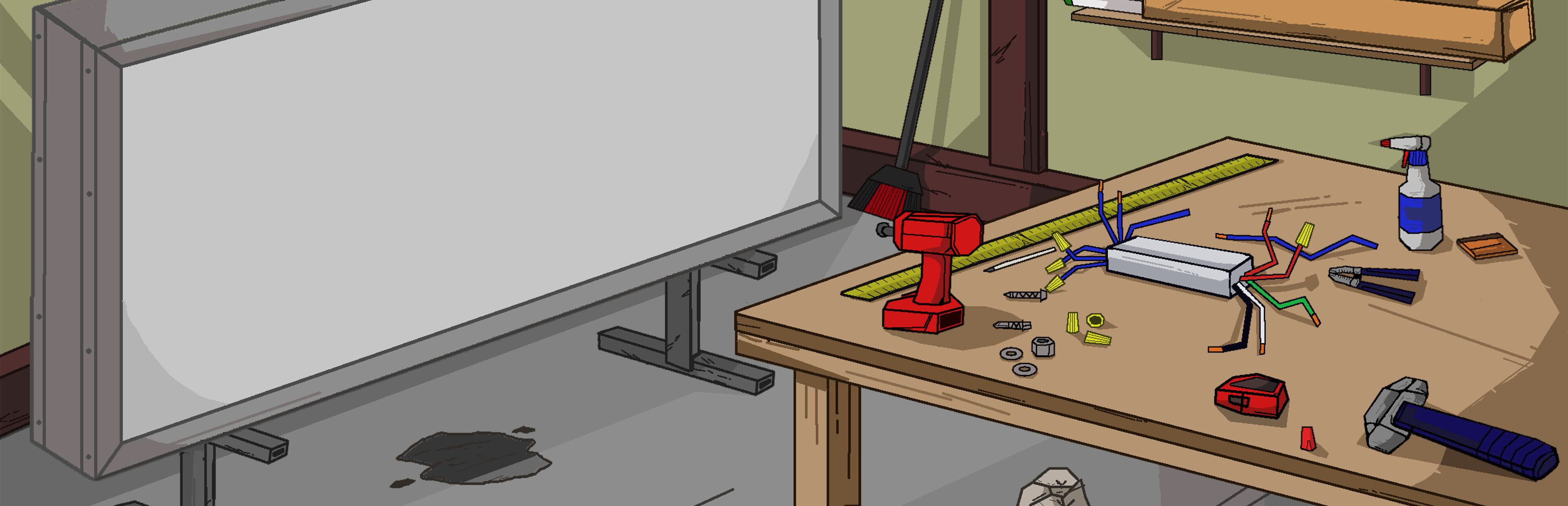
Adjusted shop layout: Drill and screws now on table with welding tool. Made Vinyl table a little bigger;
Fixed glitch where removing objects from a rack or saw would mess with proper functioning of the object's physics;
Fixed Clipboard glitch where Basic Task screen would get scrunched up;
Object description widget now shows metal bar size converted to units used, such as inches or centimeters. It also now shows the type of vinyl a vinyl print is. Example: "Vinyl Print - Main Logo";
Welder tool uses spool wire at a slower rate, deducts every 2 seconds instead of every 1;
Adjusted drop saw model blade to be oriented how it would be in real life [lol]. Other improvements to wall saw and drop saw to make them work smoother;
Various other glitch fixes and improvements;
Thanks for checking out these notes. And thanks for your support!
Source
Changelog.gg summarizes and formats this update. How we read updates.