
Full notes
Full Setback™ update
Read the full published notes in a cleaner layout. The original post stays linked below.
What changed
- Performance
- UI and audio
- Maps
- Gameplay
- Store
Cloud Optimization
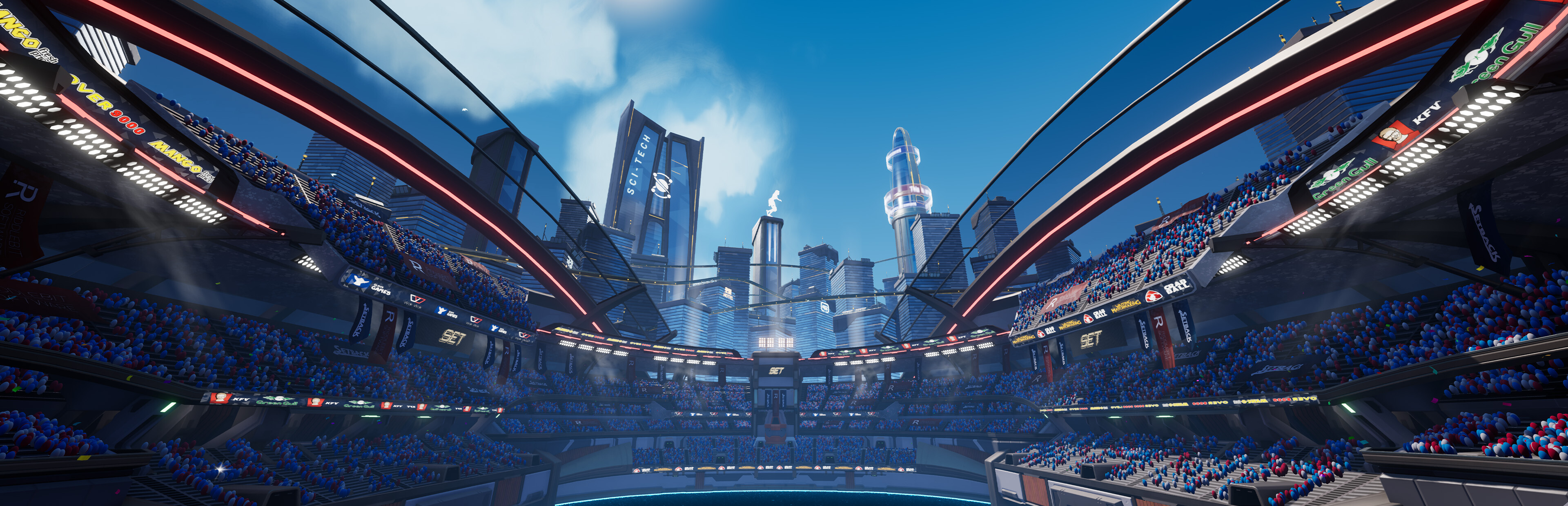
There’s a ton of ways to make a proper cloudscape. Volumetric clouds, handpainted cloudscapes, or even a mix of handpainted cloud texture maps that are shaded in post. Historically Setback has used hand drawn cloud cards, on a per cloud basis, that are spawned and shaded as particles in the sky. In hindsight, this was a horrible solution 🥲
The picture above is a what our old cloud optimization solution produced. It was a visibly pleasing cloudscape that was generated live and could be tuned in several ways through extensive parameters. While the flexibility of the old solution was nice, generating the cloudscape live is not an optimal solution.
The picture above showcases the downside of the current solution. As you can see the it’s just a ton of overlapping cloud cards that are horrible for performance. Fully opaque materials allow the renderer to ignore anything behind it, but translucent materials are rendered in layers and blended onto each other until it’s finally rendered over the front most opaque material. Long story short, on the white spaces above, the game is essentially rendering 10-20 pixels per pixel! So how do we fix it?
Optimizing the Cloudscape
The individual cloud masses are made from sprite sheets that looks like this:
The R & G channel are passed through a ton of shading code to render a multitude of cloud bodies that are spawned into a sphere surrounding the world. These cloud bodies blend together live and form the live cloud sphere.
A more performance friendly solution would be to generate this cloud sphere in the engine, except with colors that align with the rules of the original sprite sheet. Then we can do a cube capture of that sphere in engine. Now we can project this single cube capture onto the skybox. With this solution we now only have a single layer with a static cloud sphere, instead of having several dynamic clouds blending live. If we run this new sphere capture through the same shader we used on our cloud body particles, it should produce a similar result.
Unless you make a single typo in the code, then it’s going to end up looking like this.
But once it’s fixed it will look like this! As you can see it is more or less indistinguishable from the old live render result.
Except compared to the old solution the performance is significantly better now with no overlapping bodies in the sky.
Always bake your clouds. It’s good for the environment and it’s good for performance.
The Cost of Optimizing Clouds
The downside of the optimized cloud solution is that the cloud sphere no longer moves and morphs in a meaningful way. The shading code still gives it a cloud like swivel, but it’s not enough, we should at the very least rotate the cube map to add some movement.
Again, don’t make any typos in the code, cause then it cloud end up looking like this 🤭
This is what the final result looks like (Cloud movement sped up 40000% for demonstration purposes)
For Setback we use a hand drawn approach on a per cloud basis, and generate a full cloud sphere. In the future we’d like to hand draw the full cloud sphere, But for now, this solution is quite effective.
Future Dev Blogs
This was our first dev blog of many! Part of being an indie game dev is exchanging knowledge with other devs so that we can all make the best games possible. We want to share that knowledge with the world and hopefully help others learn tips and tricks to optimize their own projects! Wishlist Setback and follow our Steam Store page to stay ahead of the game 🎮. If you want to discuss something mentioned in this blog, join our Discord and ask away!
Source
Changelog.gg summarizes and formats this update. How we read updates.