
HomeGamesUpdatesPricingMethodology
Steam News3 November 20241y ago

Steam Deck Compatibility Tested - Verified!

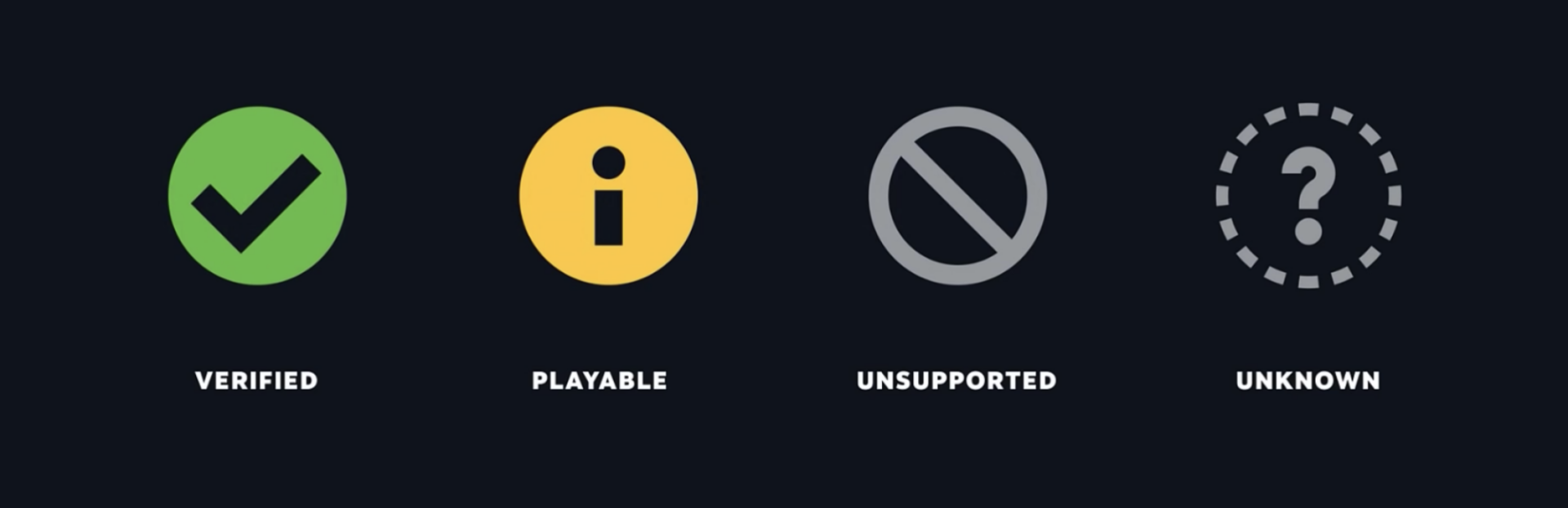
Great news, folks! Rivalhearts is verified playable on the Steam Deck! A general playthrough should be seamless, though there are just a few potential moments you may have to circumvent.

Full notes

Full Rivalhearts update

Read the full published notes in a cleaner layout. The original post stays linked below.

What changed

0 fixes0 additions1 change0 removals
  • UI and audio
changedKeyboard Finickiness There is also inconveniences when it comes to using the keyboard, but this is only relevant currently for renaming save pages. The keyboard will go away after first showing, so to bring it back just press Steam + X. As well, the keyboard may show up on top of where the text is being edited; this is fixable by just clicking the three bars button, which shifts the keyboard to the opposite side of the screen.

Rivalhearts changes

changedKeyboard Finickiness There is also inconveniences when it comes to using the keyboard, but this is only relevant currently for renaming save pages. The keyboard will go away after first showing, so to bring it back just press Steam + X. As well, the keyboard may show up on top of where the text is being edited; this is fixable by just clicking the three bars button, which shifts the keyboard to the opposite side of the screen.

Great news, folks!

Rivalhearts is verified playable on the Steam Deck!

A general playthrough should be seamless, though there are just a few potential moments you may have to circumvent. We'll go over them below:

Selecting Who to Pursue The main issue we encountered overall was this screen being janky to navigate with only the thumb sticks. It would be best to use the touch screen at that moment.

Keyboard Finickiness There is also inconveniences when it comes to using the keyboard, but this is only relevant currently for renaming save pages. The keyboard will go away after first showing, so to bring it back just press Steam + X. As well, the keyboard may show up on top of where the text is being edited; this is fixable by just clicking the three bars button, which shifts the keyboard to the opposite side of the screen.

That's about all we found that could cause a notable inconvenience when playing. Thanks for reading!

Source

Steam News / 3 November 2024

Open original post

Changelog.gg summarizes and formats this update. How we read updates.