
In this update2
Full notes
Full Poua! – Your Pomodoro Buddy & Minimal Desktop Timer update
Read the full published notes in a cleaner layout. The original post stays linked below.
What changed
1 fix1 addition1 change0 removals
- Gameplay
- Fixes
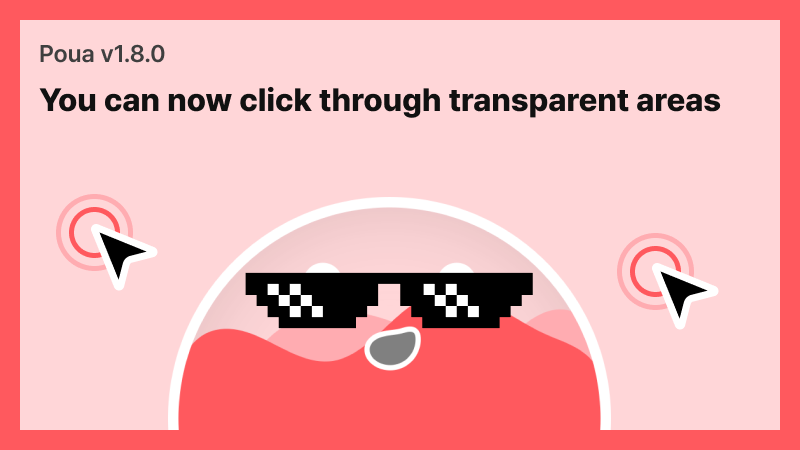
addedNew FeaturesYou can now click through the transparent parts of Poua to interact with windows or icons behind it.
changedNew FeaturesInteract with your desktop or other apps seamlessly even while Poua is active
fixedDeveloper's NoteI have finally implemented a long-requested feature. I've addressed the issue where transparent areas were still blocking clicks, which I know caused some inconvenience.
Poua! – Your Pomodoro Buddy & Minimal Desktop Timer changes
addedYou can now click through the transparent parts of Poua to interact with windows or icons behind it.
changedInteract with your desktop or other apps seamlessly even while Poua is active
fixedI have finally implemented a long-requested feature. I've addressed the issue where transparent areas were still blocking clicks, which I know caused some inconvenience.
New Features
Click-Through for Transparent Areas
You can now click through the transparent parts of Poua to interact with windows or icons behind it.
Implemented click-through for transparent regions
Interact with your desktop or other apps seamlessly even while Poua is active
Developer's Note
I have finally implemented a long-requested feature. I've addressed the issue where transparent areas were still blocking clicks, which I know caused some inconvenience.
Filling Burrito Studio
Source
Changelog.gg summarizes and formats this update. How we read updates.