
In this update3
Full notes
Full Poua! – Your Pomodoro Buddy & Minimal Desktop Timer update
Read the full published notes in a cleaner layout. The original post stays linked below.
What changed
- Gameplay
- Fixes
Poua! – Your Pomodoro Buddy & Minimal Desktop Timer changes
New Features
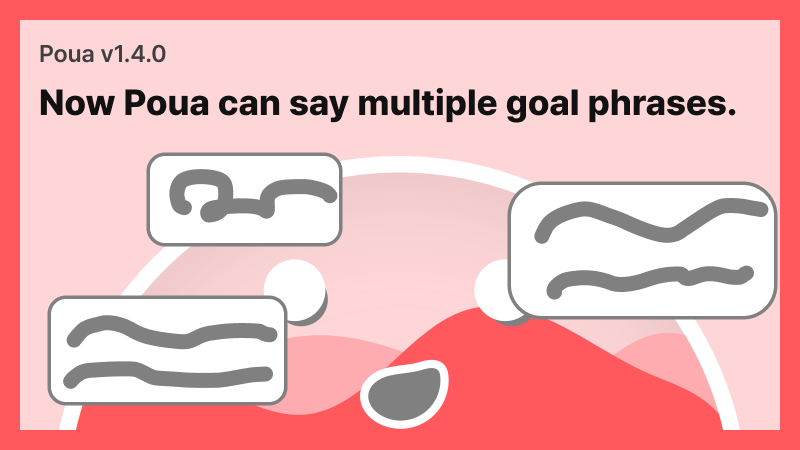
Multiple Goal Phrases System
Previously, you could only set one goal, but now you can register up to 10 additional phrases.
The primary goal phrase always appears when starting a focus session.
Additional phrases are optional and appear randomly after the primary goal.
You can register up to 10 additional phrases.
This feature was suggested by adub_212. Finally made it happen, thank you!
Weekly Stats Average Comparison
You can now compare each day's data with the average in weekly statistics.
Implemented milchreisgourmet's request. Thank you!
Fixes
Fixed icon distortion in Note at small resolutions.
Improved Note open/close animations.
Developer's Note
This update focuses on two features that many users have consistently requested. The multi goal dialogue system was something I approached carefully, but keeping the main goal as the anchor and letting additional lines be optional and shown at random turned out to be the most natural fit for Poua. It is meant to stay light to use while avoiding anything that disrupts focus.
The weekly statistics comparison was another request. I added an average comparison option and made it toggleable so you can turn it on only when you want it. It is simple, but it helps you understand your weekly patterns more clearly.
Since launch, Poua has improved step by step through user feedback. About six pieces of feedback from the demo period until now have already been incorporated. If you have ideas you want to see added or if you find any issues, feel free to send them. Poua is still not widely known, but the number of concurrent users keeps rising. Let's continue building it together. Filling Burrito Studio
Source
Changelog.gg summarizes and formats this update. How we read updates.