
In this update3
Full notes
Full Pinball Wicked update
Read the full published notes in a cleaner layout. The original post stays linked below.
What changed
- UI and audio
- Gameplay
- Compatibility
Pinball Wicked changes
Ahoy fellow Pinball Lovers!
What's new
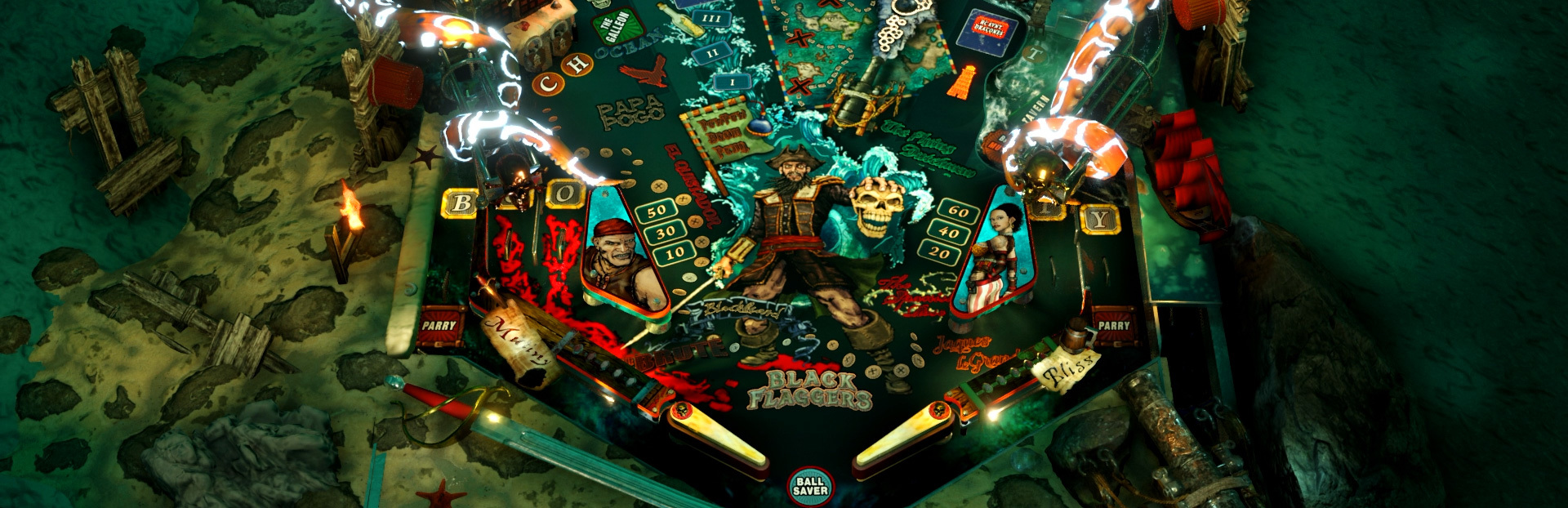
A new and colorful UI, the pause screen now displays the main missions' progress and more stats than ever. The Kraken shows it's true tentacles. New and improved portrait cameras and settings. Oh, and you'll be happy to know that the Adventures are now a bit easier to reach.
Update 7 - Kraken Rising - Patch Notes
Tentacles! Visible in "Action" mode by default, you can enable these for "Pure" via the "Kraken Mode" options in Settings->Operator.
new, improved and beautified UI
Windows desktop display orientation can now be set for the duration of the game via command line arguments (Properties/Set Launch Options...) e.g. rotate the main display by 90° / to portrait: -rotate 90 rotate display 2 by 270° / to portrait (flipped): -rotate2 270
command line options for Player Count 1-4 (-Players 3) and Game Style (-PureAction 0)
improved cameras: automatic portrait/landscape switch, camera saved per orientation, better handling of aspect ratios for all cameras, orientations and screen sizes, select aspect ratio constraints (16:9, 9:16, 4:3, 3:4).
dynamic mode for portrait cameras
camera selection now properly filtered and named according to orientation portrait/landscape
improved thumbstick/analog plunger control
seamiles increased by 20% for all lanes/ramps
Online System to support current and upcoming features
EULA and Privacy Policy are now presented on the first game start in addition to the already existing confirmation dialog before the game's installation which is presented by the steam client
feedback: you can now message us directly from within the game, which is especially useful for bug reports as this will transmit some debug information (e.g. ball states). This is currently one way, so if you want a reply please use the other support channels, too.
fixed: Buccaneer Frenzy achievement
fix: using Alt+Enter to switch from windowed to fullscreen will now use only valid resolutions as fullscreen resolution
- fixthe available resolutions are now always properly detected when using multi monitor setups with different diplays
Pinball Cabinet Support Addon
Multi Display / Window Support
The pinball cabinet support addon (beta) is a special offering which you can request directly from us. You can find the request form in the Addons menu of the preview build. This feature does require online activation and is currently available for free.
A backglass and a dmd window can be configured via the settings menu after activation. Custom background images can be added to the folder %LocalAppData%\PinballWicked\Images
Special Thanks to all of you who have taken the time to check out the preview on the experimental branch!
Stay tuned! Have fun! Flip out!
Source
Changelog.gg summarizes and formats this update. How we read updates.