What changed
0 fixes0 additions1 change0 removals
changedOverworld — Update 066: Linked POIs & Flexible Segment Editing This update adds clickable links to your points of interest and makes editing roads and rivers more flexible. 🔗 New: Links on Points of Interest - Give any POI a clickable link — a short label (like "Wiki" or "Lore") plus a web address. - Click the link to open it in your browser. - Paste a bare address (e.g. example.com) and it's tidied up automatically; only real web links are accepted, so you won't save a broken one. - Need several references on one POI? Drop extra URLs into the notes field as before — they're still detected. 🛣️ New: Edit roads & rivers across levels - Previously a road or river segment could only be edited on the exact level where you drew it. - Now you can adjust it from that level and any level below it — no more switching back just to tweak a segment. - Segments still stay on their original level and the levels beneath, never above, so nothing moves where you don't expect it. Fixes & polish - Fixed a button that could get "stuck" after opening a link and switching back to the editor. Thanks for playing, and keep the feedback coming!
Overworld - Map Keeper's Realm changes
changedOverworld — Update 066: Linked POIs & Flexible Segment Editing This update adds clickable links to your points of interest and makes editing roads and rivers more flexible. 🔗 New: Links on Points of Interest - Give any POI a clickable link — a short label (like "Wiki" or "Lore") plus a web address. - Click the link to open it in your browser. - Paste a bare address (e.g. example.com) and it's tidied up automatically; only real web links are accepted, so you won't save a broken one. - Need several references on one POI? Drop extra URLs into the notes field as before — they're still detected. 🛣️ New: Edit roads & rivers across levels - Previously a road or river segment could only be edited on the exact level where you drew it. - Now you can adjust it from that level and any level below it — no more switching back just to tweak a segment. - Segments still stay on their original level and the levels beneath, never above, so nothing moves where you don't expect it. Fixes & polish - Fixed a button that could get "stuck" after opening a link and switching back to the editor. Thanks for playing, and keep the feedback coming!
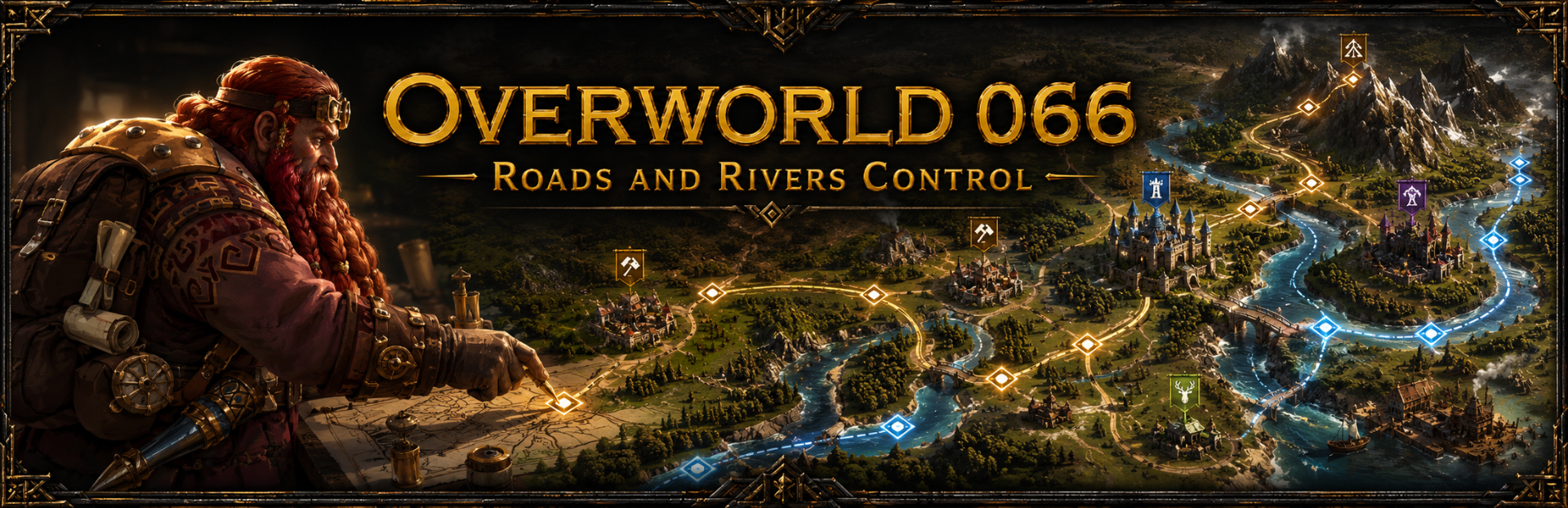
Overworld — Update 066: Linked POIs & Flexible Segment Editing This update adds clickable links to your points of interest and makes editing roads and rivers more flexible. 🔗 New: Links on Points of Interest - Give any POI a clickable link — a short label (like "Wiki" or "Lore") plus a web address. - Click the link to open it in your browser. - Paste a bare address (e.g. example.com) and it's tidied up automatically; only real web links are accepted, so you won't save a broken one. - Need several references on one POI? Drop extra URLs into the notes field as before — they're still detected. 🛣️ New: Edit roads & rivers across levels - Previously a road or river segment could only be edited on the exact level where you drew it. - Now you can adjust it from that level and any level below it — no more switching back just to tweak a segment. - Segments still stay on their original level and the levels beneath, never above, so nothing moves where you don't expect it. Fixes & polish - Fixed a button that could get "stuck" after opening a link and switching back to the editor. Thanks for playing, and keep the feedback coming!