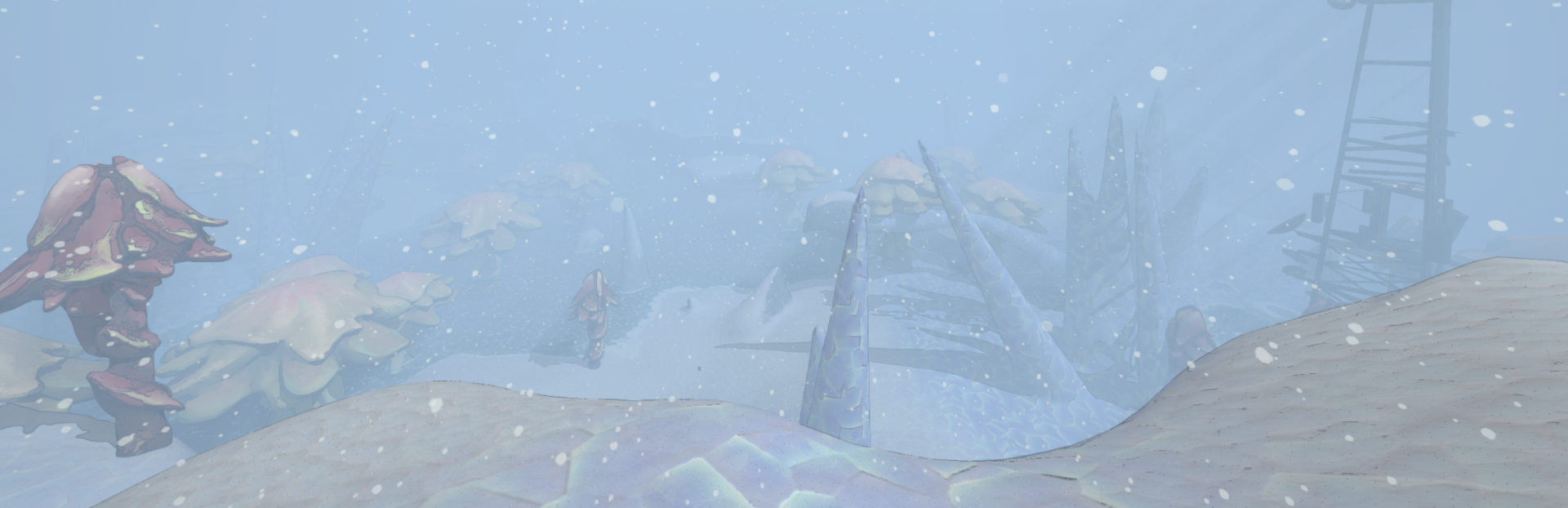
New Employee We’ve begun work on the 5th playable employee! The [REDACTED] is slated for 1.0 and we’re starting to toy around with her abilities.
In this update4
Full notes
Full Mycopunk update
Read the full published notes in a cleaner layout. The original post stays linked below.
What changed
0 fixes4 additions6 changes0 removals
Gameplay
Balance
Performance
Maps
addedEnemy ImprovementsOur focus for the next major update is the big enemy overhaul. The fungus on New Atlas infects machines, so you should really be fighting machines and not metal soccer balls. We’ll be replacing most of the existing enemy models with appliances & such. Here’s what a couple of the new (untextured) enemies look like in action:
addedEnemy ImprovementsI also added some dynamic bobbing to the enemies as they move. They move up and down based on how many legs are currently touching the ground, and rotate left and right based on their balance of moving legs. Most of the enemies also lean forward when they run at you.
changed(New) New Atlas ShaderNew Atlas is going to be getting a facelift soon. Both in the mission select and outside of the HUB, the planet will now be driven by a (very large) shader that will make the place something more to look at. With how we’re planning on changing up mission select, we want the planet to feel more alive and tangible instead of keeping it a big textured sphere (which, admittedly, is noticeably low rez :p).
changed(New) New Atlas ShaderSteam post image My testing version of the planet shader
added(New) New Atlas ShaderThe new shader handles many different customizable landmasses, letting us freely paint continents and islands onto the planet that each have their own texture mapping and coloring. This took a lot of time, and required a good deal of research. Most HD planets in games are much too heavy for what we need (NMS), or only have one biome (Helldivers), so I had to come up with something a little different. The system works by converting what we paint onto the model into customized UV data (normally what maps the textures). The biome textures are mapped on using projection mapping, letting us use the UVs as individual biome data that the shader uses to draw the different types of landmasses, even allowing them to be layered on top of each other if need be.
changed(New) New Atlas ShaderYou may be asking, Ms. Michael Punk, why did you make a whole modular system for handling tons of different biomes when there’s only five of them?
Mycopunk changes
addedOur focus for the next major update is the big enemy overhaul. The fungus on New Atlas infects machines, so you should really be fighting machines and not metal soccer balls. We’ll be replacing most of the existing enemy models with appliances & such. Here’s what a couple of the new (untextured) enemies look like in action:
addedI also added some dynamic bobbing to the enemies as they move. They move up and down based on how many legs are currently touching the ground, and rotate left and right based on their balance of moving legs. Most of the enemies also lean forward when they run at you.
changedNew Atlas is going to be getting a facelift soon. Both in the mission select and outside of the HUB, the planet will now be driven by a (very large) shader that will make the place something more to look at. With how we’re planning on changing up mission select, we want the planet to feel more alive and tangible instead of keeping it a big textured sphere (which, admittedly, is noticeably low rez :p).
changedSteam post image My testing version of the planet shader
addedThe new shader handles many different customizable landmasses, letting us freely paint continents and islands onto the planet that each have their own texture mapping and coloring. This took a lot of time, and required a good deal of research. Most HD planets in games are much too heavy for what we need (NMS), or only have one biome (Helldivers), so I had to come up with something a little different. The system works by converting what we paint onto the model into customized UV data (normally what maps the textures). The biome textures are mapped on using projection mapping, letting us use the UVs as individual biome data that the shader uses to draw the different types of landmasses, even allowing them to be layered on top of each other if need be.
New Employee
We’ve begun work on the 5th playable employee! The [REDACTED] is slated for 1.0 and we’re starting to toy around with her abilities. For now we’ll share a peek at her concept art:
Enemy Improvements
Our focus for the next major update is the big enemy overhaul. The fungus on New Atlas infects machines, so you should really be fighting machines and not metal soccer balls. We’ll be replacing most of the existing enemy models with appliances & such. Here’s what a couple of the new (untextured) enemies look like in action:
I also added some dynamic bobbing to the enemies as they move. They move up and down based on how many legs are currently touching the ground, and rotate left and right based on their balance of moving legs. Most of the enemies also lean forward when they run at you.
-Liam
(New) New Atlas Shader
New Atlas is going to be getting a facelift soon. Both in the mission select and outside of the HUB, the planet will now be driven by a (very large) shader that will make the place something more to look at. With how we’re planning on changing up mission select, we want the planet to feel more alive and tangible instead of keeping it a big textured sphere (which, admittedly, is noticeably low rez :p).
Steam post image My testing version of the planet shader
The new shader handles many different customizable landmasses, letting us freely paint continents and islands onto the planet that each have their own texture mapping and coloring. This took a lot of time, and required a good deal of research. Most HD planets in games are much too heavy for what we need (NMS), or only have one biome (Helldivers), so I had to come up with something a little different. The system works by converting what we paint onto the model into customized UV data (normally what maps the textures). The biome textures are mapped on using projection mapping, letting us use the UVs as individual biome data that the shader uses to draw the different types of landmasses, even allowing them to be layered on top of each other if need be.
You may be asking, Ms. Michael Punk, why did you make a whole modular system for handling tons of different biomes when there’s only five of them?
And to that I say… Why do you think?
-Noah
Optimizing The Planet Mesh
Mesh UVs are usually stored in sets of 2 4-byte numbers per vertex. Say we have 8 biomes - that is 32 extra bytes per vertex, and it adds up quickly. Could the game handle this just fine? Yeah… but it’s fun to optimize.
I made a custom import script for our planet mesh that turns each UV channel into 4 UNorm8 values. A UNorm8 is a small 1-byte number that can only go between 0 and 1. With this I can fit the same amount of biome data into 8 bytes instead of 32. Cool.
-Liam
That’s all for this week! Roachard’s throwing a fit over in the kitchen so I have to go tend to him. (He spilled another bag of Saxitos.)