
Full notes
Full Modulus: Factory Automation update
Read the full published notes in a cleaner layout. The original post stays linked below.
Repeated intro
Hey Module Makers!
What changed
- Balance
Modulus: Factory Automation changes
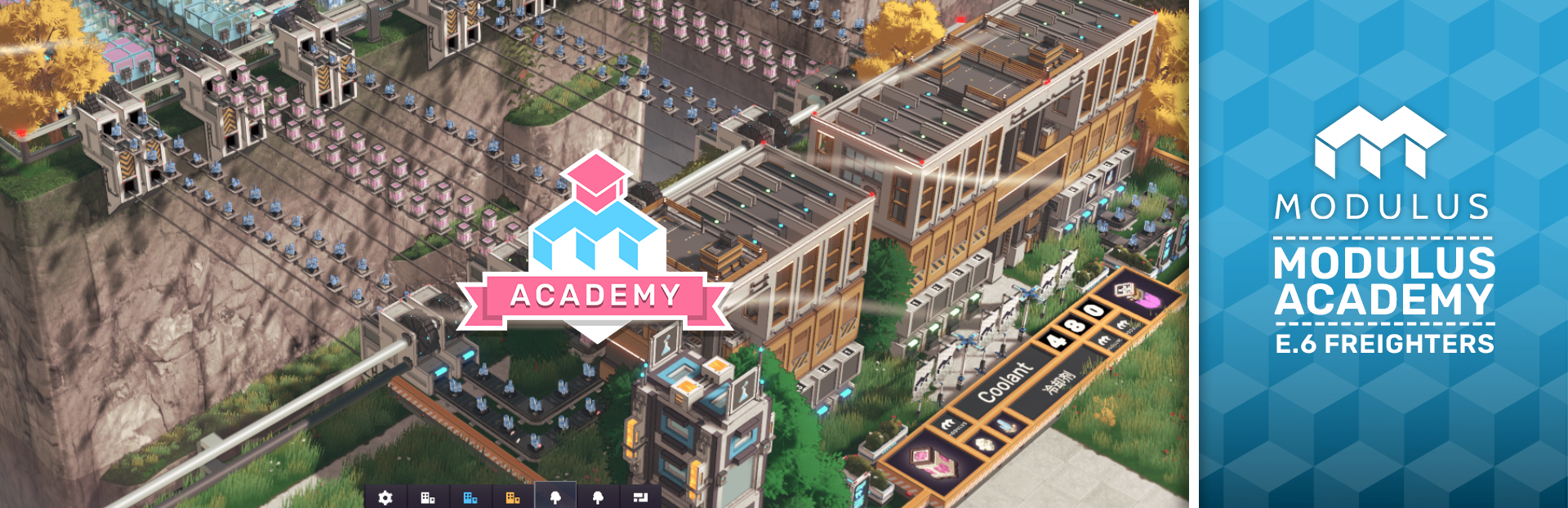
David's back in the Academy, and this episode is a big one. Freighters are something you'll encounter a bit later in the game, but once your factory starts spanning multiple islands, they become essential for clean, scalable logistics. Here's everything you need to know.
The Basics | Setting Up Your First Freighter
The core idea behind freighters is simple: instead of running skylines everywhere, you use freight hubs to centralise a resource and distribute it cleanly across your factory.
When placing a freight hub, pay close attention to which input dock you're delivering to. The freighter has four cargo containers, each corresponding to a dock number, so if your resource arrives at dock one, the freighter will load it into cargo slot one. Slots two, three, and four won't pick up anything unless something is connected to those docks.
A habit worth building early: always name your freight hubs clearly. Something like "Coolant Distribution" or "Coolant Deposit" goes a long way when you're managing multiple routes and things start getting busy.Steam post imageTo configure a freighter, open Freighter Control either from the top menu or by clicking a freight hub directly. From there you assign a name, a colour, and set up its route, clicking once on a cargo slot sets it to load, clicking twice sets it to offload. Once applied, your freighter will run the route continuously without any further input.
One thing to watch: if you change what's coming into a dock, the dock still expects the original resource. To reset it, you'll need to clear the dock's contents first. It's easy to miss and can cause a freighter to get stuck holding cargo it can't deliver anywhere.
Overflow Distribution | Feeding Multiple Hubs Automatically
Once you're producing at scale, you'll often find yourself sending one resource to several different destinations. Freighters handle this more elegantly than you might expect.
David's example uses blue paint: 240 units per minute produced, split across two factories each consuming 120. Rather than trying to divide the route precisely, you can configure a single freighter to drop off at both destinations in sequence. If the first hub is full, the freighter holds onto the remainder and offloads it at the next stop. Over time, the system self-regulates, production and consumption balance out, and there are no blockages.
One thing to keep in mind: distance matters. If your freight hubs are far apart, the freighter may be too slow to keep up with production, and you'll need to run a second freighter on the same route to compensate.
Multipurpose Freighters | Two Jobs, One Route
If you're running low on freighters or just want to keep things efficient, a single freighter can handle multiple operations at once. In David's example, the freighter delivers yellow paint outbound and picks up a different resource on the return leg, bringing it back to the starting hub.
The key is keeping a close eye on your dock assignments. With multiple resources moving through the same freighter, it's easy to accidentally mix things up. As long as you're deliberate about which cargo slot carries which item, it works cleanly and saves you a freighter on the roster.
That's your Episode 6 breakdown! Got questions about freighters? Drop them in the comments, and make sure you're following us on Steam so you don't miss the next episode.
See you on the factory floor. — Team Happy Volcano
Source
Changelog.gg summarizes and formats this update. How we read updates.