
In this update6
Full notes
Full Mineral Mining Simulator update
Read the full published notes in a cleaner layout. The original post stays linked below.
What changed
- Gameplay
Mineral Mining Simulator changes
Hi miners, 😄
Thank you very much for your continued support, reports, feedback, and suggestions.
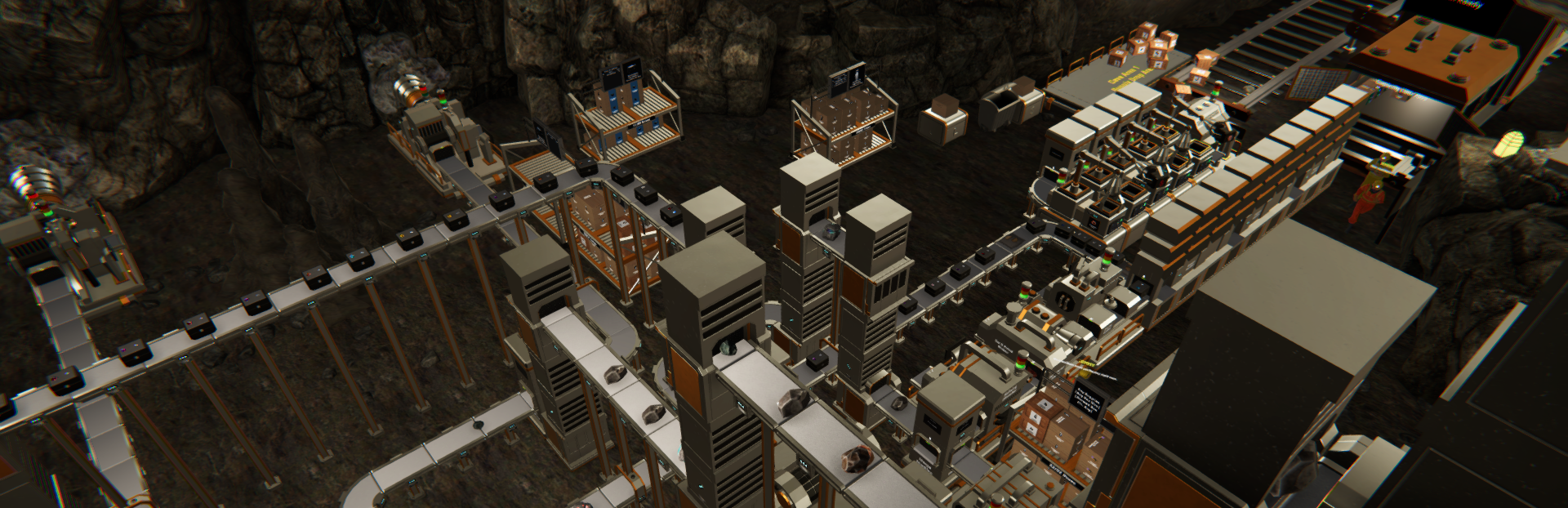
As mining facilities continue to grow across different parts of the cave, managing where employees should work can become increasingly important. In this update, we are introducing Employee Working Areas, along with additional Cave Area information to make larger operations easier to organize.
We are also adding a new tool for clearing accumulated ground items, which can help keep heavily developed mining facilities cleaner and easier to manage.
Here is what is available in the latest version.
Main Updates
1. Employee Working Areas
Employees can now be assigned to specific Cave Areas through the Employee Management menu.
Each employee now has a Working Area setting where players can choose which available Cave Areas that employee is allowed to work in.
By default, all available areas are enabled, maintaining the previous behavior where employees can work throughout the facility.
Players can disable individual Cave Areas to prevent an employee from taking tasks within those locations.
The Working Area setting affects the employee when looking for supported tasks involving:
Machines
Supply Racks
Loose boxes
For example, an employee assigned only to Cave Area 1 will ignore supported tasks located in Cave Area 2.
Changes to the Working Area settings take effect immediately and are saved with the game.
Objects located outside the defined Cave Areas can still be handled normally, allowing employees to continue working in shared or neutral areas when needed.
2. Clear Ground Items
We added a new Clear Ground Items option to the Pause Menu.
This feature allows players to remove loose items that have accumulated on the ground throughout the mining facility.
After selecting the option, a confirmation will appear before any items are removed.
The cleanup only affects loose items that have already stopped moving on the ground. Items that are:
Still falling or moving
Currently being carried
will not be removed.
After the cleanup is completed, a notification will show how many ground items were removed.
Please note that this action cannot be undone, so we recommend checking the area before confirming the cleanup.
This feature can be especially useful for large mining operations where dropped rocks, minerals, gemstones, or other loose items have accumulated over time.
Improvements
1. Cave Area Location in Machine Management
Machine Management now provides clearer information about where machines are located.
Machine cards can now display their current Cave Area, such as:
Cave Area 1
Cave Area 2
This information updates when the machine is moved to another area.
For Core Drill Units, the location information can also include the associated mining point, making individual drills easier to identify when managing multiple mining locations.
Machines outside the defined Cave Areas will not display Cave Area information.
2. Cave Area Ground Markers
We added clearer ground markers around the boundaries between Cave Areas.
These markers display the Cave Area number directly on the cave floor, making it easier to recognize when moving between different sections of the mining facility.
This should also make it easier to plan employee Working Areas and organize machines according to their location.
Thank you again for your continued support, reports, and feedback. We are still reviewing everything you share and will continue prioritizing improvements based on feasibility and impact.
As mining facilities become larger and more complex, we will continue looking for ways to make managing machines, employees, and production areas more convenient.
If you encounter any issues or unexpected behavior, please report them through the in-game report feature or through the Steam Discussions page so we can investigate further.
See you in the next update!
Source
Changelog.gg summarizes and formats this update. How we read updates.