
In this update4
Full notes
Full Milling Machine Simulator 3D update
Read the full published notes in a cleaner layout. The original post stays linked below.
What changed
- Gameplay
- Workshop
- UI and audio
- Fixes
Milling Machine Simulator 3D changes
This update brings a major step forward in visual quality and several quality-of-life improvements based on player feedback. The goal is simple: make Milling Machine Simulator feel smoother, more realistic, and more enjoyable from the moment you start.
🎨 Graphics Upgrade
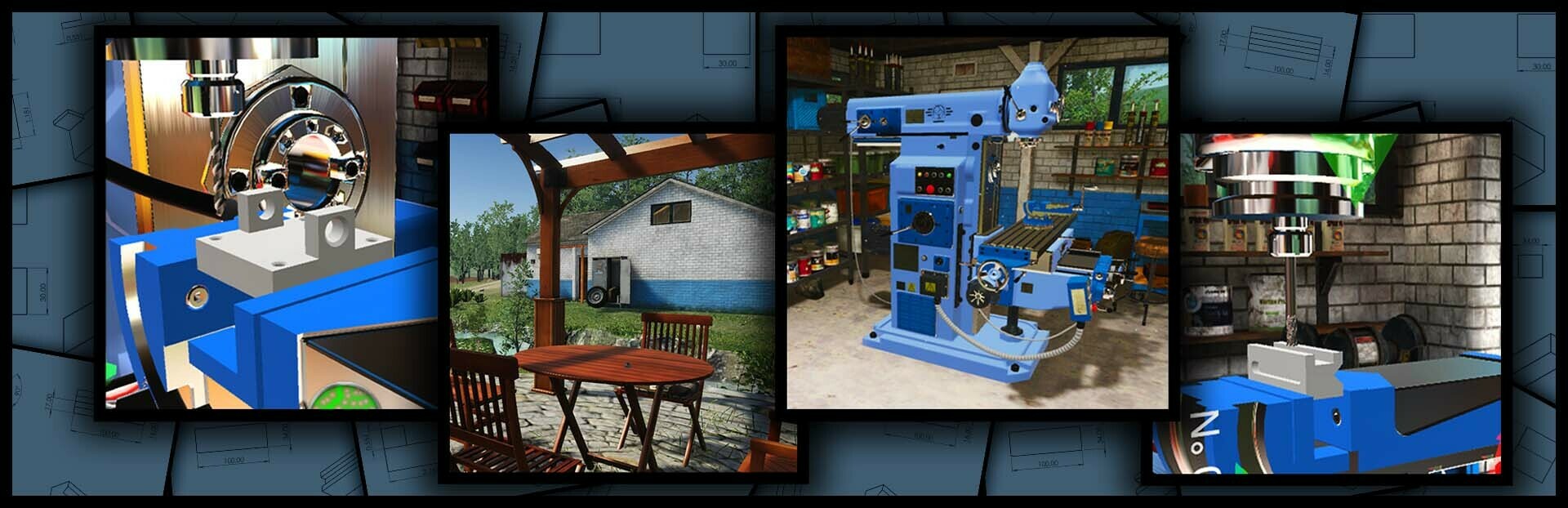
Improved lighting and shadow quality for a more realistic and immersive workshop atmosphere
Better depth, contrast, and overall visual clarity during machining operations
⚙️ New Feature
Autosave interval selection while a CNC program is running You can now choose how often the game autosaves during CNC execution, giving you more control and peace of mind during long jobs.
🛠️ Fixes
- LATHEFixed an issue where the wrong axis was shown in measurements
🚀 Workflow Improvements
Intro scene now plays only on first launch Faster access to the simulator on subsequent starts.
Vise and chuck now start opened by default No more unnecessary waiting before you can begin machining.
As always, thank you for your support and feedback — it directly shapes the simulator’s development. If you have ideas, feature requests, or notice anything that could be improved, feel free to share them in the Steam discussions.
Happy machining! 🦾🧰
Source
Changelog.gg summarizes and formats this update. How we read updates.