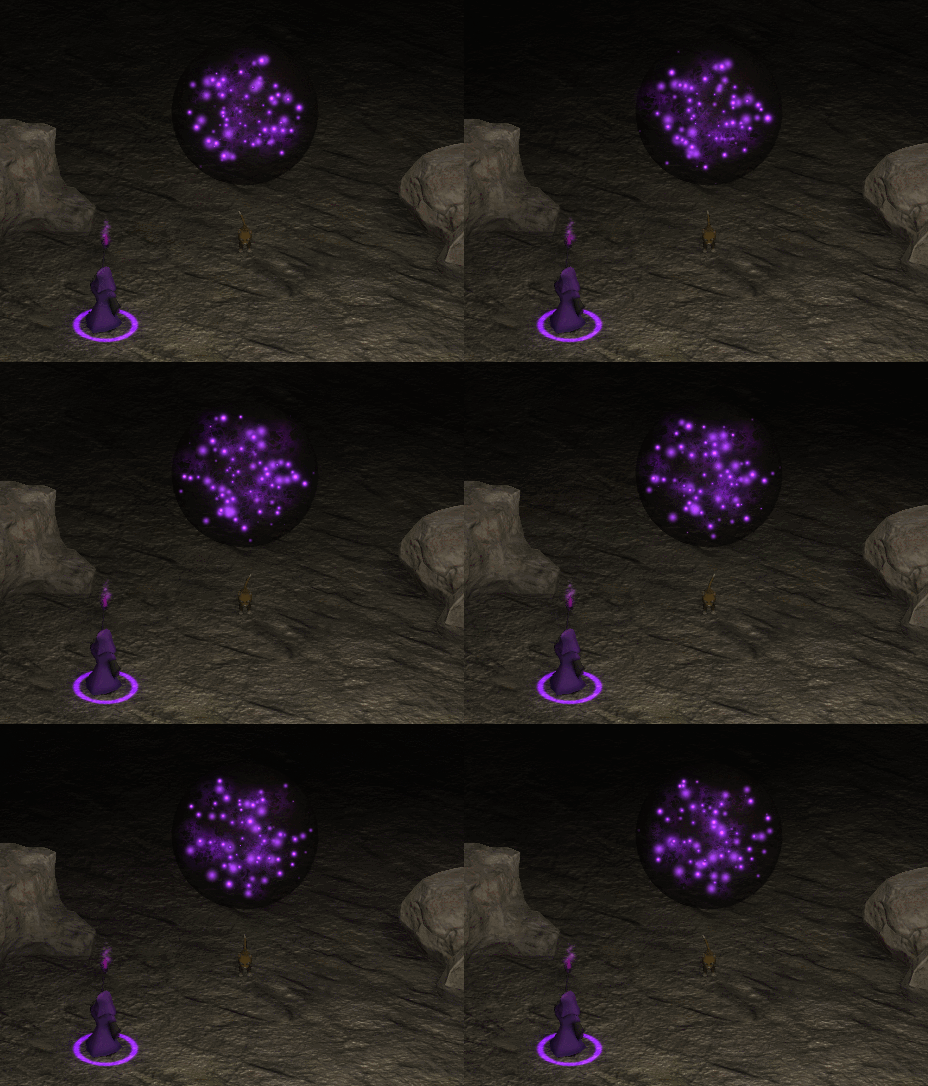
Hello folks. Finally, after 2 years Mage Fort is ready for release! Tomorrow May 10th Mage Fort will be available. Many thanks to the folks who beta tested and provided feedback. I really appreciate it.
Full notes
Full Mage Fort update
Read the full published notes in a cleaner layout. The original post stays linked below.
Repeated intro
Hello folks. Finally, after 2 years Mage Fort is ready for release! Tomorrow May 10th Mage Fort will be available. Many thanks to the folks who beta tested and provided feedback. I really appreciate it. I couldn't have gotten to this point without you. <3 And of course I'll continue to support this game post launch! :)
What changed
1 fix0 additions1 change0 removals
Compatibility
Gameplay
changedHello folks. Finally, after 2 years Mage Fort is ready for release! Tomorrow May 10th Mage Fort will be available. Many thanks to the folks who beta tested and provided feedback. I really appreciate it. I couldn't have gotten to this point without you. <3 And of course I'll continue to support this game post launch! :)
fixedThis update includes several bug fixes and some interface/control tweaks based on player feedback. General - The game will now stay visible if the player clicks off screen or alt tabs. - Tutorial now includes better dialogs regarding mouse and keyboard controls Balance: - (Level 3) Waves of enemies decreased early on - (Green) poison bolt explosion radius increased to 6m - (Red) Blood beam rate of fire greatly increased (health drain decreased). Mouse/Keyboard Controls Reference: Attacks: 1, 2, 3, 4 Movement: Mouse 1 (Hold or Click to move) Turning: Mouse 2 Interact: E, Enter Dash: F, LShift Exit/Cancel: Esc Cannon Tilt/Turn: Arrow Keys, Q, R Bug Fixes: - Fixed an issue where some spells were incorrectly passing through walls/floors. - Fixed a bug where lightning visuals would stop working but would still cause dmg. - Fixed an issue where lightning spells would sometimes stop showing the lightning graphic (although dmg still was being dealt) - Fixed an issue where the player would sometimes return to the lobby and not be able to interact with anything - Returning to the Lobby while dead will no longer cause your mage to vanish and throw an exception. - Survival mode duration was incorrectly set. Now lasts up to 12-15minutes (although it seems unlikely anyone will survive this long!) - Gates can now be rebuilt on level 1 & 2 - Dash now works while stationary - (Tutorial) Player should not be able to cause an error by destroying the wall during the wall building tutorial. - (Level 1) Cat will now return home via the portal in Survival mode. Meow. Multiplayer Fixes: - Client spells that create a field (poison, regen, fire) no longer throw an exception - Fixed an issue that prevented clients from quitting out of an active game properly - Non Master-clients will now correctly sync level difficulty on Survival mode - Cannon will correctly sync overheat/malfunction events to all clients - Destroyed gates no longer throw an exception - (Lobby) Mage class selection is now disabled a few moments before starting a level
Mage Fort changes
changedHello folks. Finally, after 2 years Mage Fort is ready for release! Tomorrow May 10th Mage Fort will be available. Many thanks to the folks who beta tested and provided feedback. I really appreciate it. I couldn't have gotten to this point without you. <3 And of course I'll continue to support this game post launch! :)
fixedThis update includes several bug fixes and some interface/control tweaks based on player feedback. General - The game will now stay visible if the player clicks off screen or alt tabs. - Tutorial now includes better dialogs regarding mouse and keyboard controls Balance: - (Level 3) Waves of enemies decreased early on - (Green) poison bolt explosion radius increased to 6m - (Red) Blood beam rate of fire greatly increased (health drain decreased). Mouse/Keyboard Controls Reference: Attacks: 1, 2, 3, 4 Movement: Mouse 1 (Hold or Click to move) Turning: Mouse 2 Interact: E, Enter Dash: F, LShift Exit/Cancel: Esc Cannon Tilt/Turn: Arrow Keys, Q, R Bug Fixes: - Fixed an issue where some spells were incorrectly passing through walls/floors. - Fixed a bug where lightning visuals would stop working but would still cause dmg. - Fixed an issue where lightning spells would sometimes stop showing the lightning graphic (although dmg still was being dealt) - Fixed an issue where the player would sometimes return to the lobby and not be able to interact with anything - Returning to the Lobby while dead will no longer cause your mage to vanish and throw an exception. - Survival mode duration was incorrectly set. Now lasts up to 12-15minutes (although it seems unlikely anyone will survive this long!) - Gates can now be rebuilt on level 1 & 2 - Dash now works while stationary - (Tutorial) Player should not be able to cause an error by destroying the wall during the wall building tutorial. - (Level 1) Cat will now return home via the portal in Survival mode. Meow. Multiplayer Fixes: - Client spells that create a field (poison, regen, fire) no longer throw an exception - Fixed an issue that prevented clients from quitting out of an active game properly - Non Master-clients will now correctly sync level difficulty on Survival mode - Cannon will correctly sync overheat/malfunction events to all clients - Destroyed gates no longer throw an exception - (Lobby) Mage class selection is now disabled a few moments before starting a level
This update includes several bug fixes and some interface/control tweaks based on player feedback. General - The game will now stay visible if the player clicks off screen or alt tabs. - Tutorial now includes better dialogs regarding mouse and keyboard controls Balance: - (Level 3) Waves of enemies decreased early on - (Green) poison bolt explosion radius increased to 6m - (Red) Blood beam rate of fire greatly increased (health drain decreased).
Mouse/Keyboard Controls Reference
Attacks: 1, 2, 3, 4 Movement: Mouse 1 (Hold or Click to move)
Turning
Mouse 2 Interact: E, Enter Dash: F, LShift Exit/Cancel: Esc Cannon Tilt/Turn: Arrow Keys, Q, R Bug Fixes: - Fixed an issue where some spells were incorrectly passing through walls/floors. - Fixed a bug where lightning visuals would stop working but would still cause dmg. - Fixed an issue where lightning spells would sometimes stop showing the lightning graphic (although dmg still was being dealt) - Fixed an issue where the player would sometimes return to the lobby and not be able to interact with anything - Returning to the Lobby while dead will no longer cause your mage to vanish and throw an exception. - Survival mode duration was incorrectly set. Now lasts up to 12-15minutes (although it seems unlikely anyone will survive this long!) - Gates can now be rebuilt on level 1 & 2 - Dash now works while stationary - (Tutorial) Player should not be able to cause an error by destroying the wall during the wall building tutorial. - (Level 1) Cat will now return home via the portal in Survival mode. Meow.
Multiplayer Fixes
- Client spells that create a field (poison, regen, fire) no longer throw an exception - Fixed an issue that prevented clients from quitting out of an active game properly - Non Master-clients will now correctly sync level difficulty on Survival mode - Cannon will correctly sync overheat/malfunction events to all clients - Destroyed gates no longer throw an exception - (Lobby) Mage class selection is now disabled a few moments before starting a level