
Full notes
Full MadCowBalls2 update
Read the full published notes in a cleaner layout. The original post stays linked below.
What changed
0 fixes1 addition0 changes1 removal
- UI and audio
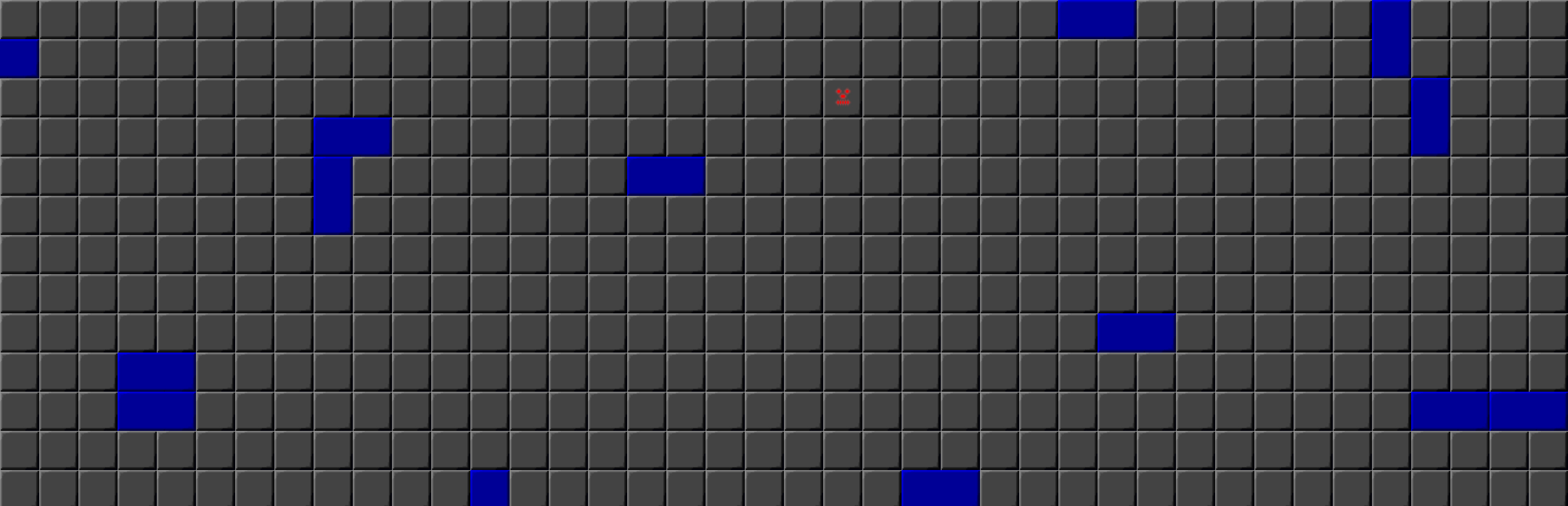
addedI have added a selfplaying screeensaver. Start Screensaver installer to configure the application. At the end of the installer the Windows Screensaver option menu should launch (Tested in windows 10).
removedThe Screensaver is a build of 2.2.5 and it loads settings from the launcher including Music and Graphical Theme, Graphics settings, Graphical Interface settngs. It is using the setting "Cheat" and therefore High Score is disabled.
MadCowBalls2 changes
addedI have added a selfplaying screeensaver. Start Screensaver installer to configure the application. At the end of the installer the Windows Screensaver option menu should launch (Tested in windows 10).
removedThe Screensaver is a build of 2.2.5 and it loads settings from the launcher including Music and Graphical Theme, Graphics settings, Graphical Interface settngs. It is using the setting "Cheat" and therefore High Score is disabled.
I have added a selfplaying screeensaver. Start Screensaver installer to configure the application. At the end of the installer the Windows Screensaver option menu should launch (Tested in windows 10).
The Screensaver is a build of 2.2.5 and it loads settings from the launcher including Music and Graphical Theme, Graphics settings, Graphical Interface settngs. It is using the setting "Cheat" and therefore High Score is disabled.
Source
Changelog.gg summarizes and formats this update. How we read updates.