
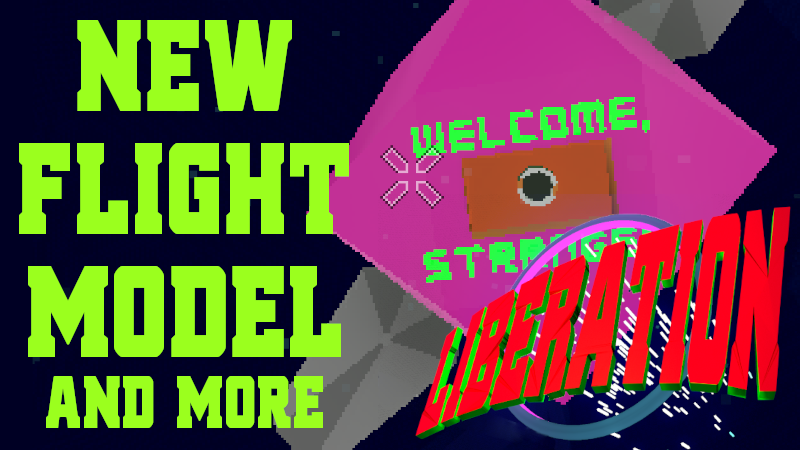
In this update3
Full notes
Full Liberation update
Read the full published notes in a cleaner layout. The original post stays linked below.
What changed
- Gameplay
- Balance
- UI and audio
- Performance
Liberation changes
Hi everyone,
Liberation is not just a game that looks retro, I also want to provide an authentic retro gaming experience. There's a lot of interpretation in that goal. I'm not necessarily here to recreate old gaming mechanics exactly, rather I want to capture the *feel* of playing an early generation space sim. To me that means a sense of wonder, a sense of entertainment, a sense of freedom with not much hand-holding.
At launch, Liberation used a flight scheme similar to the original Elite from 1984. To fly you pitch up and down and rotate your ship. There is no turning (fancy name: yaw). I love that control scheme -- it feels so floaty to me, there is no up or down and space battles become these wonderful swooping and rolling affairs.
However, based on feedback I have decided to use a more modern flight scheme for Liberation. Here's why:
The old scheme does not suit gamepads and that is half of the players
Players today expect to be able to turn their ship (fair enough!)
I didn't implement the original scheme so perfect that it would kill me to change it
So this release is ALL ABOUT replacing and tightening up the flight controls (but a few bonus features slipped in too). The major changes are:
New flight model adds turning/yaw
New weapon system for improved auto tracking and accuracy
Improved gamepad support (on-screen icons, more gamepad types supported)
Incoming communications now pause the game
I can never promise new features or anything but my priorities in the near future are mouse support, mission balance updates, and some juicy quality of life improvements (eg highlight which jumpgate is best for the current mission).
Your support makes it happen!
Regards, Luke
Add
- New flight modelAdded yaw (turning) to ship control
- New flight modelNew float model (responsiveness generally up)
- New flight modelPrecision effect reworked
New laser model: Single laser with two beams replaced with two lasers.
New laser model: Laser gimbal is radial instead of pitch/yaw
- New laser modelLaser has improved collision with targets
Add arrow icon on HUD to track target, keep on screen
Rotate arrow icon to point at target
Pause game when comms or other system tabs are open
Make docking computer swivel player towards target even if docking denied. This opens up a new tactic during battle
add remap support for more joystick buttons (test support with sidewinder precision 2)
Show dpad icons on HUD next to system/weapon rows when gamepad detected
Auto change the on screen button text if device changes
Add icons for playstation controllers
Add icons for xbox controllers
Add gamepad icon to Target HUD
Add gamepad icon for Launch in prologue
Add gamepad icon on comms advance
Add gamepad speed up and speed down icons to HUD
Empty comms shows "no messages"
List attached gamepads on remap screen
Add support for Microsoft Sidewinder gamepads
Add support for PS gamepads
Add support for X360 gamepads
Add tab key to cycle through Target HUD
Change
Relax cargo rules on mining station mission
Auto target only when target is in cross hairs
Replace targeting gimbal with radial and made it larger
Improve laser gimbal accuracy, especially on low performance machines
Improve accuracy or enemy fighters
Make weapon system buttons loop left on HUD
Ignore function keys (eg volume) on title screen
Update to Godot 4.2rc2
Stop gamepads triggering boost and other systems when in prologue
Make comms close button grab focus when comms empty
Update keyboard manual entry to reflect new flight model
Match gamepad and keyboard invert pitch
Make limpet mines not do damage in story mode
Stop embarking losing focus for gamepad on market
Stop upgrade button losing focus for gamepad on market
Fix
Fix to disembarking passengers and cargo when there are other passengers and cargo
Fix to encrypted package mission is done in different order
Stop laser SFX immediately when ship destroyed
Stop bug where toggling scaling (in fullscreen?) causes resolution to go 2x2 pixels
Stop toggling retro scaling causing crash on mac
Fix R/RS gamepad not displaying on remapping screen
Source
Changelog.gg summarizes and formats this update. How we read updates.