
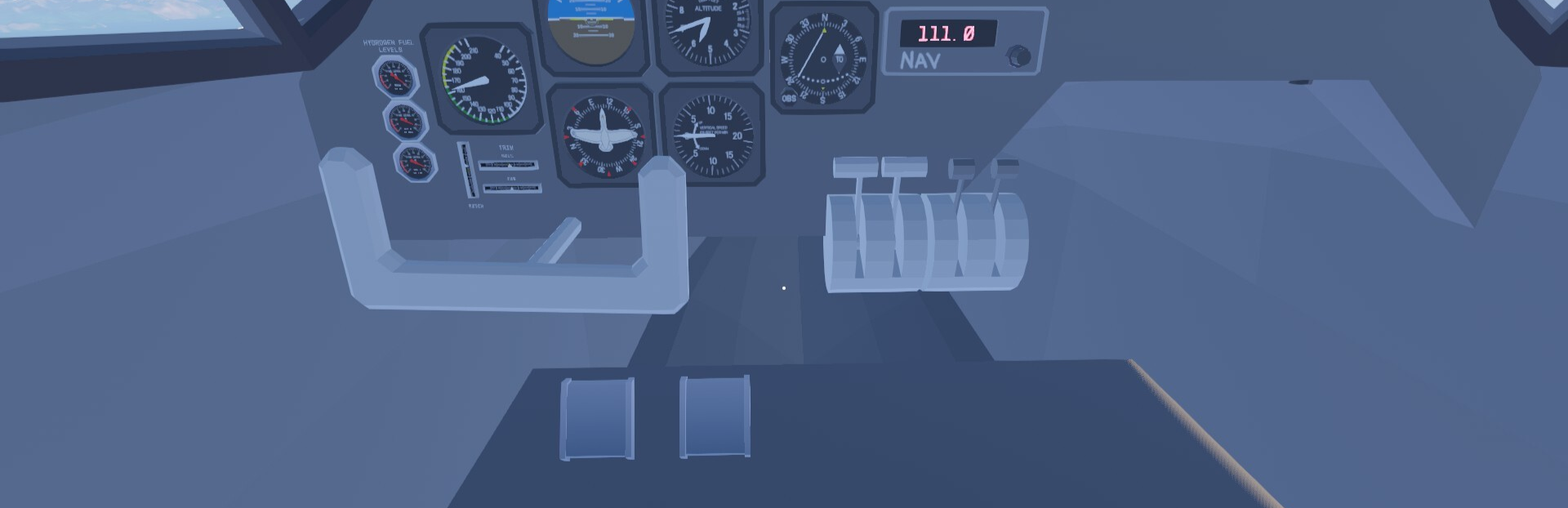
In this update4
Full notes
Full Lakehopper update
Read the full published notes in a cleaner layout. The original post stays linked below.
What changed
- Compatibility
- Gameplay
- Fixes
- UI and audio
- Performance
Lakehopper changes
Hi everybody! Important stuff first!
This update is currently only on the beta branch. You can swap to the beta branch by going into the game properties (under the right click menu on PC), going to "Game Versions & Betas" and selecting the "beta" option. Eventually this will merge with the default version in a few days, but the change is so big I want to verify it's not going to cause major problems first. You can verify you have the right version by checking that the main menu shows 0.3.2 in the upper left hand corner.
I have changed the default keys for the wrench, rope, and flashlight. On keyboard, the wrench is now on F, the flashlight is on G, and the rope is on R. The intent of this is to put more frequently used tools in more convenient spots.
This update took slightly longer than I wanted to get out the door, but it's a big change to a very core system. I've completely changed the underlying input system in the game to one that has much better support for HOTAS, yoke, joystick, rudder pedal, and all sorts of other input devices. No more missing axes or buttons! (For the technical minded, I've swapped from Unity's InputSystem to Rewired.)
If you've had issues with your flight sim peripherals in the past, please swap to the beta branch and check out the new 0.3.2 update. This update changes the rebinding UI to a new temporary UI, and you'll need to redo any existing bindings. I'm not super happy with the layout of this UI and will change it in the future, but I wanted to get the technical changes out for testing ASAP.
Please report bugs, or verify that the update fixed your issues, in this discussion thread here: https://steamcommunity.com/app/4209010/discussions/0/807974496347683301/
This update also includes some bugfixes and minor changes which are detailed below.
Changelog
Major Changes
- Complete refactor of the input systemAs mentioned above, the technical backend of how the game handles input devices has been changed. Many HOTASes, yokes, joysticks, pedals, etc., with issues will now be handled correctly. The names I've seen most commonly are Thrustmaster, Saitek, and VKB, all of which should see improved support. Many peripherals will have some basic default bindings as well. This involves a bunch of changes, the most obvious of which is a new UI. This UI is temporary and will be replaced with something more streamlined that better fits the game's needs at some point in the future.
Improvements
- Improved "Recover Plane"The "Recover Plane" option in the pause menu has been changed to "Recover/Return to Plane" and will now work even if you're not sitting in the pilot seat. This now allows you to return to the plane if you've fallen out, or if the plane has sailed away from you on the water, or slid down a hill away from you. This will still put you in a mode where you pick up the plane, rather than simply teleporting you back inside. And this will cause issues if the plane is in flight as the plane's speed drops to zero when recovered. Prepare to recover from a nosedive if returning to the plane after skydiving. (This will be fixed in a future update.)
- Changed default keys for toolsI've changed the default keys for the wrench, rope and flashlight. By default, the wrench is now on F, the flashlight is on G, and the rope is on R. This should be more convenient, but might take a moment to get used to. The logic here is that you swap in and out of the wrench and rope more often than the flashlight, so moving those to more convenient spots should be better.
Added a default held item rotate binding to gamepads: On keyboard you can hold Alt to rotate an item you're holding. This modifier wasn't bound on gamepad, but is now on D-pad up by default.
Bugfixes
Fixed plane recolor UI on ultrawide monitors.
Fixed an issue where a package dropped at a destination would be able to be picked up after starting its animation, then disappear from the player's hand and not be able to be dropped until the game is reloaded. Delivered packages can no longer be picked up while animating.
Fixed an issue where repeatedly loading and unloading delivery crates at a location would cause the game to grind to a halt.
Fixed an issue where any exception would cause object loading to freeze until the game is saved and reloaded. The object loading process now has a timeout that fixes this issue. I saw issues reported a few times where locations would fail to load, but I wasn't ever able to replicate it myself. This should fix that, but let me know if you're still seeing this issue.
Happy skies!
Source
Changelog.gg summarizes and formats this update. How we read updates.