
In this update6
Full notes
Full Hyperstacks update
Read the full published notes in a cleaner layout. The original post stays linked below.
What changed
- UI and audio
- Fixes
- Maps
- Gameplay
- Performance
Hyperstacks changes
Hyperstacks v1.0.2
Grappling Level Softlock, Misbehaving Lasers, and Subtitles That Actually Speak Your Language
This update fixes several issues affecting the campaign, the Level Editor, and localization.
Fixes
Fixed a softlock in the grappling level. Falling after grabbing the moving Grappling Block could leave the NPC behind instead of moving to the end of the jump.
Because the NPC was left behind and never finished their dialogue, an important Jump platform would not activate, making the level impossible to complete.
Fixed line-based item previews in the Level Editor. Lasers and other line-based elements in the item selector were scaling incorrectly depending on the map zoom level, causing them to appear distorted or incorrectly sized.
They should now maintain the correct proportions at every zoom level.
Fixed character subtitles across all supported languages. Almost every dialogue Phrase Pack was incorrectly pointing to the English version, except for Chinese.
Characters will now display their properly localized subtitles in every available language.
Redesigned the game version label. It now includes a V, uses a new text colour, and is properly centred.
It was also moved slightly to the left because it just didn’t feel right.
Added an “Open Menu” tutorial to the first introductory level. Turns out I had forgotten to explain one of the most important controls: how to open the menu. Without knowing that, players could not access or configure their settings.
The tutorial now clearly explains how to do it. Hold X or Y on your controller to open the menu.
Added dynamic music blending to the login room. Turning around toward the credits now smoothly transitions from the login music into the credits theme.
Looking back at the login screen smoothly brings the original music back.
So, yes, turn around. There are actual people behind this game, and now they even have their own music.
Hyperstacks v1.0.3
Better Previews, Safer Saves, and Secret Credits Music
This update brings several visual and usability improvements to the Level Editor, along with a small musical surprise in the login room.
Level Editor Improvements
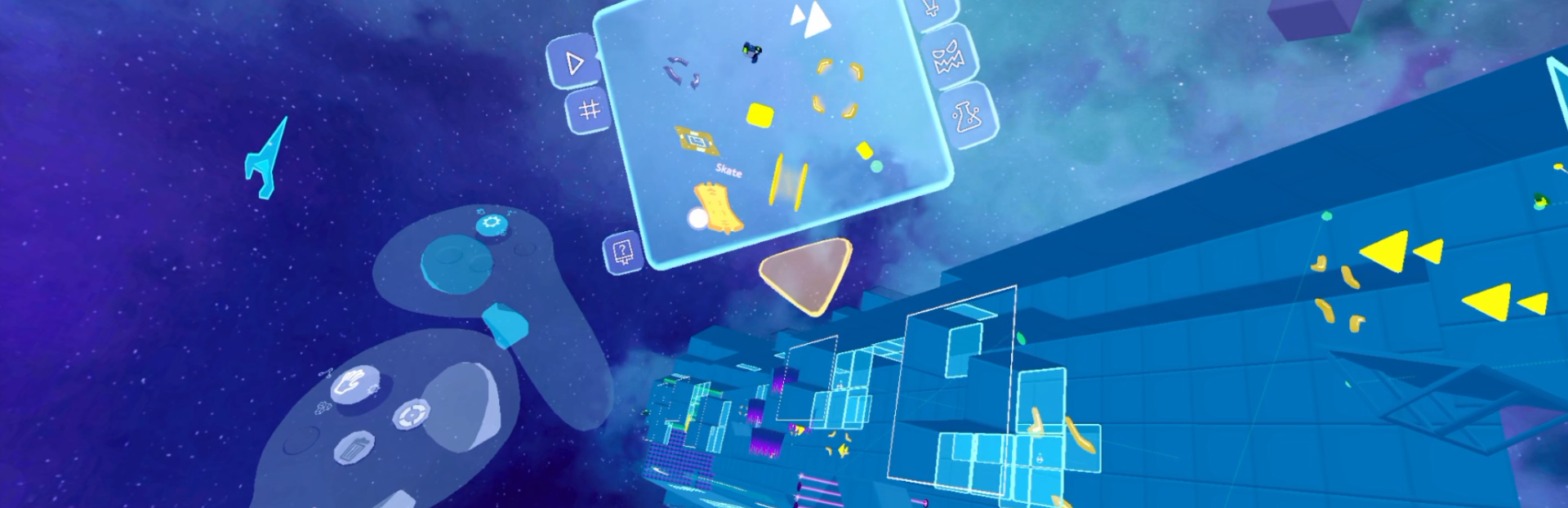
Added localized names to items in the item selector. Selected items now display their name instead of leaving you to identify them entirely from a mysterious floating shape.
Something as simple as knowing an item’s name can make it much easier to understand what it is or what it might do.
Item names are available in every supported language.
Improved the appearance of 3D item icons. Fixed a self-occlusion issue that caused parts of the models to not respect depth.
Item previews should now look considerably cleaner while also rendering more efficiently.
Level photos now update immediately. After using the Level Camera to take a picture of your level, the new image will now immediately appear in both the level preview and its Load button.
Previously, the image could remain blank until you changed pages or reselected the level, which looked rather unfinished.
Synchronized the level save and load menus between both hands. The level menus opened from the left and right hands now always share the same selected level, file name, preview, and current state.
This prevents situations where one hand could still be displaying an older level or file name, potentially causing you to accidentally overwrite, save, or load the wrong level.
Both hands are finally on the same page. Literally.
Hyperstacks v1.0.4
Fixed a localization issue affecting the “Thank you” message displayed after reporting a level.
Yes, this entire patch is dedicated to saying thank you properly. Some things are simply too important to leave untranslated.
Thank you.
Source
Changelog.gg summarizes and formats this update. How we read updates.