
In this update9
Full notes
Full Hiraeth update
Read the full published notes in a cleaner layout. The original post stays linked below.
What changed
- Performance
- Gameplay
- UI and audio
- Balance
- Maps
Hiraeth changes
🧭 HIRAETH – Video Settings Guide, Bottlenecks, and Stability Tips
Hello Travelers!
We’ve prepared a detailed guide to help you understand how video settings affect performance in HIRAETH — and why FPS isn’t always the full story. Whether you’re optimizing your setup or troubleshooting crashes, this announcement is here to support you.
This guide comes from the updated Video Settings help panel — part of the new system arriving in a few days with update 0.9.8.1, alongside other improvements and fixes.
What’s coming in the new Video Settings system?
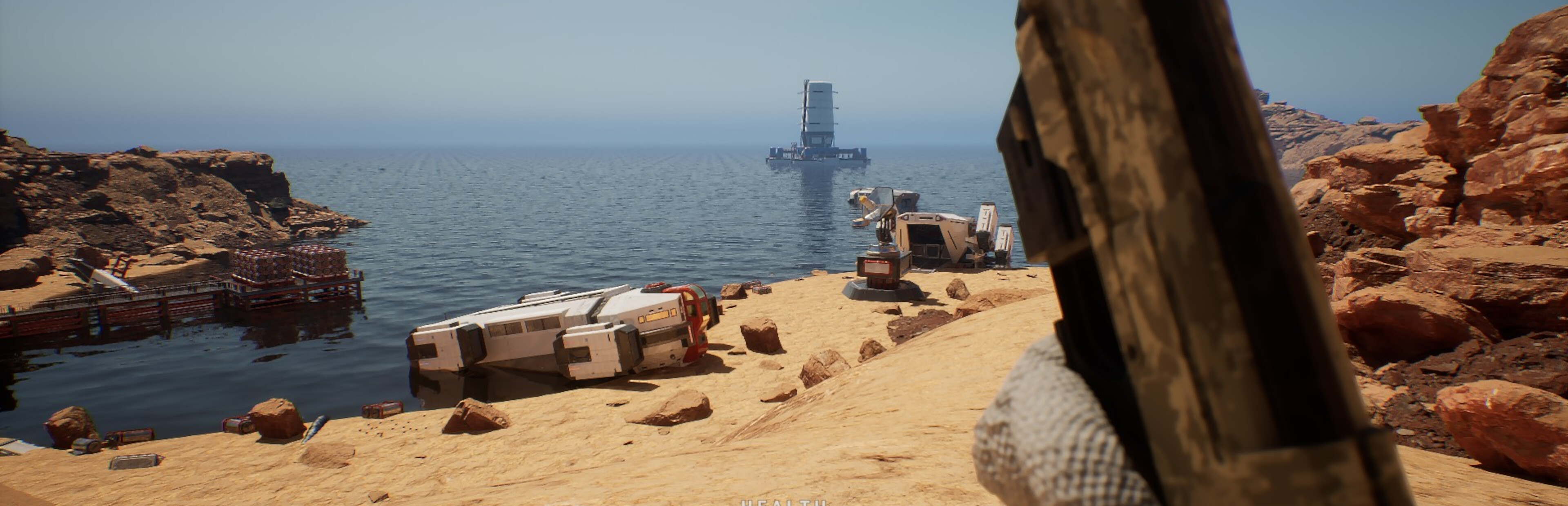
Real-time preview of changes, shown on a selected scene (as in the screenshot below)
Integration of standard settings with NVIDIA DSLL
Persistent saving of all settings, including DSLL
A dedicated help screen for Video Settings — containing everything covered in this announcement
🎥 Understanding FPS and Settings
GPU is important, but not always the key factor. Lowering graphics settings doesn’t always improve FPS — if the GPU isn’t the bottleneck, the issue lies elsewhere.
Auto Detect (Benchmark): The benchmark is based on rendering functions and your hardware. It works well with Recommended System Requirements, but it’s only a suggestion. HIRAETH is a live simulator — CPU handles many background systems that Auto Detect doesn’t account for.
⚙️ NVIDIA Settings
You can adjust settings via the in-game panel or NVIDIA App (which may override HIRAETH settings). All DSLL features are available on GeForce RTX 50 Series. The panel auto-detects availability and sets them to enabled or disabled. DSLL runs in the background if available, and disables Vertical Sync by default. FPS is not the only measure of smoothness — DSLL improves responsiveness and visual flow.
Tips:
DSLL 4 is recommended over NVIDIA Image Scaling (NIS), if available
Performance varies between Training Center and The Nesoi Island due to world size
DSLL shines at higher resolutions — gains may be minimal at low resolutions
⚙️ STANDARD Settings
Available for all GPUs.
Recommended
Native Full Screen with Epic settings.
Note
DSLL may override or misreport some settings in the panel.
🧠 Bottlenecks Explained
HIRAETH uses NextGen systems for graphics and world loading. Performance depends on component balance — not just GPU power.
Common Bottlenecks:
GPU: Handles rendering, but not always the limiting factor
CPU: Manages life systems, AI, and dynamic environments — critical for smooth gameplay
RAM: Stores world data and textures — 16 GB minimum recommended
HD / SSD: World Partition loads fragments dynamically — SSD (preferably NVMe) is strongly recommended
🔄 System Balance Matters
Even the best GPU won’t help if the rest of the system lags behind. Balanced setups ensure smooth gameplay.
Unbalanced:
RTX 4080 + i5 (2014) → GPU waits, CPU bottlenecks
32 GB RAM + fast CPU + HDD → delayed world loading
RTX 3060 + modern CPU + 8 GB RAM → micro-stuttering from memory limits
Balanced:
RTX 3060, Ryzen 5 5600X, 16 GB RAM, SSD NVMe → smooth performance across all maps
If you’re upgrading, think holistically. It’s not a race for FPS — it’s harmony between technology and simulation.
⚠️ Intel Core i9/i7 13th & 14th Gen Stability
Some Intel CPUs (Raptor Lake) may cause instability due to aggressive BIOS settings and high power draw. Symptoms: crashes, memory errors, sudden shutdowns under load. This is a hardware issue — not caused by HIRAETH or Unreal Engine.
Solutions:
See pinned post on the Steam forum
Join us on Discord — we’ll help you stabilize your system
🛠 Reporting Issues
Many factors affect stability and performance. Please
Source
Changelog.gg summarizes and formats this update. How we read updates.