
In this update4
Full notes
Full Food Processing Simulator update
Read the full published notes in a cleaner layout. The original post stays linked below.
What changed
- Gameplay
- UI and audio
- Performance
Food Processing Simulator changes
Improvements Hi everyone, 😄
Thank you very much for all the feedback, reports, and suggestions you’ve been sharing. In this update, we focused on improving visual clarity to help with smoother deployment and day-to-day project completion. We also included a few minor performance improvements aimed at reducing unnecessary memory overhead in certain scenarios.
Here are the details for this version:
Main Updates
1. Prototype Direction Indicator Visual Update
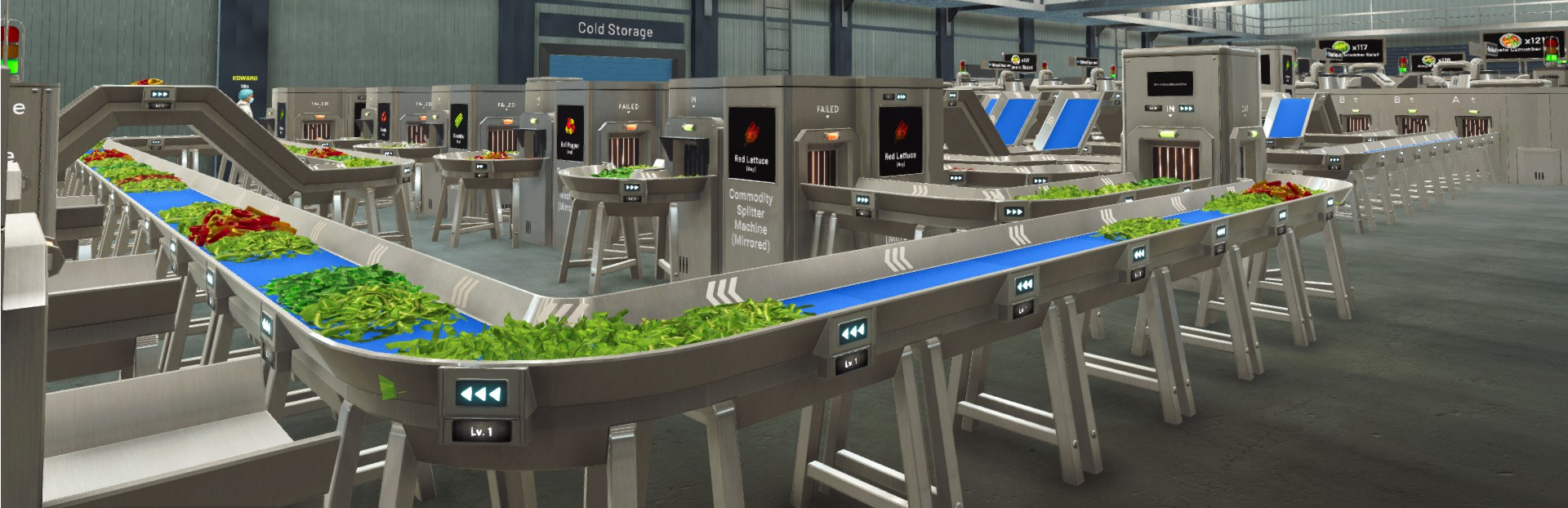
We improved the look and color treatment of direction indicators while placing items in prototype mode.
The colors used to communicate input and output have been updated for clearer readability (in: orange, out: green, failed: red).
The visual presentation of the input/output markers has also been refined so players can more easily understand how machines connect and how the flow should be built.
The goal of this change is to make early factory building more intuitive, especially for new players learning how to deploy and connect machines correctly.
2. Project Menu UI Update: Stock Count on Project Cards
We updated the Project Menu so each project card now displays your current stock count next to the project’s required target amount.
This makes it easier to immediately see how much you already have available when deciding which project to take or how close you are to completing a delivery.
The stock number shown is calculated only from items currently stored in Cold Storage.
Products that are not yet in Cold Storage (or are still being moved toward Cold Storage) are not counted.
Performance Improvements
Improved 3D material handling to prevent material overcounting and reduce RAM usage.
Optimized animator handling on certain objects that could create extra RAM overhead.
Thank you again for your continued support and feedback. We will keep iterating on usability improvements and continue working on further optimization where possible.
If you encounter any issues or unexpected behavior, please report them through the in-game Bug Report Menu and/or the Steam Discussions so we can investigate.
See you in the next update! 🥗🚚
Source
Changelog.gg summarizes and formats this update. How we read updates.