
In this update5
Full notes
Full Draw Steel update
Read the full published notes in a cleaner layout. The original post stays linked below.
What changed
- Compatibility
- Events
- Store
- Gameplay
- UI and audio
- Maps
Draw Steel changes
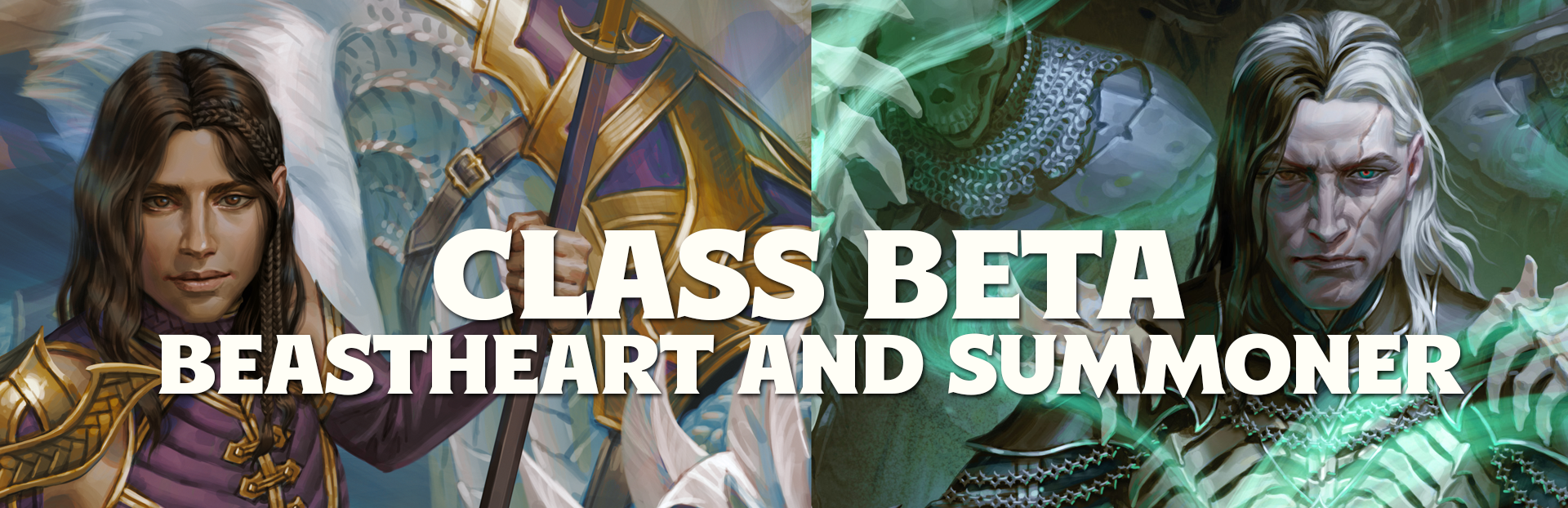
Beastheart and Summoner Beta
Today we are officially releasing the beta versions of both the Beastheart and the Summoner at Level 1. Please give them a try and let us know what you think and report any bugs you find. Over the next few weeks we’ll continue to build out more of these classes until all 10 levels are implemented and polished.
Master Classes
The Beastheart and Summoner are both examples of master classes in Draw Steel. Master classes are intended for players who are familiar with the game and have played a few sessions already. They are normally not recommended for first time players - you need to know the rules before we start breaking them on you! The goal of our beta implementation is to create a user experience that makes these master classes almost as easy to run as the rest of the Draw Steel classes.
The Beastheart
A beastheart never fights alone! You travel with a ferocious beast by your side—no trained pet, but an untamed creature such as a wolf, a basilisk, or even a young dragon. Bound to you by a primordial connection, your companion honors your wishes just as you are guided by their instincts. But beware! As battle rages on, your companion may succumb to a blood-soaked rampage, lashing out at enemies and friends alike.
As a beastheart, you face the world’s dangers alongside your wild companion. With your combined might, you rush into the thick of combat to challenge enemy champions or prowl around the outskirts to pick off vulnerable foes.
The Summoner
You are the armada. The kings of old would trade armies for your abilities. You’ve undertaken the tradition that conjures an endless supply of warriors. You are the summoner, the mage who takes their dreams and makes them manifest.
You call forth minions to trudge fearlessly into the fray and provide support, holding the enemy at bay while you and your fellow heroes ready the counteroffensive.
Your minions serve unflinchingly, unerringly, to their death or to yours. You can also take advantage of powerful magic to buff your allies, whittle down your enemies, or enlist the fallen into your ranks. And when push comes to shove, you can call upon your champion to finish the fight.
Beta Release and Player Content Strategy
We think it’s important that players have as few restrictions as possible to play classes and use the various player options we create. If you own a copy of the Draw Steel Codex you will get fully playable versions of these classes, first in beta as we release updates week-by-week, and then ultimately the full versions. All as part of your purchase of the Codex.
Our goal is to eventually have every class and player option we create be in the Codex, starting with these two. The Beastheart and the Summoner are no additional charge because they are now (or soon will be) in the open license.
The in-game shop is coming soon ™️ and will allow you to purchase cosmetic items, such as token sets for the Summoner or deluxe animated tokens for the Beastheart. Stay tuned for more info!
Bug Reporting
You can post bugs here on Steam, but the best way to report bugs on the Beastheart and the Summoner is to go the DMHub Discord to see if there is already a report the [c]codex-bug-reports[/c] channel and post a new report if there isn't one.
Theme Engine
Steam post imageSteam post image
The Codex now supports theming. Use [c]Codex -> Theme & Color Scheme...[/c] to choose a theme and color scheme. It has the default theme and a rounded corners theme out of the box as well as a handful of color schemes.
If you run into any UI that simply does not work, or just doesn't look right, please bug it. You can sometimes use [c]/safetheme true[/c] to clean up UI that isn't drawn correctly, especially if it's checkbox or drop-down.
You can create themes and color schemes of your own. These are code modules that you can share with others. For now they'll be limited to the games they're installed into, but we're working on a way to make them cross games. Coming soon, hopefully.
You can learn more about theming on the wiki page at:
https://dmhub.wiki/en/codex/modding/creating-themes
We can't wait to see the creativity you bring to the UI!
Build an Animal
Rather than simply listing a finite set of Animals, *Monsters* has rules for building your own! Maybe your animal can leap and swim, or maybe it has a tough hide and can burrow underground. Now we have this represented in the Codex, with a full interface for building your Animal, and the EV is automatically calculated! This comes as part of a new Monster Template system which can be set up to create your own "Build-A-Bear" monster building systems in the compendium!
Strict Rules Enforcement
Inform but do not enforce. That has always been the Codex way. Your players are told where they can move, but the program won't actually stop them from moving further. That's been the way up until now, but we know that lots of you would really *like* to have a little more of a firm boundary around you or your players to actually enforce the rules of the game. We are providing our very first set of options around this, allowing you to turn on different types of rules enforcement. These new "strict" rules are all off by default, but turn them on in your game if you want the rules to actually be enforced.
Map Navigation
Your players view through their character's eyes is the model we've used for the Codex's vision system, meaning that your players always just end up on the map their characters are on.
But, some feedback we have had is that people want to have maps they can just share with their players and their players can visit at any time. These include world or region maps, splash screens, a "home base" the players may want to reference at any time, and so forth.
Go to [c]Panels -> Map Settings[/c] and check ✅[c]Player Viewable[/c] to set the players to have full knowledge of a map. Then, players can go to [c]Game -> Maps[/c] and navigate between all the maps they have full knowledge of as well as the map their character is on.
Bug Fixes
Floors and walls now respect parallax heights.
Updated Dragon Dreams complication to correctly state that 2 points of traits could be selected instead of 3
Updated the Demon Chorogaunt's Signature, Malice and Villain Abilities to improve usability and apply fixes.
Human BlackGuard has had many improvements implemented
Giant Hawk has been implemented
Resolved an issue where if you Disengaged before attacking with A Squad Unto Myself, damage would spill over to minions of the same squad that were not in the area
Fixed a bug where some DTO's such as The Grasping, the Hungry would show up at the wrong parallax level in some maps
Made it so cube targeting defaults to targeting the ground but can be adjusted to target at any altitude.
Change free strikes being limited to only monsters with signature abilities. Now all monsters receive.
Fixed Behold the Face of Justice so push uses Censor's size for pushing.
Bleeding should no longer be triggered by Orc's Relentless if they kill their target
Bleeding should no longer trigger when spending hero tokens to avoid death
Criminal Career language choice reworded to match other Careers
Tactician's Commanding Presence corrected from Imposing Attitude playtest name
Time Raiders Beyond sight description corrected
Time raider Psychic Scar trait description corrected
Triggered Ability behaviors can now select On Accept and On Dismiss.
We’re trialing making bleeding a prompt to try avoid times where the roll dialogue interrupts another ability.
Source
Changelog.gg summarizes and formats this update. How we read updates.