
HomeGamesUpdatesPricingMethodology
Steam News30 October 20187y ago

Changes since last announcement

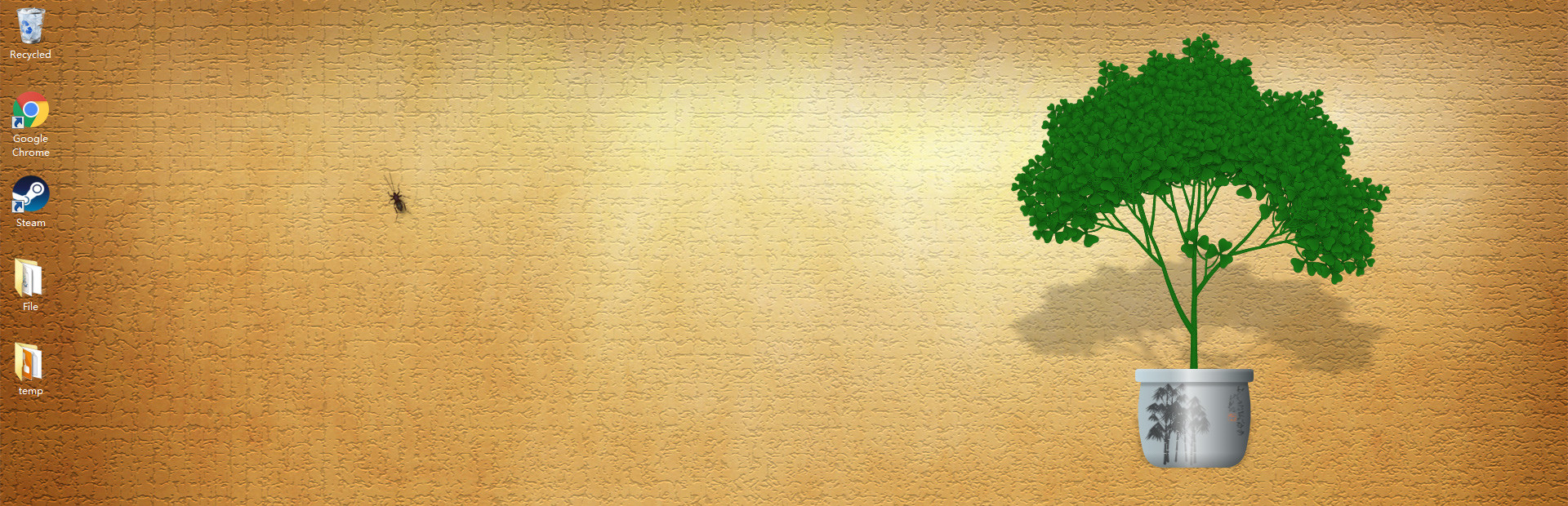
Display bark wrinkles when the tree is big enough (previously it was too smooth). Although, you need to start a new game to see the change. Add a confirm box before you replace current tree. Adjustments to UI.

Full notes

Full Desktop Tree update

Read the full published notes in a cleaner layout. The original post stays linked below.

What changed

0 fixes2 additions1 change1 removal
  • Gameplay
  • UI and audio
changedDisplay bark wrinkles when the tree is big enough (previously it was too smooth). Although, you need to start a new game to see the change.
addedAdd a confirm box before you replace current tree.
addedAdjustments to UI. Fix display problem on bigger monitors, fix popup text wrapping when the text is too long. Add some localization support(check supported languages section on the store page for details).
removedHigh light the branch to be cut in red. And remove the lag after you remove a grass. (If you cut a branch, it still need to redraw, the speed depends on the speed of your CPU and the size of the tree.)
  1. Display bark wrinkles when the tree is big enough (previously it was too smooth). Although, you need to start a new game to see the change.

  2. Add a confirm box before you replace current tree.

  3. Adjustments to UI. Fix display problem on bigger monitors, fix popup text wrapping when the text is too long. Add some localization support(check supported languages section on the store page for details).

  4. High light the branch to be cut in red. And remove the lag after you remove a grass. (If you cut a branch, it still need to redraw, the speed depends on the speed of your CPU and the size of the tree.)

Source

Steam News / 30 October 2018

Open original post

Changelog.gg summarizes and formats this update. How we read updates.