
Full notes
Full Desktop Tree update
Read the full published notes in a cleaner layout. The original post stays linked below.
What changed
0 fixes0 additions1 change0 removals
- UI and audio
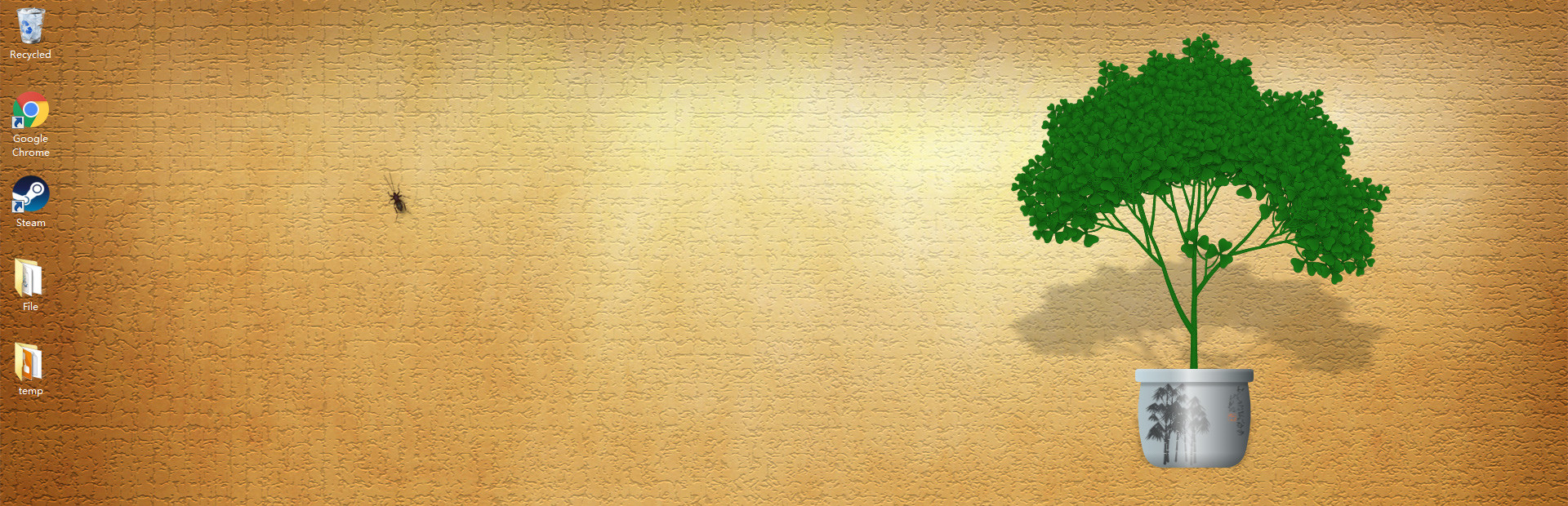
changedNow you can run the game in windowed mode to take a screenshot(F12 by default). To do that, open steam client's library interface, right click on the game title and choose the second option. It is still experimental so there's only one background, and you can't use other features from steam overlay.
Now you can run the game in windowed mode to take a screenshot(F12 by default). To do that, open steam client's library interface, right click on the game title and choose the second option. It is still experimental so there's only one background, and you can't use other features from steam overlay.
Source
Changelog.gg summarizes and formats this update. How we read updates.