
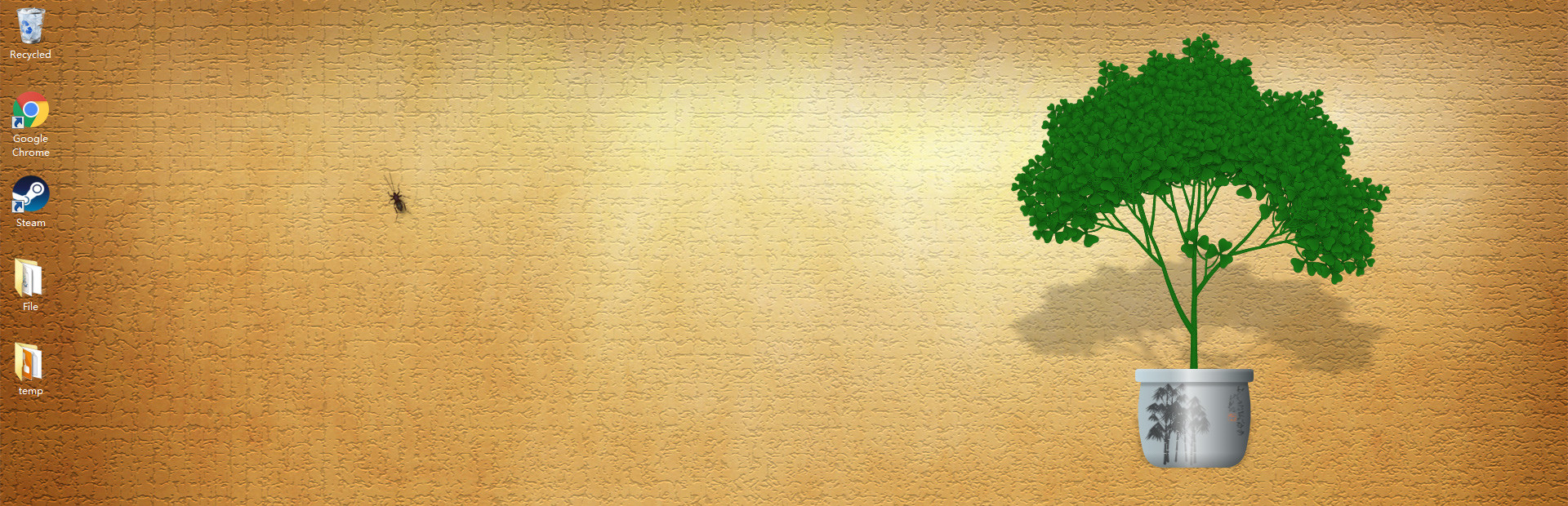
Full notes
Full Desktop Tree update
Read the full published notes in a cleaner layout. The original post stays linked below.
What changed
- Workshop
- UI and audio
There are more customization options in recent update. And you can share your customized tree as a seed via Steam Workshop, for other users to download.
Customize pot: You need to upload 3 pictures, each for a different light condition, although they can be identical if you want. You can also adjust the area that grows grass, to fit the size of your pot.
Customize tree: You can upload multiple pictures for either leaves, flowers, fruits or bark. For example, the leaves can have different angle or slightly different tone. Don't use anything bigger than 512x512, or they won't be displayed correctly.
Share a tree: Click the green button on the upper left corner to open this panel. First of all, the tree must have custom images. Then, you need to wait until the tree has fruits. You also need to agree to the Steam Subscriber Agreement before your tree can be downloaded by other users. Please notice there's a delay before published items can be seen in game, but you can still edit them via steam client or web browser.
Source
Changelog.gg summarizes and formats this update. How we read updates.