
In this update9
Full notes
Full Cup and Counter: Coffee Shop Simulator update
Read the full published notes in a cleaner layout. The original post stays linked below.
What changed
- Gameplay
- Store
- UI and audio
Cup and Counter: Coffee Shop Simulator changes
This week, we have been working hard to implement more of the game's core features and begin polishing key areas of the world of Cup and Counter.
Some of the key focuses this week have been building out the traffic light system we touched on last week, building out the delivery system, and beginning to iron out bugs in our placement system. Key visual areas of the game have also seen significant work, with extra detail added to the window.
We have also begun work on a key part of our game, which is the apartment your character will live in. The plan is to have this as an area that you can make your own with its own set of decorations.
Below, we have embedded our latest vlog, which shows some of the new improvements in Cup and Counter.
In addition to the video, you can see what Angus and I (Emmet) have been up to over the last week to get a more in-depth idea.
We are keen to hear any feedback on the features or changes we have made. As always, if you like the idea of our game, please consider wishlisting! It means a lot to us.
Emmet
This week, I had a few tasks I set out to complete with the intention of moving on to focus on some of the core gameplay systems. In particular, I implemented the traffic light system we started last week, improved the NPC animation system, completed the delivery system, and began polishing our placement system.
Traffic Light System
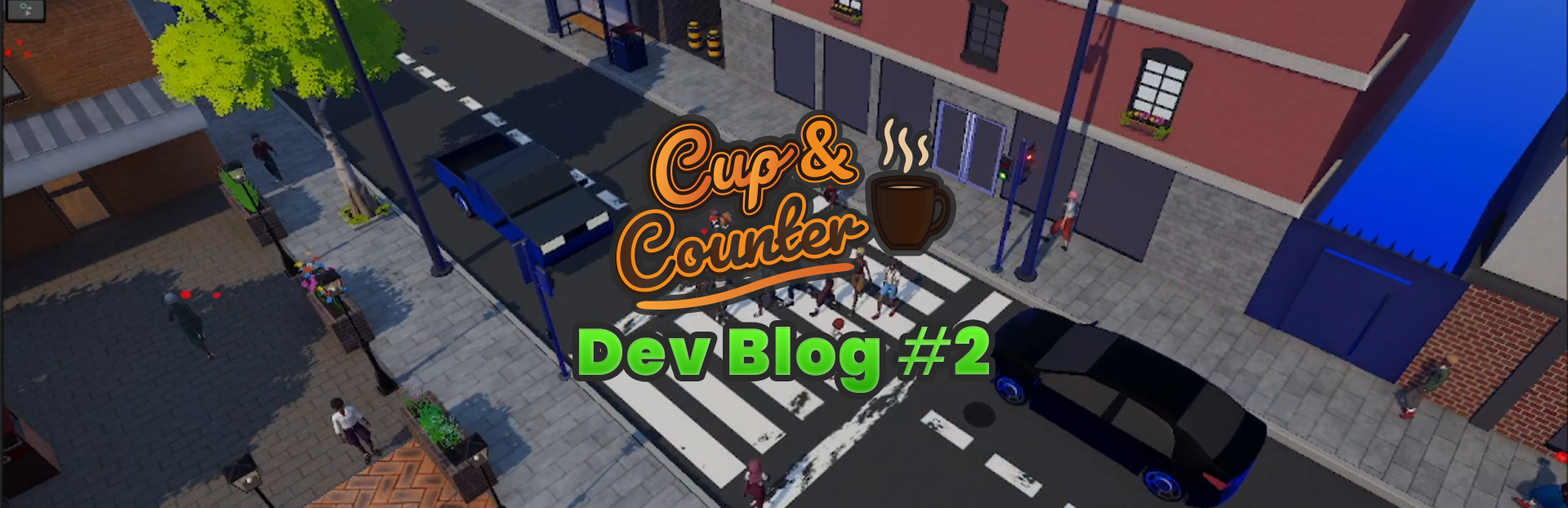
For the first part of my week, I focused on fully implementing the traffic light system. There are two key things this system needs to do: stop the flow of car traffic and control the flow of pedestrian traffic.
Steam post imageDealing with the cars was incredibly simple, as the car movement controller already understood blockers. However, pedestrians and customers were a bit more difficult due to the way their pathfinding worked.
What we had to do to deal with the pedestrians was build a system that would catch them, disable their internal pathfinding, and then manually line them up.
We are pretty happy with the end result and feel like it's creating a pretty realistic flow of pedestrians across the road.
NPC Expressions
Prior to this week, our NPCs had very basic facial animations available to them. Basically, all they could do was blink, so this week I decided to improve it a little.
The first thing I did was implement a system to control eye movement. They now have subtle movements to reflect how people actually look around in real life. In my opinion, this small change actually makes our NPCS feel a lot more alive.
In addition, I implemented a mood system so we can control their face based on their mood. Our customer can now smile, look sad, or look irritated.
Delivery System
The first core system that I decided to get to a more complete state was the delivery system. This system is quite crucial as it is how you keep your cafe stocked with goods.
With this, I upgraded the system from simply spawning the boxes to a full delivery sequence. Now a van will rock up with goods at a designated time, the driver will get out, grab a trolley out of the back, and then proceed to deliver all of your required parcels.
The system isn't quite perfect, but I am pretty happy with how it's turned out and feel better than just magically spawning the boxes.
Placement System
For the final major thing I have been working on this week, I chose to polish up our placement system. This system has existed since the earliest versions of our game, but I've probably not paid it enough attention.
Placing items and snapping to a grid is all working pretty nicely, but it still needs some tweaking. What I think still needs a bit of work is determining whether to pick up or move a piece of furniture. At the moment, we have two conflicting control schemes that I need to work out.
For example, we have a global placement mode so you can easily move furniture without it always being selectable. The boxes, however, still have their own internal placement mode, which determines if the furniture is going to be placed or the box. I am thinking we will just dump the local toggle and make it global, but keen ot hear other people's opinions.
Angus
Over the last week, I focused on several key improvements across Cup and Counters world. A lot of my work went into improving the plaza area and refining the building facades to make them feel less flat and more unique.
I also began work on implementing the apartments above your cafe in Cup and Counter. There is still a lot to do here, but I have already laid a lot of the groundwork, such as designing the layout of the player's apartment. The long-term plan here is to turn it into something that you, as the player, can design and change yourself.
Plaza Improvements
This week, I continued to focus on improving the plaza that I started on last week. The main goal was to break up the brick pattern and make the whole space feel much more cohesive and less empty.
Some of the additions you will see include the central raised garden beds, variations in pavers, and some extra objects I've added to help create a better transition between the different materials.
Building Facades
The buildings in Cup and Counter have so far felt relatively flat, so part of the plan this week was to introduce additional pieces I could use to detail the windows without adding high cost to the player's machine.
Steam post imageSo far, I have modeled a set of roughly 4-5 pieces that I can now use to decorate each window in the game. While a little addition, I feel like it's helped make a significant improvement to how the buildings look and feel. They are still a work in progress, and I intend to add even more detail to help improve their look.
Steam post imageIn addition to the new window detailing, I have also created a couple of awning varieties that I've used to add some variety to the buildings. Currently, I only have the one modeled and implemented, but I do plan on introducing a couple of others into the game.
As you can see, the addition of the answers adds a lot more depth to the buildings and prevents them all from feeling super flat. They will even enable us to add additional functionality and look, such as signage.
Implementing Apartments
This week, we decided to focus on implementing an idea we had been sitting on. That idea was to build out an apartment for the player within the game. This area will be where you decorate and relax after a hard day at the coffee shop.
For now, I have started working on the lobby, stairs, and railing, as shown in our work-in-progress screenshots. We have a lot more to do still, but it's quickly coming together.
Kitchen Sink
The original kitchen sink I modeled for our game had a double sink, but I didn't see that having two sinks would actually add any value to the overall gameplay of Cup and Counter. So I set about making the model more useful by turning it into a single sink with a place for putting your dishes.
I also improved the stainless steel material we were using so it wouldn't stretch weirdly, while adding some additional detail.
While redesigning it, I also took the chance to add some visual effects when the tap is running. I also added sound effects for when the sink is filling and when you drain it.
Takeout Sign
A small task I completed was to model a takeout sign indicating where the customers can pick up their orders. The pickup location is only for customers who put in a takeout order.
We aren't entirely happy with the size of the sign, so we will likely work on making it a little smaller.
Source
Changelog.gg summarizes and formats this update. How we read updates.