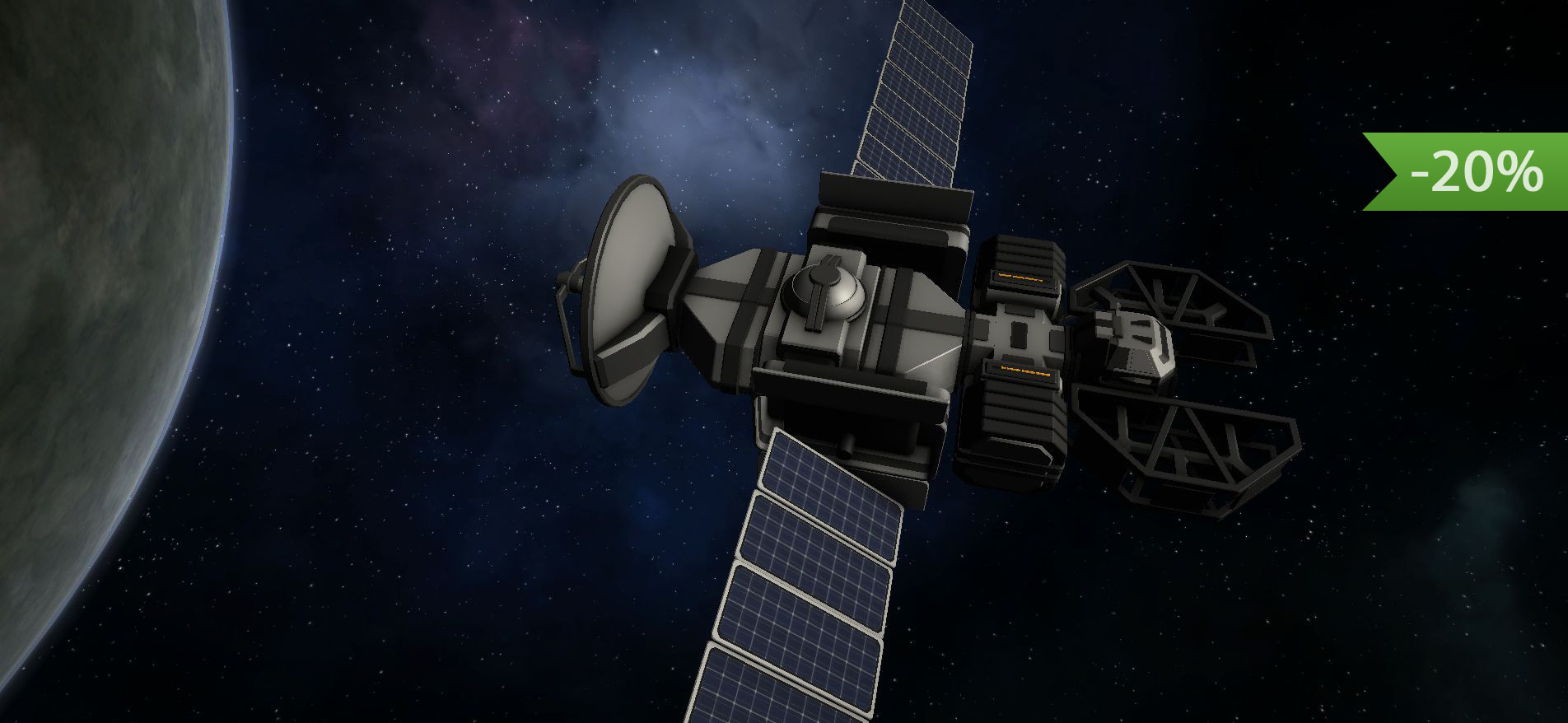
Hello! In the previous update we added a tech tree and possibility to scan debris, but this is not enough for science! In this update we are added another way to obtain a science data!
In this update2
Full notes
Full Celestial Command update
Read the full published notes in a cleaner layout. The original post stays linked below.
What changed
4 fixes6 additions1 change2 removals
Gameplay
Balance
Fixes
addedHello! In the previous update we added a tech tree and possibility to scan debris, but this is not enough for science! In this update we are added another way to obtain a science data! Now you can scan planets and other celestial bodies using special, new module, orbital scanner.
addedIn order to scan, it should be close to the planet and directed on it. In orbital mechanics mode, "keep your ship always directed to a planet" - it is quite an interesting task. In order to do that, you should calculate a proper angular velocity. It is quite simple and depends of orbital period (duration of one rotation on a orbit). For example, if orbital period = 120 seconds, it means that your ship should make one full turn (360 degrees) during these 120 seconds. 360 / 120 = 3 deg\s. So all what you need is to keep your angular velocity at 3 deg\s and your ship will be always directed to the planet! Later we will add a special tool (unlockable via research tree) which will automatically direct your scanning ship on the planet, but at this moment, you may use a way described above. Also we want to remind that the game still have 20% discount! Thanks! In the next update we are going to add something even more significant.
addedImprovementsAdded possibility to obtain science data by scanning moons \ planets \ stars \ black holes
addedImprovementsAdded new module: Orbital scanner
addedImprovementsAdded more powerful version of mining laser
addedImprovementsStarting ship now have a grabber, so you can perform delivery missions using normal way
Capacity of Cargo container 2120→280↑Capacity of Cargo container 2 increased, buff
Celestial Command changes
addedHello! In the previous update we added a tech tree and possibility to scan debris, but this is not enough for science! In this update we are added another way to obtain a science data! Now you can scan planets and other celestial bodies using special, new module, orbital scanner.
addedIn order to scan, it should be close to the planet and directed on it. In orbital mechanics mode, "keep your ship always directed to a planet" - it is quite an interesting task. In order to do that, you should calculate a proper angular velocity. It is quite simple and depends of orbital period (duration of one rotation on a orbit). For example, if orbital period = 120 seconds, it means that your ship should make one full turn (360 degrees) during these 120 seconds. 360 / 120 = 3 deg\s. So all what you need is to keep your angular velocity at 3 deg\s and your ship will be always directed to the planet! Later we will add a special tool (unlockable via research tree) which will automatically direct your scanning ship on the planet, but at this moment, you may use a way described above. Also we want to remind that the game still have 20% discount! Thanks! In the next update we are going to add something even more significant.
addedAdded possibility to obtain science data by scanning moons \ planets \ stars \ black holes
addedAdded new module: Orbital scanner
addedAdded more powerful version of mining laser
Hello! In the previous update we added a tech tree and possibility to scan debris, but this is not enough for science! In this update we are added another way to obtain a science data! Now you can scan planets and other celestial bodies using special, new module, orbital scanner.
In order to scan, it should be close to the planet and directed on it. In orbital mechanics mode, "keep your ship always directed to a planet" - it is quite an interesting task. In order to do that, you should calculate a proper angular velocity. It is quite simple and depends of orbital period (duration of one rotation on a orbit). For example, if orbital period = 120 seconds, it means that your ship should make one full turn (360 degrees) during these 120 seconds. 360 / 120 = 3 deg\s. So all what you need is to keep your angular velocity at 3 deg\s and your ship will be always directed to the planet! Later we will add a special tool (unlockable via research tree) which will automatically direct your scanning ship on the planet, but at this moment, you may use a way described above. Also we want to remind that the game still have 20% discount! Thanks! In the next update we are going to add something even more significant.
CHANGE LOG
Improvements
Added possibility to obtain science data by scanning moons \ planets \ stars \ black holes
Added new module: Orbital scanner
Added more powerful version of mining laser
Starting ship now have a grabber, so you can perform delivery missions using normal way
Changed names of many modules (so now it have more Sci-Fi classification)
Renamed "Allow usage" to "Allow consume fuel" for fuel tanks
Capacity of Cargo container 2 changed from 120 to 280 (so it no longer useless), same for long fuel tank
Fixes
Long names of the modules now properly displayed in build menu
Fixed incorrect description of some modules
Fixed incorrect empty lines and spaces in some descriptions